
Fast & Reliable Gaming Console Repairs in Broken Hill: Expert Console Repair Services You Can Trust
Gaming consoles are complex electronic devices that require specialist knowledge when faults appear; local, efficient repairs can restore play quickly, often saving you from unnecessary replacement costs. This article explains common console faults, how technicians diagnose and fix them, and what players in Broken Hill can expect regarding repair timeframes, value, and prevention tips. Bizup IT’s business intent is to provide accessible, reliable, and great value tech repair and support services to regional Australian communities. Their goal is to build trust locally, attract walk-in and remote service customers, and position themselves as the go-to tech solution provider. Below we map the main repair services available for PlayStation, Xbox and Nintendo Switch, describe the typical fixes for issues such as controller drift, HDMI damage and overheating, outline turnaround and pricing guidance, and explain how to book and prepare your console for repair in Broken Hill. Readers will also find accessory and upgrade options alongside practical prevention tips to keep consoles performing well.
What Gaming Console Repair Services Does Bizup Offer in Broken Hill?
This section defines the core console services and explains how they deliver value: technicians run a diagnostic to identify faulty components, then perform targeted repairs such as port replacement, controller servicing or thermal maintenance to restore reliable operation. Services typically include diagnostics, controller repair, HDMI port repair, disc drive servicing, thermal cleaning and board-level micro-soldering when necessary, provided via in-store, on-site or secure remote support modes. The following list summarises common service categories customers can expect when seeking console repairs locally.
- Diagnostics and fault-finding to pinpoint hardware or software causes.
- Controller repair, including joystick/module replacement and recalibration.
- Board-level work, such as HDMI port micro-soldering and power supply fixes.
These service categories lead naturally into model-specific examples and common fault fixes for each major console type, which are detailed in the subsections below to help readers recognise symptoms and choose the right repair path.
Which PlayStation Repair Services Are Available in Broken Hill?
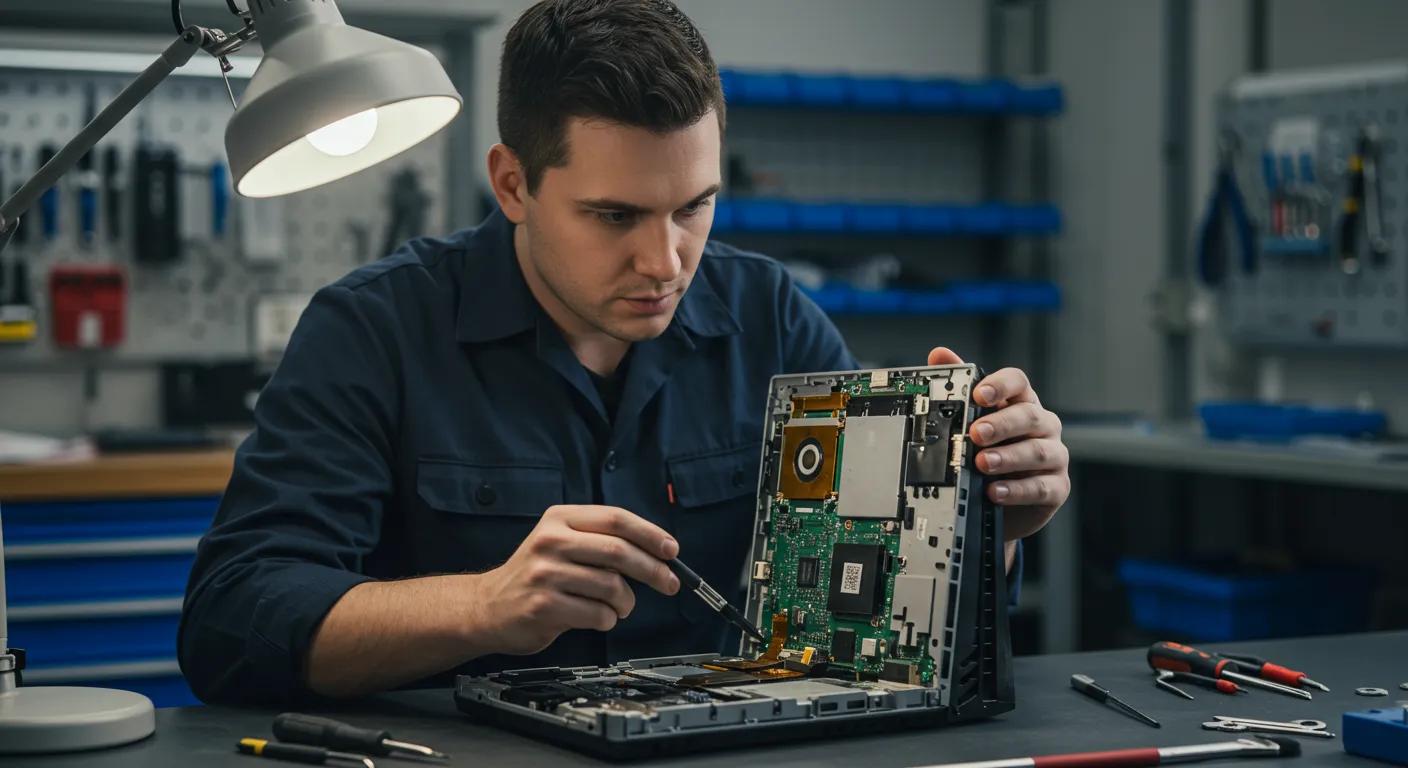
PlayStation repairs cover common faults on PS5 and PS4 hardware, focusing on HDMI port issues, power or boot problems and disc drive failures. Technicians begin with a structured diagnostic that isolates whether the fault is mechanical (disc drive motor or laser), electrical (power supply or capacitor faults) or connector-related (HDMI port damage), then recommend repair or part replacement depending on fault severity. Typical fixes include port replacement or micro-soldering for HDMI issues, laser and motor repair for disc drives, and power connector or board-level component replacement for boot problems. Customers benefit from clear testing after repair, so the console is validated under load, and the final step explains simple prevention measures such as avoiding forced disc insertion and using surge protection. A short case example: a console with an intermittent display often resolves after port-level repair and post-repair stress testing to confirm stability.
What Xbox Repair Solutions Does Bizup Provide Locally?
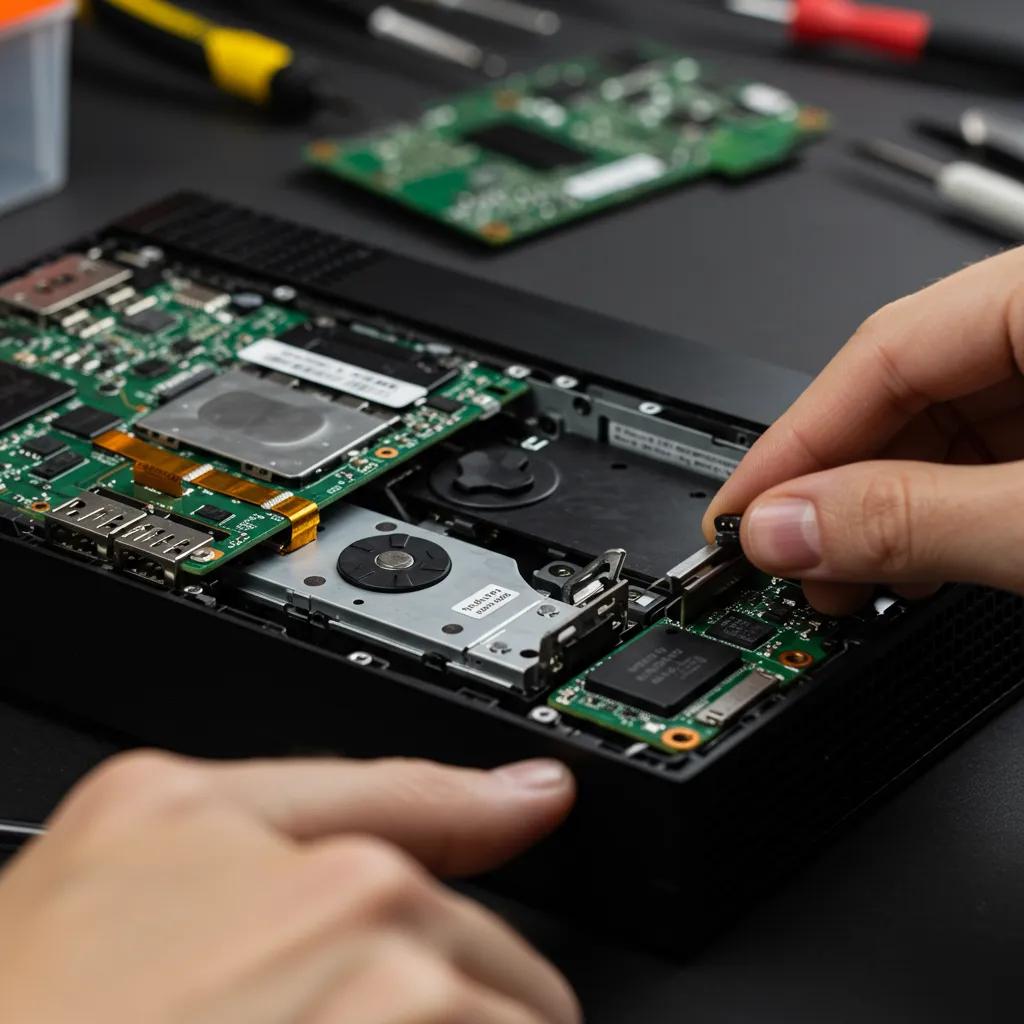
Xbox support in Broken Hill addresses the Series X and Xbox One models and focuses on thermal maintenance, disc drive servicing and power diagnostics to restore stable gameplay. Repair technicians evaluate airflow, fan speed and thermal paste condition, performing thorough cleaning and thermal paste replacement where appropriate, while disc-drive faults are approached via mechanical inspection and part replacement or adjustment. Power faults are diagnosed with non-invasive tests to determine whether the issue lies in the external PSU, internal board regulator or connectors, and then corrected by replacing or repairing the failed components. Post-repair verification includes runtime load testing to ensure overheating or power issues do not recur, and clients receive guidance on placement and ventilation to reduce future thermal stress.
How Can Bizup Fix Your Nintendo Switch in Broken Hill?
Nintendo Switch repairs target Joy-Con drift, screen and connector problems, battery and charging port faults, and dock issues for the Switch/OLED models. Diagnosis separates firmware or calibration issues from hardware wear; Joy-Con drift commonly requires joystick-module replacement or rail cleaning, whereas broken screens are replaced with tested replacement panels. Charging problems are usually traced to the USB-C port or battery wear, with port replacement or battery swap performed after confirming compatibility and safety. After any replacement, technicians calibrate controllers and run functional checks to confirm responsiveness and charging performance, and they offer simple tips to reduce drift risk, such as keeping rails clean and avoiding extended exposure to dust.
This table helps players match symptoms to likely repair types and gives an idea of how quickly a fix might be completed, noting that exact times depend on diagnostics and parts availability.
What Are the Most Common Gaming Console Issues and How Are They Fixed?
This section defines the top issues players face, explains why they occur, and outlines the technician methods used to resolve them. Understanding the root cause helps players decide whether a DIY step is appropriate or whether professional board-level attention is required. Below, we list the most frequent faults and then unpack each with a concise repair explanation and prevention advice.
- Controller drift that causes unintended stick movement.
- Overheating that leads to shutdowns or performance throttling.
- HDMI port damage resulting in no video output.
- Disc drive failures that prevent reading or ejecting discs.
- Power supply faults that stop consoles from powering on.
These common problems map directly to targeted repair workflows; the next subsections explain causes and typical fixes so owners can recognise symptoms early and seek the right support.
What Causes Controller Drift and How Is It Repaired?
Controller drift arises when analog stick potentiometers wear, collect dust, or lose calibration, causing the console to register movement even when the stick is idle. Professional repair typically replaces the worn joystick module or performs precision cleaning and recalibration, which restores accurate input and extends controller life compared with temporary software calibration attempts. Technicians use replacement modules matched to the controller model and perform a final calibration and test against dead-zone metrics to ensure drift no longer occurs. For many players, module replacement is a cost-effective fix that returns full responsiveness, and technicians will recommend simple preventative habits such as avoiding exposure to debris and using protective covers when controllers are stored. Understanding this fixes expectation, reduces repeated returns and improves long-term controller reliability.
How Does Bizup Repair Overheating Problems in Consoles?
Overheating is usually the result of dust-clogged vents, failing fans, dried thermal paste or poor placement that restricts airflow; the repair response targets each of these causes systematically. Technicians disassemble the console where safe to do so, clean vents and heatsinks, replace defective fans, and refresh thermal interface materials to restore effective heat transfer between CPUs/GPUs and heatsinks. After component-level service, stress and airflow testing validate that temperatures remain within acceptable ranges under load and that fan noise and behaviour are normalised. Preventative advice includes placing consoles in open areas with unblocked vents, scheduling periodic professional cleanings, and updating firmware, which can help manage thermal profiles on some models.
Can HDMI Port Damage Be Fixed on PlayStation, Xbox, and Switch?
HDMI port damage is repairable in many cases through port replacement or board-level micro-soldering when connector pins or traces are damaged, but the main board remains serviceable. The diagnostic determines whether a simple port swap suffices or whether micro-soldering is required to repair lifted pads, broken connectors or damaged traces; micro-soldering restores signal continuity without replacing the entire motherboard when feasible. Repair time depends on required precision work and parts sourcing, and technicians confirm HDMI signal integrity through test patterns and multi-mode output checks. When boards are beyond economic repair, replacement options are discussed with the customer, but board-level repair often provides the most cost-effective solution for video-output faults.
How Are Disc Drive and Power Supply Issues Resolved?
Disc drive problems fall into mechanical and laser categories: mechanics, such as motors or rails, are serviced or replaced, while laser alignment or optical unit replacement restores disc reading when the laser has degraded. Power supply issues are approached with safety-first diagnostics to determine whether the external PSU, internal power regulation components or connector assemblies are at fault, then the faulty element is repaired or replaced. After repair, technicians run electrical load tests and safety checks to ensure stable voltage regulation and safe operation, minimising the risk of recurrence. These repairs restore mechanical reliability and electrical safety while offering customers clarity about long-term reliability improvements following repair.
Getting Your Console Fixed in Broken Hill: What to Expect
This section summarises expected repair timeframes and what to expect regarding value, so readers can compare repair options and plan accordingly. Transparency on typical repair durations and our approach to pricing helps players choose the most appropriate path, whether that’s a quick controller fix or more complex board-level work that requires parts ordering. Below is a concise table mapping repair types to what you can expect for value and timeframe, followed by explanatory notes about what influences the overall approach.
This comparison gives an idea of what to expect, but emphasises that the exact approach depends on diagnostics and parts availability; customers are encouraged to request a clear assessment based on a diagnostic report.
What Is the Typical Turnaround Time for Console Repairs?
Diagnostics generally take a few hours to one business day; simple repairs like controller module replacement or basic cleaning are often completed quickly, while more complex work like HDMI port micro-soldering or board-level component repairs may take a bit longer, depending on complexity and parts availability. We aim for efficient service, but board repairs require careful testing to ensure reliability, which can take a bit more time. The timeframe also depends on the service mode—on-site or in-store repairs usually proceed faster than remote logistic cycles, where parts might need to be ordered. Understanding these timeframes helps owners plan for any gameplay downtime and arrange temporary alternatives.
How Much Does a Gaming Console Fix Cost in Broken Hill?
The value of a repair varies by the labour involved, parts needed, and whether specialised board-level skills like micro-soldering are required; simple controller repairs are generally great value, while motherboard-level fixes represent a more significant investment. We provide a clear assessment after diagnostics; this upfront clarity helps you decide between repair and replacement options. Factors that influence the overall value include rare or OEM parts, extensive board diagnostics, or if a repair requires multiple iterative stages to reach stability. For a clear understanding of the investment, contact Bizup for a diagnostic-based assessment using the provided local contact details.
Quality Parts and Reliable Service: Our Commitment
Quality control starts with sourcing reliable replacement parts and concludes with thorough functional testing. We use quality components and stand by our work, ensuring your console is returned in top condition. Our technicians validate parts compatibility and test each repaired system under load to confirm stability before handover. We’re committed to providing reliable service. When board-level work is done, we ensure clear communication at intake so expectations are aligned regarding the specific repairs performed. This transparency builds local trust in our repair outcomes.
Why Choose Bizup for Your Gaming Console Repair Needs in Broken Hill?
This section highlights the local trust factors, technician capabilities and service assurances that matter when handing over a console for repair. Bizup IT’s regional focus means accessible in-store and remote options for Broken Hill players, combined with secure handling and tested parts to deliver reliable results. The combination of local availability, clear diagnostics and multiple service modes helps reduce downtime and gives customers flexible options for drop-in, on-site or remote support.
- Local accessibility for Broken Hill players, offering walk-in and appointment options.
- Skilled technicians are able to perform diagnostics, parts replacement and board-level repairs.
- Emphasis on transparent diagnostics, parts testing and reliable repair outcomes.
These strengths are important because they reduce uncertainty and make it easier for owners to choose repair over replacement, which is often the greener and more cost-effective option.
What Experience and Skills Do Bizup Technicians Bring?
Technicians focus on electronic device repair skills such as fault diagnosis, micro-soldering, thermal servicing and controller repair techniques applicable to PlayStation, Xbox and Nintendo Switch models. They apply structured diagnostic methods to trace faults to components or firmware and use appropriate tooling and replacement parts to restore functionality reliably. Practical casework emphasises post-repair verification and clear explanations so owners understand what was fixed and why; this transparency helps prevent repeat issues and supports informed maintenance. The local technician’s skillset enables a wide range of repairs from simple module swaps to precision board-level work.
How Does Bizup Ensure Reliable and Secure Repairs?
Device intake follows defined steps: safe data-handling guidance, diagnostic reporting, parts testing, and post-repair quality assurance checks to verify stability under normal use conditions. Technicians recommend customers back up save data before handing in consoles, and they follow secure handling practices during repair work; post-repair testing includes gameplay checks and thermal validation. The process reduces the risk of data loss and ensures that repairs meet functional standards before collection. Clear documentation at handover also explains recommended maintenance steps.
Can Remote Support Help with Console Issues?
Remote troubleshooting can resolve many software, account or configuration problems, such as firmware updates, network connectivity, or account sync issues, without physical servicing. However, hardware faults like HDMI port damage, controller drift and internal thermal failures require hands-on diagnostics and in-shop or on-site repairs. Remote support is a fast first step to rule out software causes and to guide simple checks before booking a physical repair, which saves time and clarifies the next steps. Customers are advised to start with remote diagnostics if unsure, then follow the technician’s recommendation for in-person service where needed.
How Can You Book and Prepare for Your Gaming Console Repair in Broken Hill?
This section gives a practical booking checklist and a preparation guide so customers arrive ready and minimise repair delays. Clear pre-repair steps speed up diagnostics and reduce the chance of data loss or accessory misplacement during servicing. Use the simple three-step booking instructions below to get started and follow the preparation checklist before handing your console in.
- Describe symptoms, console model and preferred service mode when booking.
- Choose a walk-in, in-store appointment or remote support based on convenience.
- Confirm diagnostics and agree on a clear assessment before work proceeds.
These three booking steps streamline intake and ensure you receive a clear diagnostic assessment before parts are ordered or repairs begin, reducing surprises and helping manage turnaround expectations.
What Is the Booking Process for Console Repairs?
Booking begins with a brief symptom description and model identification so technicians can prioritise required tests and parts; providing clear detail speeds up the initial diagnostic. Customers may opt for a walk-in or schedule an appointment for faster service, and remote troubleshooting is offered where applicable to rule out software issues before physical repair. During booking, the intake team confirms whether diagnostic fees apply and explains expected timeframes for assessments and repairs, which helps owners decide whether to proceed. Providing model numbers and describing recent symptoms will make the diagnostic step faster and more accurate.
How Should You Prepare Your Console Before Repair?
Before handing in a console, back up any save data, remove personal memory cards or cartridges, and power down the device to make handling safer during transport and intake. Include any chargers only if requested, and keep accessories such as external hard drives separate unless requested for diagnostic use. Noting account details or two-factor requirements ahead of time saves delays, but technicians will never request account passwords; customers should unlink accounts or follow official account security steps if necessary. Clear preparation protects data and streamlines the repair process.
What Are Bizup’s Contact Details and Service Hours in Broken Hill?
For clear, local contact, use the listed phone and online contact channels to request diagnostics or schedule a drop-in service; the team can explain the intake process and estimated timeframes. Phone contact: 08 8087 2470 is available for booking enquiries and diagnostic requests, and further booking information is available via the company’s website or local store pages. Customers should check the site for the most current local store hours and booking options prior to visiting or sending in equipment. This ensures you arrive at a time that matches in-store availability and reduces waiting.
What Gaming Accessories and Upgrades Does Bizup Offer Alongside Repairs?
This section lists compatible accessories and upgrade choices that complement repairs and improve the gaming experience after servicing. Accessories can replace damaged items or upgrade performance, while some upgrades, such as additional storage, improve usability. The short compatibility table below clarifies which accessory types match major consoles and summarises the benefits and indicative value.
- Common accessories such as replacement controllers, chargers and protective cases help restore functionality after damage.
- Performance upgrades like increased storage can reduce load times on compatible consoles.
- Bundled accessory packages are useful for players returning to gaming after a repair.
These options let players decide whether to collect a repaired console with fresh accessories or to stage upgrades that improve long-term enjoyment and durability.
Which Gaming Accessories Are Available for PlayStation, Xbox, and Switch?
Typical accessory offerings include replacement and alternative-brand controllers, charging docks, protective cases, and replacement docks for the Nintendo Switch; compatibility depends on console model and accessory type. Accessories improve ergonomics, protect hardware during transport and can replace worn or damaged items, while some are tailored to particular consoles (for example, docks compatible with specific Switch models). Where accessories are sold alongside repairs, technicians verify compatibility before fitting or recommending wired/wireless options. Local collection options mean you can pick up accessories at the same time as your repaired console.
This table highlights accessory choices that commonly accompany repairs and shows which upgrades deliver tangible improvements in day-to-day gaming.
How Can Upgrades Improve Your Gaming Experience?
Upgrades such as additional storage, replacement controllers with improved ergonomics, or a repaired dock can directly reduce load times, restore controller responsiveness and eliminate hardware bottlenecks that disrupt gameplay. Storage upgrades expand the number of installed titles and can improve loading speed when using faster media, while quality replacement controllers provide better longevity and comfort for longer sessions. Technicians will recommend upgrades only when they align with the console’s capabilities and when the value is clear for the player, helping to ensure upgrades are cost-effective and durable.
What FAQs Do Customers Have About Gaming Console Repairs in Broken Hill?
How Long Does a PS5 HDMI Port Repair Take?
PS5 HDMI repairs that require board-level micro-soldering are handled with precision and care, typically taking a few days due to the intricate work and testing involved. Exact timing depends on part availability and the extent of the repair. For a clear timeframe, request a diagnostic so our technician can confirm the scope and provide a targeted timeline.
What Causes Nintendo Switch Joy-Con Drift?
Joy-Con drift is caused primarily by wear of the joystick module, dust ingress or calibration issues; repairing the module or replacing the joystick assembly corrects the drift in most cases. Keeping rails clean and avoiding heavy dust exposure reduces the likelihood of drift recurring.
Can Overheating Be Prevented After Repair?
Overheating is best prevented by ensuring adequate ventilation, keeping vents clear of dust, updating firmware and scheduling periodic professional cleanings to remove accumulated debris. Good placement and periodic thermal servicing reduce the chance of thermal throttling or shutdowns.
Is It Worth Repairing Older Consoles in Broken Hill?
Deciding to repair older consoles depends on the value of the repair versus replacement options, parts availability, and sentimental or retro-value; an on-site diagnostic will clarify whether repair is a practical, great value choice. Contact the local repair team for an assessment to help you compare the repair’s value against replacement options.
- Summary of action: Book a diagnostic to get a clear understanding of the repair and timeframe.
- Preparation reminder: Back up saves, remove accessories, and bring model details.
- Contact: Call 08 8087 2470 to start the process or use the online booking channels for current availability.
This final list restates practical next steps for Broken Hill players and reinforces the importance of diagnostics and preparation in achieving a fast, reliable repair outcome.