
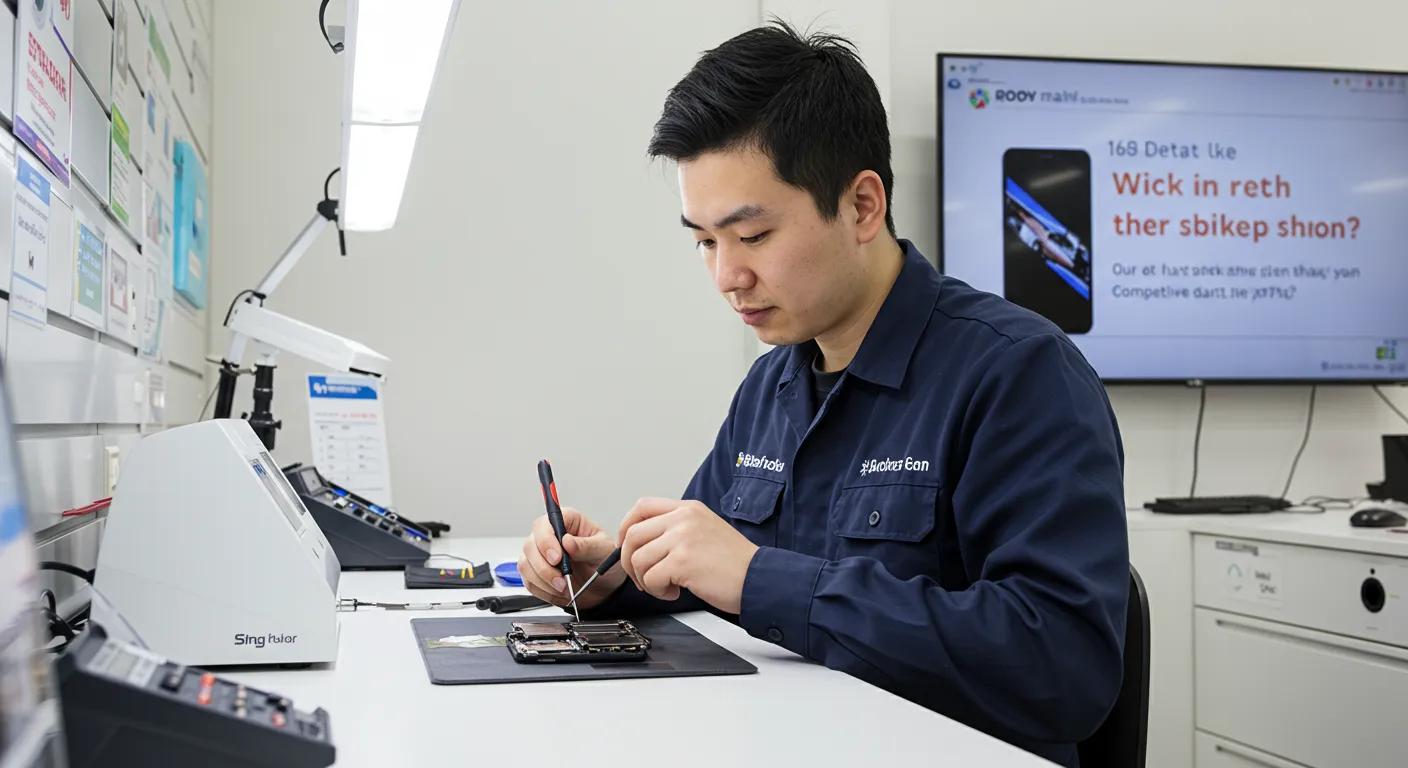
Fast and Reliable Phone Repairs in Murray Bridge with Bizup: Your Trusted Local Service
Fast, dependable phone repairs in Murray Bridge matter when you rely on a mobile device for work, family, and daily life. This article explains what to expect from local mobile phone repair services, how common faults are diagnosed and fixed, and practical steps to book and maintain your device while keeping data safe. You’ll learn typical turnaround times for screen and battery repairs, how technicians triage water-damaged phones, and the diagnostic and parts processes that deliver reliable results. This guide also maps booking options, transparent approaches to service, and preventative maintenance tips tailored for regional customers. We’ll highlight Bizup IT’s local service model as an accessible option for in-store, on-site, and remote support to help Murray Bridge residents get devices working quickly and securely. Next, we cover the services offered, step-by-step booking, reasons to choose a trusted local provider, our commitment to quality, data security practices, the repair technologies used, and ongoing maintenance advice.
What Phone Repair Services Does Bizup Offer in Murray Bridge?
Phone repair services cover hardware and software work that restores device function quickly and safely. Technicians begin with diagnostic testing to identify whether faults are mechanical (like a damaged charging port) or software-related (such as boot failures), then outline repair options with estimated turnaround and parts needs. A clear triage and parts-sourcing workflow supports faster screen replacements and battery swaps, while more complex logic-board repairs involve extended diagnostics. Below is a compact comparison of common services so you can scan typical turnaround and symptoms before deciding.
Common phone repair services and turnaround expectations:
- Screen replacement: Typically repairs visible cracks and touch failures, often same-day when parts are in stock.
- Battery replacement: Restores charge capacity and fixes unexpected shutdowns in short visits.
- Water-damage repair: Requires immediate diagnostics and drying; outcomes vary with exposure.
- Charging port repair: Resolves intermittent or no-charge issues through part replacement and cleaning.
This service catalogue leads into specific quick fixes customers commonly encounter and how rapidly they can be resolved.
Which Common Phone Issues Can Bizup Fix Quickly?
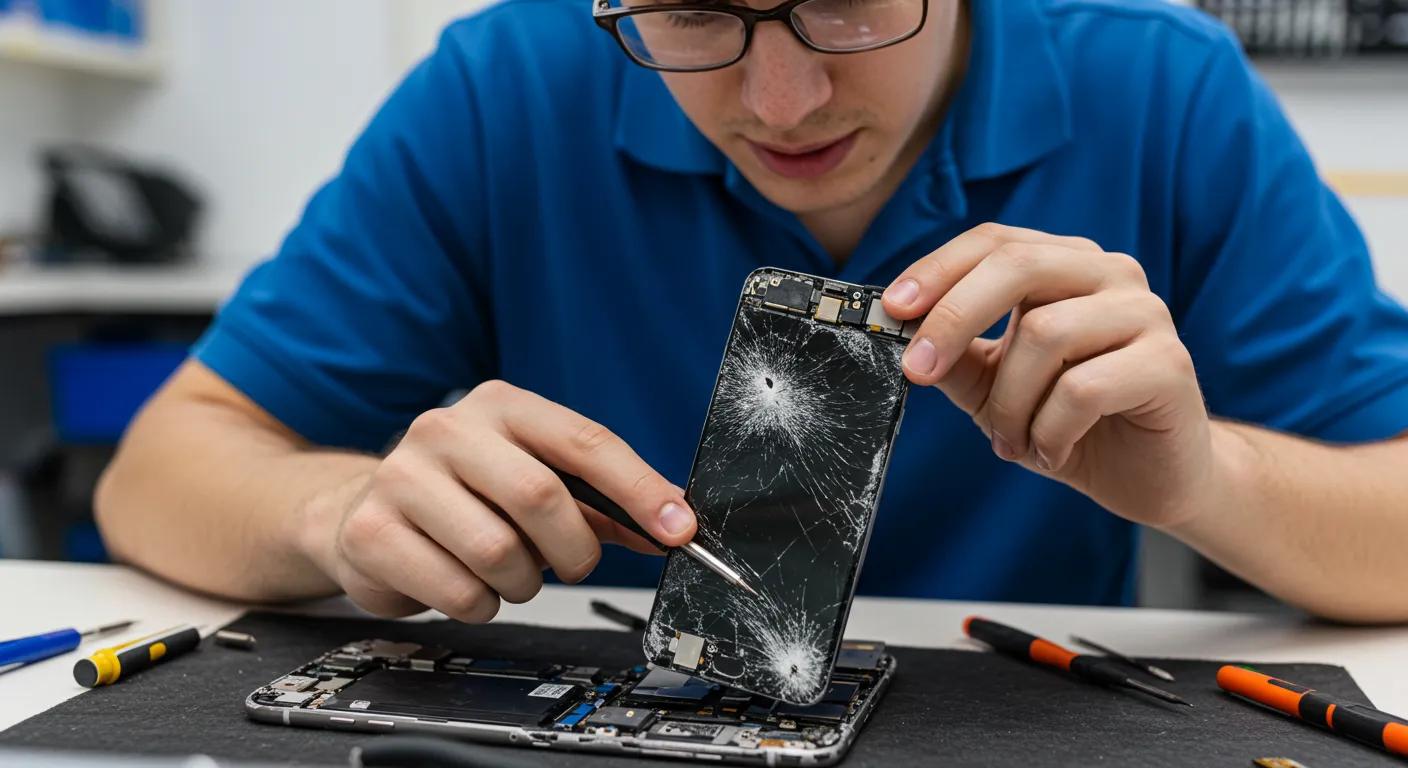
Common faults like cracked screens, depleted batteries, broken charging ports, and faulty speakers are often straightforward to diagnose and repair. A screen replacement or battery swap is typically completed the same day when components are available, restoring display clarity, touch response, and battery life. For charging port and speaker repairs, technicians use targeted part swaps or cleaning to resolve issues, with many repairs completed within a few hours. When problems are less clear—such as intermittent faults or post-water exposure—the technician will recommend a short diagnostic window to avoid ineffective repairs and ensure accurate resolution.
Quick repair expectations encourage appropriate booking choices, and the next section explains the diagnostic steps and quality controls that underpin those timeframes.
How Does Bizup Ensure Fast and Reliable Repairs?
Efficient repairs rely on a structured diagnostic workflow, sourcing reliable parts, and final functional checks to confirm success. Technicians perform an initial triage to prioritise urgent faults, run software and hardware diagnostics to pinpoint root causes, and then select OEM or quality aftermarket parts based on availability and longevity considerations. We conduct thorough post-repair testing of hardware, battery, and connectivity functions to ensure the device performs as expected before return. This combination of triage, parts management, and testing helps reduce rework and shortens overall turnaround times for common repairs.
Understanding these operational steps clarifies why some repairs are quick while others need longer attention, which relates to brand and model support below.
Are Repairs Available for All Phone Brands and Models?
Most mainstream brands and current models are supported, including popular smartphones that share common assemblies and readily available parts. When a phone is less common or older, parts availability is the primary constraint; technicians assess whether compatible components exist or if a custom diagnostic path is needed. If parts must be ordered, customers receive clear information on expected wait times so they can decide whether to proceed or consider alternative solutions. For unsupported models, options include component-level repair, data recovery-focused diagnostics, or referral to specialised services when a repair is impractical.
These brand-coverage decisions inform how you should book repairs and whether on-site or remote support is appropriate, which is covered next.
This table provides a quick reference for expected service timelines and symptom resolution, helping you prioritise booking options and prepare for potential wait times.
How Can You Book a Phone Repair Service with Bizup in Murray Bridge?
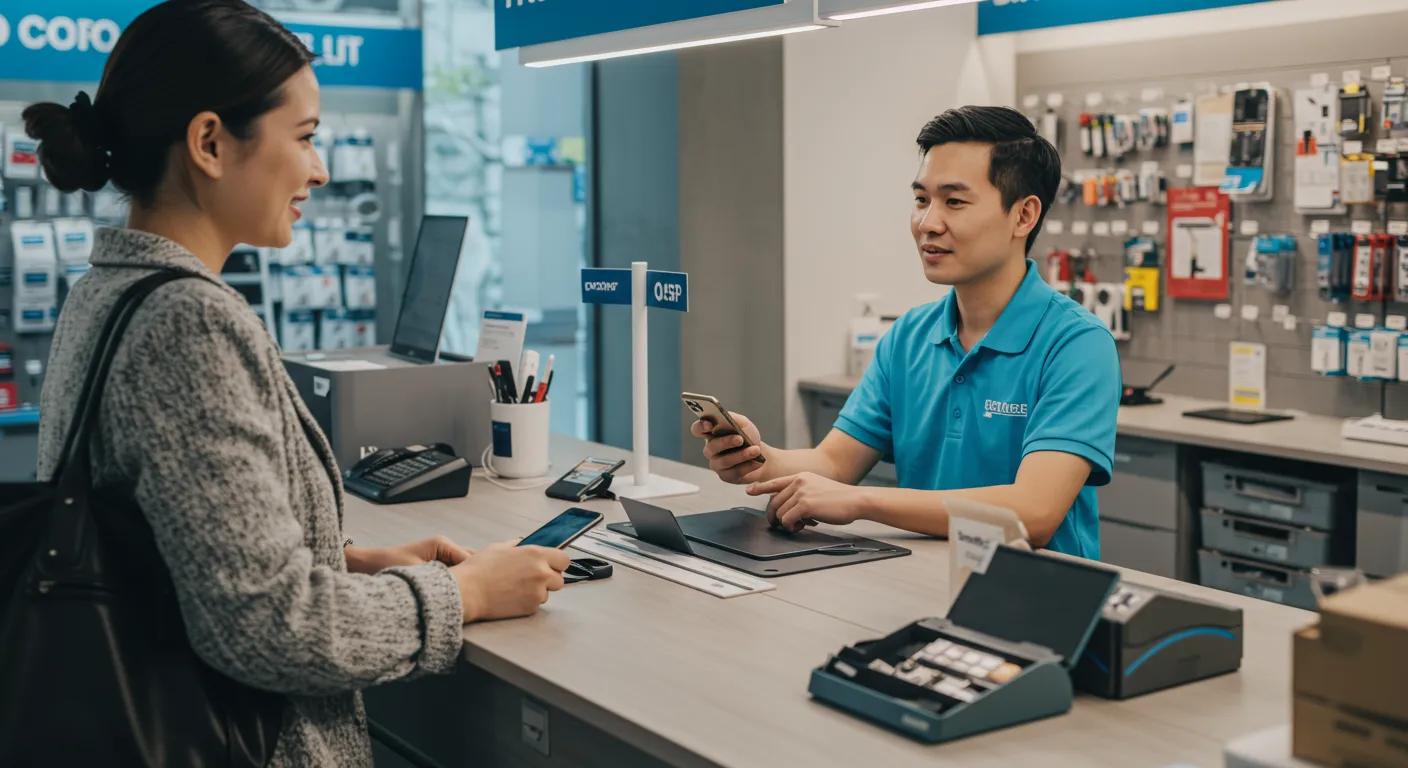
Booking a repair should be straightforward with clear options to suit urgent and scheduled needs. Common booking channels include walk-ins for immediate triage, online scheduling for a planned drop-off, and remote support for troubleshooting that can avoid a visit altogether. Each method has pros and cons: walk-ins are best for same-day fixes when parts are available, scheduled bookings guarantee a slot, and remote diagnostics can identify whether an in-person repair is necessary. Below is a compact comparison of booking channels so you can pick the method that matches urgency and convenience.
Available booking methods and what to expect:
- Walk-in: Best for urgent, same-day triage and quick fixes when parts are in stock.
- Online or scheduled booking: Use for planned repairs and guaranteed technician time.
- Remote troubleshooting: Ideal for software issues and pre-diagnostic checks to save an in-person visit.
Choosing a booking method depends on urgency and the likely repair type; the next subsection outlines exact steps for each approach.
What Are the Available Booking Methods?
Walk-in, scheduled booking, and remote troubleshooting each have a clear process and advantages for different scenarios. Walk-ins provide immediate assessment and possible same-day repair if parts are available, while scheduled bookings reduce wait and ensure a technician is prepared for your device. Remote troubleshooting begins with a guided diagnostic session to determine whether a physical repair is needed, often saving time for minor software faults. For best results, provide the device model, a brief fault description, and whether the device has been exposed to liquid when booking.
These booking choices influence typical repair timeframes and expectations, which are covered in the following subsection.
How Long Does the Repair Process Typically Take?
Repair times vary by fault severity and parts availability, with many standard repairs completed within hours and more complex work requiring longer. Screen replacements and battery swaps are commonly finished in 30 minutes to 3 hours, while water-damage recovery or logic-board repairs may need 1–5 business days, depending on diagnostics and parts sourcing. Diagnostics usually take 30–60 minutes and clarify whether immediate repair or extended analysis is necessary. Factors extending time include rare parts, severe corrosion, or multi-component failures that require staged repairs.
Knowing typical timeframes helps you plan device downtime and select the most convenient booking method, and the final booking subsection explains how to confirm location and timing details.
What Are Bizup’s Service Hours and Location Details?
Confirming exact opening hours and accessibility helps decide whether to walk in or schedule an appointment and ensures you arrive prepared for a smooth drop-off. Since specific local hours and address details vary, customers are advised to check current service availability and recommended booking channels before visiting to avoid missed windows. For walk-ins, arrive with the device’s passcode removed and a brief description of the fault to speed the triage; for scheduled visits, bring any purchase documentation if available to assist parts sourcing decisions. Clear expectations about hours and location reduce friction during drop-off and support timely repairs.
This guidance connects booking choices to the reasons you might select a particular local service provider, explored next.
This booking comparison helps you match urgency with the right channel and prepares you for likely response times.
Why Choose Bizup for Phone Repairs in Murray Bridge?
Choosing a repair partner involves trust, reliable service, and transparent communication; local support often offers advantages in accessibility and community focus. Bizup IT’s service model emphasises accessible options for regional customers, combining in-store, on-site, and remote support to reduce travel and downtime for device users. The emphasis on transparent diagnostic communication, quality parts selection, and pragmatic turnaround information helps customers make informed decisions. Below are the primary reasons residents often prioritise a trusted regional provider when selecting repair services.
Key reasons to choose a local repair partner:
- Accessibility: Multiple support channels reduce travel and downtime.
- Transparency: Clear diagnostic communication and repair information builds trust.
- Aftercare: Follow-up support increases repair value.
These trust elements naturally lead to customer feedback themes and our commitment to quality that reinforce reliability.
What Do Customers Say About Bizup’s Repair Services?
Customer feedback themes commonly highlight prompt diagnostics, clear communication, and practical repair outcomes that restore device usability. Reviews for local tech support typically praise technicians who explain fault causes, recommend the most effective fixes, and confirm expectations before work begins. Reading local feedback gives useful context about consistent turnaround, staff responsiveness, and the clarity of repair information. For a deeper sense of experience, potential customers are encouraged to look for local review sources to better understand how service levels match expectations.
Customer feedback helps us maintain our high standards and commitment to quality.
How Does Bizup Ensure Quality and Reliability?
At Bizup, our commitment to quality and reliability is paramount. We start with accurate diagnostics and use dependable replacement parts. Every repair undergoes comprehensive post-repair testing, including functional checks of replaced components, battery health assessments, and verification of connectivity features. This thorough approach helps ensure your device performs as expected and reduces the likelihood of issues recurring. We’re dedicated to providing durable repairs and clear support should you need assistance after your service.
Our commitment to quality helps set clear expectations, which influences our transparent approach to service.
What Makes Bizup Stand Out from Other Local Repair Shops?
Regional repair services differentiate themselves through service flexibility, a community focus, and clear, transparent communication that supports local customers. Providers who combine in-store repairs with the ability to offer on-site or remote troubleshooting deliver options tailored to regional needs, reducing the need for long travel. Emphasising clear information, diagnostic transparency, and practical aftercare often sets community-focused services apart from larger, less-personal chains. These differentiators help customers weigh convenience, value, and reliability when choosing a repair partner.
This comparison highlights the practical advantages of a local, flexible repair partner when reliability and accessibility matter.
Understanding Your Phone Repair Service at Bizup
At Bizup, we believe in clear communication about your repair. We provide transparent quotes that outline the components needed and the service involved before any work begins. The overall value of your repair will depend on the type of service required, such as screen or battery replacements, and the time needed for our skilled technicians. We aim to offer solutions that provide excellent value, helping you decide whether to repair your device or consider other options.
Factors influencing your repair solution:
- Parts needed: Whether original or high-quality alternative components are used.
- Service complexity: The time and skill required for the repair.
- Diagnostic findings: Initial checks help us understand the full scope of work.
These components explain why some repairs require more attention than others, and the next subsection outlines how we provide your quote.
How We Provide Your Repair Quote
We provide a clear breakdown of the solution, detailing the parts and service required for your device. For instance, a screen replacement involves the display component, the technician’s time for careful disassembly and reassembly, and thorough testing. After an initial diagnostic, we’ll give you transparent information about the proposed repair, and we’ll always seek your approval before proceeding. Factors like the availability of specific parts, the extent of damage, or any special calibration needs will be discussed up front.
This transparency helps when deciding to proceed, and the next subsection addresses any current promotions that may be available.
Are There Any Current Promotions?
We occasionally run community promotions or special offers for common services. These promotions change, so we encourage you to ask about any current offers when you book your service. Bundled services, like combining a screen protector installation with a screen replacement, can also provide great value and help protect your device long-term. It’s always worth checking for local promotions to see how you can get the most from our quality service.
Knowing about current promotions helps when deciding to proceed; the next subsection addresses the support we offer after your service.
What Support Does Bizup Offer After Your Service?
At Bizup, we stand by the quality of our work. We’re committed to providing reliable repairs and offering clear support if you have any concerns after your service. Our team is here to provide troubleshooting guidance and will work with you to address any issues that may arise. We want you to feel confident that your repair is backed by our dedication to your satisfaction.
How Does Bizup Handle Data Security and Privacy During Repairs?
Data security and customer privacy are critical during device repairs and must be handled with strict procedures that limit unnecessary access to personal information. Technicians follow device-handling protocols to keep data secure, including minimising data access, encouraging customers to back up devices, and requesting device passcode removal when practical. Clear communication about data-handling steps—such as whether a backup is needed before repair and how data recovery is approached—helps customers make informed choices. Below are the practical measures typically used to protect privacy and handle sensitive information.
Practical data-protection measures during repair processes:
- Device handling: Secure storage and controlled access while in the repair workflow.
- Staff controls: Limited staff access to devices and confidentiality expectations.
- Customer actions: Advising backups and passcode removal where feasible.
These protective measures reduce privacy risk and set expectations for data handling during diagnostics and repairs.
What Measures Protect Your Personal Data?
A combination of procedural controls and customer best practices protects personal data when a phone is repaired. Providers recommend customers back up data before repair and remove passcodes where safe to do so; technicians then limit interactions to the minimum necessary for diagnostics and repairs. Secure storage and tracking of devices during repair, combined with staff confidentiality protocols, minimises the risk of unauthorised access. Transparent communication about these steps allows customers to understand when data may be accessed during functional testing and what precautions to take beforehand.
Knowing these protections leads to data recovery capabilities and realistic expectations when attempting to retrieve lost information.
Can Bizup Recover Lost Data from Damaged Phones?
Data recovery success depends on the nature of the damage and whether storage media is intact; recovery techniques range from logical file restoration to component-level data extraction in severe cases. When storage chips remain intact, technicians can often recover photos, contacts, and documents using specialised tools; however, physical damage to storage elements or severe corrosion reduces the likelihood of full recovery. Providers typically assess recoverability during diagnostics and present information about the recovery effort, clarifying probable outcomes so customers can decide whether to proceed. Clear expectations about success factors are vital for planning attempts at data retrieval.
Assessing recoverability is part of the diagnostic phase and informs repair choices discussed in earlier sections.
This table summarises core privacy measures and what customers should do to reduce risk during device servicing.
What Are the Latest Phone Repair Technologies and Tools Used by Bizup?
Modern repairs rely on precise diagnostic software, specialised repair stations, and high-quality replacement parts to ensure durable outcomes. Diagnostic tools run hardware and software checks to identify failing components, quantify battery health, and test sensors and connectivity before parts are ordered. Precision soldering stations and microscope-assisted workbenches allow safe micro-soldering on logic boards and fine connectors when needed, while controlled heating and adhesive removal stations enable reliable screen replacements without collateral damage. These technologies, combined with quality control checks, underpin faster, more accurate repairs and reduce repeat faults.
Understanding the tools and their benefits clarifies why some repairs require specialised facilities and technician expertise, as discussed next.
How Does Bizup Use Advanced Diagnostic Tools?
Advanced diagnostic tools automate checks for battery health, storage integrity, sensor functionality, and network connectivity to isolate faults quickly and accurately. Running an initial suite of diagnostics helps technicians decide whether a simple part swap will resolve the issue or if deeper component-level work is required. Automated reports from diagnostic tools reduce guesswork, shorten the repair timeline, and clarify whether data recovery might be successful. Using these tools early in the process enables more predictable turnaround and better communication with customers about required repairs.
Diagnostic precision then informs part selection and repair techniques, covered in the next subsection.
What Replacement Parts and Materials Are Used?
Replacement parts range from OEM-equivalent assemblies to high-quality aftermarket components, and the choice affects longevity and compatibility. Where possible, technicians recommend parts that balance reliability and availability—OEM or OEM-equivalent screens and certified batteries preserve device functionality and user experience. Quality assurance involves testing replacement parts for display calibration, battery capacity, and connector integrity before final assembly. Selecting the right parts and validating them through testing helps ensure the repaired device performs reliably over time.
This part’s strategy supports long-term repair value and informs maintenance and preventative choices described next.
This table highlights the technical resources used to diagnose and repair modern smartphones effectively.
How Does Bizup Support Ongoing Phone Maintenance and Care in Murray Bridge?
Ongoing maintenance extends device life and reduces the frequency of urgent repairs by combining good user habits with occasional professional checks. Preventative care includes regular software updates, protective cases and screen protectors, battery-health monitoring, and periodic diagnostics to catch issues before they escalate. Local providers often offer routine check-ups, protective accessory installation, and software optimisation to maintain performance. Below are practical tips and available preventative services to keep your phone functioning reliably between repairs.
Practical maintenance tips and preventative services help you avoid common failures and lengthen device lifespan.
What Tips Does Bizup Recommend for Phone Longevity?
Adopt charging habits that avoid extreme battery states, use protective cases and tempered glass to reduce drop damage, and keep software updated to patch security and performance issues. Periodically check battery health and replace aging batteries before they cause unexpected shutdowns, and back up data regularly to prevent loss from accidental damage. Avoid exposing devices to moisture and high temperatures, and clean ports gently to prevent debris-related charging issues. These habits reduce repair frequency and preserve device value over time.
Following these habits makes preventative services more effective, which are described below.
Are There Any Preventive Services Offered?
Preventative services commonly include screen protector and case installation, battery health checks, software optimisation, and scheduled diagnostics to detect early wear. These services can be scheduled annually or whenever performance degrades, helping catch issues before they require major repairs. Combined preventative packages—such as a diagnostic plus accessory installation—often provide good value and extend the device’s useful life. Booking periodic maintenance reduces the chance of sudden failures and keeps devices running smoothly.
These maintenance options complete the practical guidance for keeping phones reliable in regional settings, concluding the coverage of repair services, booking, our commitment to quality, security, technology, and upkeep for Murray Bridge users.