
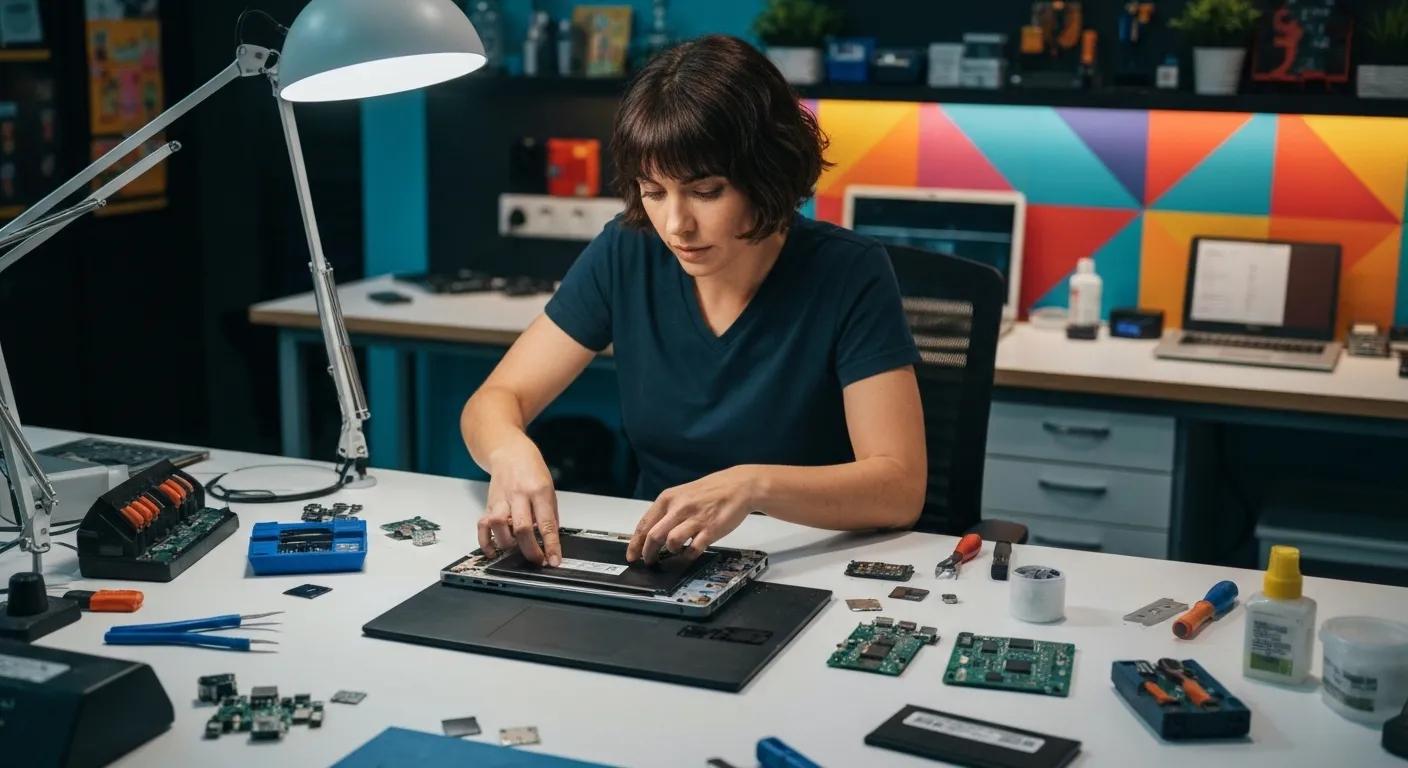
Expert Computer Repairs in Griffith: From Slow PCs to Virus Removal with Bizup IT
Every minute wasted on a sluggish computer can derail your day, whether you’re catching up on family photos or running a small business. In Griffith, Bizup IT tackles performance bottlenecks, malware threats, hardware failures, and more with fast, reliable service you can trust. Discover how we can help:
- What common computer problems do we fix, from sluggish start-ups to peripheral faults
- How do we remove viruses and safeguard against malware?
- Our full suite of laptop repair options, including screen and battery replacements
- Data recovery methods for hard drives and SSDs
- Tailored IT support solutions for local small businesses
- Our clear repair process, timelines, and general cost indications
- Real customer success stories and how you can share your feedback
Dive into each section to discover how Bizup IT delivers affordable, accessible, and expert computer repairs in Griffith.
What Common Computer Problems Do We Fix in Griffith?
Common computer issues range from performance slowdowns to hardware malfunctions and connectivity errors. These problems arise because software accumulates clutter, components wear down, or security gaps emerge, leading to lost time and productivity. For example, a PC bogged by startup bloat can take minutes longer to boot, frustrating users and interrupting workflows. Understanding these issues ensures targeted repairs that restore full functionality.
Before exploring specific solutions, here are the four most frequent fault categories we handle:
- Performance Degradation – Sluggish boot-up and application lag
- Security Threats – Viruses, spyware, and ransomware infections
- Hardware Failures – Broken ports, faulty fans, and damaged screens
- Peripheral and Network Errors – Printer offline, network dropouts
This highlights the need for specific repair services to get your devices running smoothly again.
How Can We Speed Up Your Slow PC or Laptop?
Performance optimisation restores speed by combining software tuning and hardware upgrades. Bizup IT technicians precisely diagnose bottlenecks, remove unnecessary startup programs, update drivers, and defragment disks to accelerate boot times. In many cases, adding more RAM or swapping in a solid-state drive (SSD) reduces load times dramatically.
Key optimisation steps include:
- Disk Cleanup and Defragmentation – Removing temp files and organising data for faster access.
- Startup Application Management – Disabling non-essential services to reduce boot sequence length.
- Driver and Software Updates – Ensuring compatibility and patching security flaws.
- Hardware Upgrades – Installing SSDs or extra memory to boost system responsiveness.
By executing these measures, we transform a lagging PC into a system that boots in seconds and runs applications smoothly.
Exploring these improvements reveals how proactive maintenance can also prevent virus-related slowdowns, which we handle next.
What Are the Signs Your Computer Has a Virus or Malware?
Viruses and malware compromise security by altering files, stealing data, or hijacking system resources. Common indicators include unexpected pop-up ads, redirected web searches, unusually high CPU usage, and new software you didn’t install. For instance, a sudden flood of adverts can mean adware is running hidden scripts in the background.
Watch for these warning signs:
- Pop-Up Advertisements appearing outside browser sessions
- System freezes or Crashes when accessing simple files.
- Unauthorised Network Activity, even when idle
- Changes to the Homepage or Search Engine without permission
Recognising these symptoms early allows Bizup IT to isolate infections before they spread to backup drives or other devices.
Having identified malware, our specialists proceed with targeted virus removal and protection services.
Which Hardware Issues Do We Repair for Laptops and Desktops?
Physical component failures interrupt everyday use when key parts wear out or break. Whether it’s a dying hard drive, worn-out cooling fan, or cracked laptop hinge, our trained technicians replace or repair each element with precision. Addressing hardware faults prevents secondary damage and extends device lifespan.
Component failures, symptoms, and solutions:
Addressing hardware faults ensures reliable performance and prevents minor damage from escalating into critical failures.
Reliable networking and peripherals depend on healthy hardware—next, we explore printer and peripheral troubleshooting.
How Do We Handle Printer and Peripheral Troubleshooting?
Printer and peripheral faults often stem from driver conflicts, loose connections, or misconfigured settings. Bizup IT begins by verifying cable integrity, reinstalling updated drivers, and adjusting network preferences to restore communication.
This systematic approach ensures printers, scanners, and external drives work seamlessly alongside repaired computers.
Peripheral troubleshooting steps include:
- Connection Verification – Checking cables and ports for damage or misalignment.
- Driver Installation – Installing manufacturer updates for compatibility.
- Network Configuration – Setting correct IP addresses for shared devices.
- Firmware Updates – Applying printer firmware to fix known bugs.
Completing these steps resolves the majority of device-related interruptions, paving the way for a secure, malware-free environment.
How Does Bizup IT Provide Reliable Virus and Malware Removal in Griffith?
Virus removal is a multi-stage process combining specialised software tools and manual inspection. Bizup IT’s expert workflow ensures the complete eradication of threats and restoration of system integrity. Following removal, proactive safeguards prevent reinfection and optimise ongoing protection.
What Steps Are Involved in Our Virus Removal Process?
Our virus removal comprises diagnostics, quarantine, cleaning, and verification. Technicians start with a full system scan, identify malicious files, isolate threats, and employ deep-clean tools to eliminate hidden payloads. Finally, restored systems undergo integrity checks to confirm all infections are cleared.
The removal process follows these stages:
- Comprehensive Scan – Using up-to-date antivirus engines to detect threats.
- Quarantine and Backup – Securing infected files and backing up critical data.
- Deep Cleaning – Running specialised removal utilities and manual registry edits.
- System Verification – Confirming no remnants remain with a second scan.
This thorough approach guarantees that once a device leaves our workshop, malware can no longer disrupt your workflows or compromise your data.
Complete threat removal is essential before we add new protective measures against evolving cyber risks.
How Do We Protect Against Spyware and Ransomware Threats?
Spyware silently tracks your activity, while ransomware encrypts files until a ransom is paid. Bizup IT implements layered defences by installing robust endpoint protection, configuring real-time monitoring, and establishing secure restore points. This combination prevents unauthorised access and shields critical information from extortion.
Key protection controls and their impacts:
By enforcing these controls, we reduce the risk of ransomware locking up your photos or business records and stop spyware from gathering sensitive browsing data.
Maintaining up-to-date antivirus software further strengthens this framework.
Can We Install and Update Antivirus Software for You?
Yes, we ensure your antivirus applications are correctly configured and current to catch the latest threats. Our team assesses license options, installs the appropriate suite, and schedules routine updates. This proactive service keeps your defences aligned with emerging malware profiles.
- License Consultation – Selecting the best solution for home or business needs.
- Installation and Configuration – Setting real-time protection and scheduled scans.
- Regular Updates – Automating virus definition downloads to cover new threats.
- Performance Tuning – Balancing security with system speed for minimal impact.
Consistent antivirus management reduces downtime and shields you from ever-evolving cyber dangers, ensuring your devices stay healthy.
What Laptop Repair Services Are Available in Griffith?
Laptop repair covers software diagnostics, component replacements, and performance upgrades tailored to both MacBook and Windows models. Bizup IT technicians bring brand-specific expertise, ensuring seamless service whether it’s resetting an OS or swapping a broken display.
How Do We Repair MacBook and Windows Laptops?
Repairs for MacBook and Windows devices blend manufacturer guidelines with local experience. For Apple machines, we handle logic board repairs, OS reinstalls, and battery replacements within Apple-approved standards. Windows laptops receive driver reconfiguration, system updates, and hardware swaps to resolve faults quickly.
Our repair checklist includes:
- Diagnostics Scan – Identifying software errors and hardware inconsistencies.
- OS Repair or Reinstall – Restoring system files for stability.
- Component Replacement – Fitting genuine or OEM parts for screens, keyboards, or batteries.
- Final Validation – Running benchmarks to confirm system reliability.
These steps restore laptop mobility and ensure each device meets original performance specifications.
When Is a Laptop Screen Replacement Necessary?
A cracked or flickering display disrupts productivity and risks further damage. Bizup IT recommends screen replacement when:
- Visible Cracks affect touch response or backlight function.
- Dead Pixels or colour distortion impair viewing.
- Complete Blackout despite power indicators showing normal operation
Selecting a high-quality replacement panel restores crisp visuals and extends your laptop’s usable life.
Replacing screens leads naturally into battery and performance enhancements, detailed below.
How Do We Replace Laptop Batteries and Improve Performance?
Batteries degrade over time, reducing run-time and capacity. We replace worn cells with compatible, high-grade alternatives, recalibrate power management settings, and update firmware for optimal charge cycles. Alongside battery swaps, we fine-tune system settings to maximise energy efficiency and overall responsiveness.
Battery service and benefits:
- High-Capacity Cells increase unplugged run-time.
- Calibration ensures accurate charge level reporting.
- Firmware Updates optimise charging control.
- Power Profile Tuning balances performance with battery life
Combining battery renewal with performance tuning delivers a laptop that boots quickly and stays powered longer between charges.
How Can Bizup IT Help with Data Recovery in Griffith?
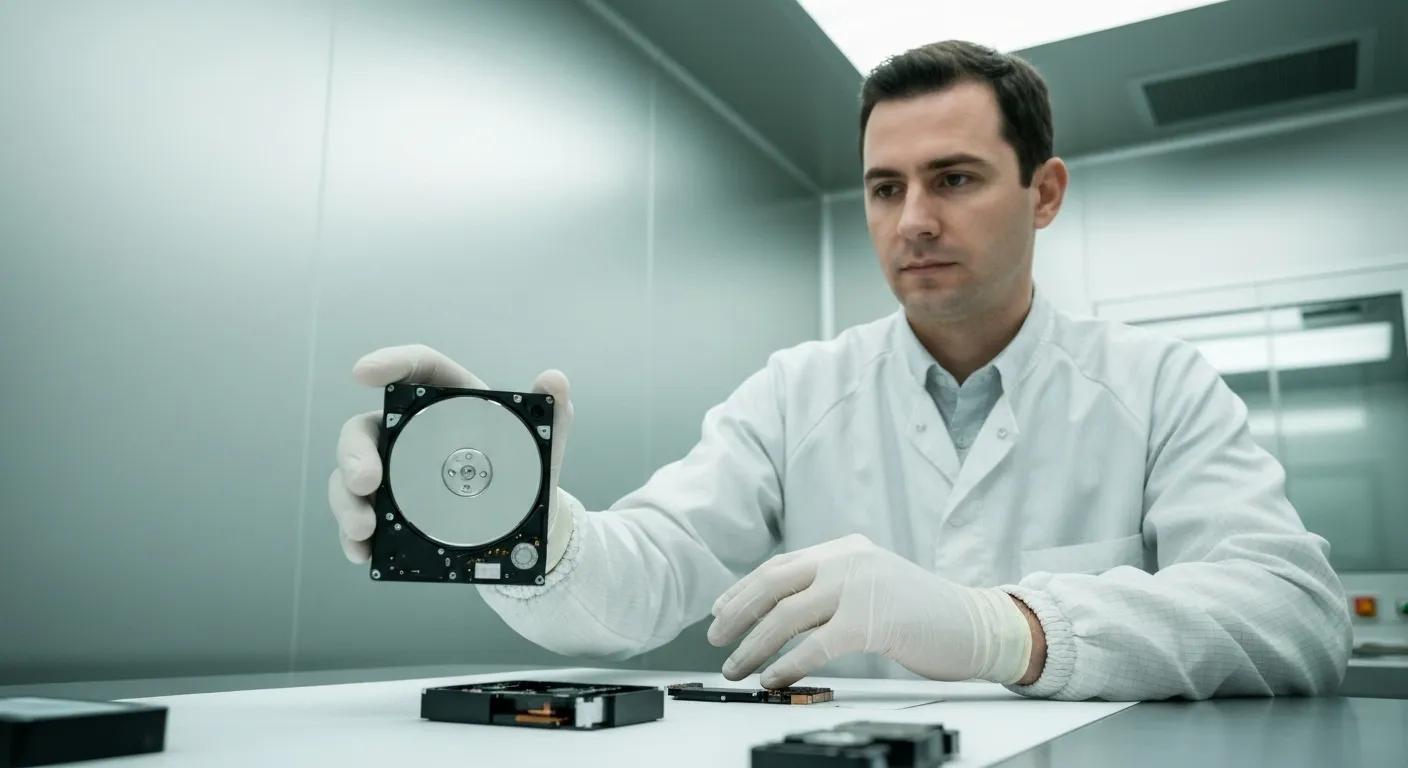
Accidental deletions or hardware failures can erase precious memories and critical business data. Bizup IT offers specialised recovery for hard drives and SSDs, restoring accessible files or rebuilding corrupted partitions to salvage your information.
What Types of Data Recovery Do We Offer for Hard Drives and SSDs?
Our data recovery spans physical repair, logical restoration, and chip-level extraction. For mechanical hard drives, we address actuator arm failures or spindle issues in a clean-room environment. SSD services recover data from failed controllers or corrupted firmware, leveraging advanced software to retrieve files.
Recovery services include:
- Mechanical Drive Repair – Fixing broken components to regain drive access
- Logical Recovery – Reconstructing file systems after accidental format or deletion
- Chip-Level Extraction – Accessing raw memory from NAND chips when standard tools fail
Prompt action preserves data integrity, so let’s cover immediate steps after data loss.
How Do We Recover Lost or Corrupted Files?
Recovering individual files involves scanning storage media with read-only tools that map and reconstruct visible data fragments. Our process ensures no further damage by avoiding write operations. Once recovered, files are verified for integrity and returned on a new drive or secure cloud location.
Key recovery phases:
- Imaging – Creating a bit-for-bit copy of the original media
- Fragment Assembly – Piecing together file segments from unallocated space
- Integrity Check – Verifying file consistency and readability.
- Secure Delivery – Transferring recovered data to safe storage
These steps prevent overwriting valuable data and guarantee that recovered files remain intact and usable.
What Should You Do Immediately After Data Loss?
Immediate actions can prevent permanent loss. Power down affected devices to avoid inadvertent writes, then reach out for professional assistance. Avoid plugging in multiple USB drives or running random recovery software that might overwrite sectors.
Critical first steps:
- Stop using the Device to prevent additional data writes.
- Document the Incident, noting errors or symptoms observed.
- Contact Experts before attempting DIY recovery tools
- Securely Transport drives to avoid physical shocks
Taking these measures preserves your chance of full recovery and helps our technicians begin work with minimal risk of further damage.
What IT Support Solutions Does Bizup IT Offer for Small Businesses in Griffith?
Small businesses need robust networks, reliable data backup, and rapid troubleshooting to maintain operations. Bizup IT delivers customised packages that handle everything from network design to ongoing helpdesk support, freeing owners to focus on growth rather than IT headaches.
How Do We Set Up and Maintain Business Networks?
We design wired and wireless networks that balance coverage, speed, and security. From router configuration and switch installation to network segmentation for guest access, our solutions ensure stable connectivity and safeguard sensitive data behind firewalls and VLANs.
Network setup essentials:
- Site Survey – Assessing location for optimal access point placement
- Hardware Selection – Choosing enterprise-grade routers and switches
- Security Configuration – Enforcing WPA3 encryption and access controls
- Ongoing Monitoring – Detecting anomalies and applying firmware updates
A well-engineered network reduces downtime and lays the groundwork for secure, scalable growth.
How Can We Provide Ongoing IT Support and Troubleshooting?
Our maintenance contracts offer priority access to remote and on-site support, covering software issues, user training, and system upgrades. With defined service-level agreements (SLAs), businesses benefit from guaranteed response times and expert resolution of everyday IT challenges.
Support features:
- Helpdesk Access via phone or remote-access tools
- On-Site Visits scheduled within agreed windows
- Software Patch Management to keep systems current
- User Training Sessions to reduce recurring errors
This continuous support model fosters confidence, knowing that technical expertise is always just a call away.
How Does the Computer Repair Process Work at Bizup IT in Griffith?
Understanding each repair step ensures transparency and lets you plan your schedule. Bizup IT offers walk-in appointments and remote diagnostics, provides clear timelines and general cost indications, and then conducts repairs with quality checks before returning your device.
Can I Walk In or Book Remote Support?
You have full flexibility: walk into our Griffith store for a direct handover, or book a remote session where our technicians securely access your computer online. Both options start with an initial assessment that outlines findings and recommended actions.
Access options:
- Walk-In for face-to-face diagnostics and immediate drop-off
- Remote Support with secure screen-sharing sessions
- On-Site Service for larger systems or networks
Choosing the right access method sets the stage for a swift, convenient repair experience.
What Are the Typical Repair Timelines and Costs?
Most standard repairs—such as virus removal or performance optimisation—are completed within 24–48 hours, while hardware replacements like screen changes can take 1–3 days depending on parts availability. Diagnostic fees start at a modest amount, with transparent labour and part charges detailed upfront.
Time and cost overview:
- Diagnostics – A short, fixed fee
- Software Repairs – Typically completed within a day, at a reasonable hourly rate
- Hardware Replacements – Usually 1–3 days, with costs based on components
- Data Recovery – Varies by complexity, quoted after initial assessment
Clear estimates and no-surprise billing ensure you know exactly what to expect before work begins.
How Do We Ensure Quality and Customer Satisfaction?
Our commitment to quality involves multi-point testing, where each repaired device undergoes functionality checks and performance benchmarks. We aim for your complete satisfaction with the services and products we offer, and follow up with satisfaction surveys to confirm lasting peace of mind.
Our quality measures:
- Functional Validation – Testing every repaired component and feature
- Performance Benchmarks – Verifying improvements against pre-repair metrics.
- Our Service Promise – Ensuring you’re happy with the work done
- Follow-Up Contact – Checking in to ensure ongoing reliability
This rigorous process cements trust and keeps Griffith customers returning for reliable tech support.
What Do Griffith Customers Say About Bizup IT’s Computer Repairs?
Local testimonials highlight real-world success in delivering fast, affordable, and friendly service. Hearing how neighbours overcame critical data loss or reclaimed sluggish machines builds confidence that Bizup IT is the go-to tech partner in Griffith.
Which Local Success Stories Highlight Our Expertise?
One Griffith café owner regained 5 years of customer records following a hard drive failure, saving her business from major disruption. Another family restored cherished holiday photos after a malware attack encrypted all images. These stories showcase our combined hardware knowledge and data recovery skills.
Real-life outcomes:
- Saved business continuity with urgent data restoration
- Restored multimedia libraries after virus removal
- Enabled small offices to upgrade networks for remote work
Celebrating these wins illustrates our commitment to regional customers and complex technical challenges.
Ready to Get Your Computer Running Like New?
Don’t let tech troubles slow you down. Contact Bizup IT today for expert, friendly, and reliable computer repair services in Griffith.