
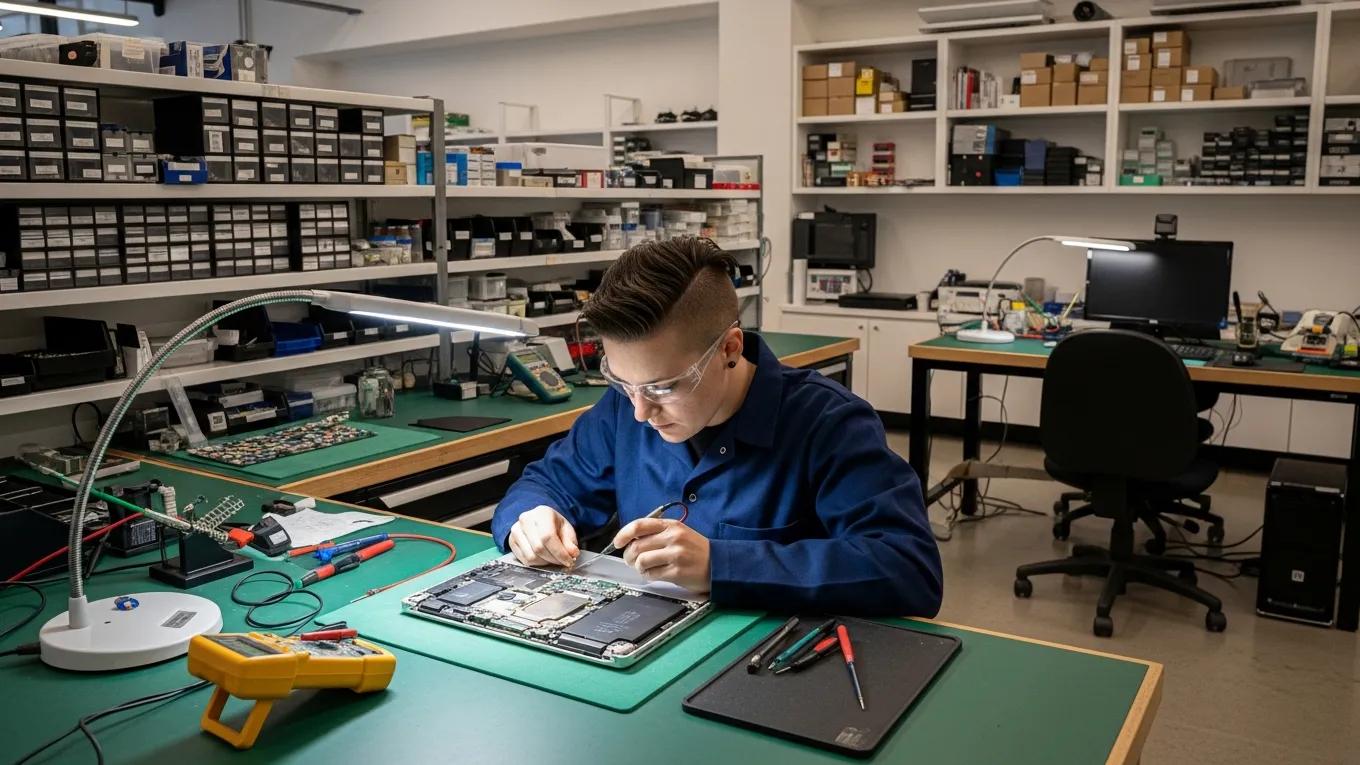
Mac Repairs Melbourne: Comprehensive Solutions for Common Apple Computer Issues
In the bustling city of Melbourne, Apple users often encounter a range of issues with their Mac computers, from hardware malfunctions to software glitches. Understanding these common problems and their solutions is essential for maintaining optimal performance and longevity of your device. This article explores the most frequent Apple computer issues, offering practical advice on troubleshooting steps, repair options, and preventative measures. By addressing these concerns, users can keep their MacBooks running smoothly and efficiently. We’ll cover common problems like screen damage, battery failures, and keyboard issues, and explain how Bizup, a trusted repair service, can help resolve these challenges.
Troubleshooting Steps
When you notice issues with your Mac, the first thing to do is a thorough check to understand what’s going on. This means identifying the symptoms and figuring out possible causes. Simple troubleshooting steps include restarting your Mac, checking for software updates, and using built-in diagnostic tools. These can often fix minor problems without needing professional help. Testing individual components can also help find specific hardware faults, making repairs more targeted. Following these steps can save you time and money before you decide to get expert assistance.
Repair Options
If troubleshooting doesn’t fix the problem, there are several repair options available for Mac users, such as:
- Hardware Repairs: Fixing physical damage like cracked screens or faulty parts.
- Software Repairs: Resolving operating system or app issues.
- Data Recovery: Recovering lost data from damaged drives or corrupted systems.
Knowing these options helps you make informed choices about your Mac repairs. Bizup provides a range of repair services tailored to Apple devices, ensuring your Mac is handled with care and expertise.
Preventative Measures
Preventing problems before they happen is the best way to keep your Mac in good shape. Regular maintenance can greatly reduce the chance of issues. Some useful preventative tips include:
- Regular Software Updates: Keep your operating system and apps up to date to avoid security risks and bugs.
- Backup Solutions: Use Time Machine or cloud backups to protect your data.
- Security Measures: Install antivirus software and enable firewalls to guard against malware.
By following these simple steps, you can extend your Mac’s lifespan and avoid many common problems.
What Are the Most Frequent MacBook Issues in Melbourne?
MacBook users in Melbourne often face a few common issues that can interrupt their daily use. Knowing about these can help you act quickly when they arise. The most common problems include:
- Screen Damage: Cracked or faulty screens that affect visibility and use.
- Battery Failures: Batteries that drain quickly or cause unexpected shutdowns.
- Keyboard Issues: Keys that stick or don’t respond properly.
How Does Screen Damage Affect MacBook Performance?
Screen damage can seriously impact how you use your MacBook by making it hard to see or interact with the display. You might notice flickering, dead pixels, or touch issues. If not fixed promptly, screen problems can lead to more serious internal damage. Getting screen repairs done quickly helps avoid bigger headaches later.
What Causes Battery Failures and How Are They Resolved?
Batteries in MacBooks wear out over time due to age and usage, which can cause them to lose charge quickly or shut down unexpectedly. Sometimes, charging port problems can also affect battery performance. Fixing battery issues usually involves testing to find the cause, then replacing the battery or adjusting software settings to improve battery life.
How Does Bizup Address MacBook Screen Repair in Melbourne?
Bizup specialises in MacBook screen repairs, taking a thorough approach to get your device back to full working order. The process starts with a detailed check to see how bad the damage is. Then, high-quality parts are used for the replacement to ensure a reliable fix. Bizup also supports customers throughout the repair, answering questions and keeping you informed.
What Is the Typical Process for MacBook Screen Replacement?
Replacing a MacBook screen usually involves these steps:
- Initial Diagnostic Assessment: Checking the screen to understand what needs fixing.
- Disassembly and Inspection: Carefully open the MacBook to access the screen.
- Post-Repair Testing: Making sure the new screen works perfectly before handing it back.
This methodical process helps ensure your screen repair is done right and lasts.
How Long Does a MacBook Screen Repair Usually Take?
The time it takes to repair a MacBook screen depends on the damage and parts availability. Usually, it can take from a few hours to a couple of days. Factors like repair complexity and technician workload also play a role. Bizup aims to provide prompt service while maintaining quality, so you can get back to using your Mac as soon as possible.
What Solutions Are Available for MacBook Battery and Power Issues?
Fixing battery and power problems in MacBooks involves several approaches depending on the issue, including:
- Battery Diagnostics: Testing battery health and performance.
- Replacement Procedures: Swapping out the battery if needed.
- Software Optimisation: Adjusting settings to help battery life.
When Is Battery Replacement Necessary for Apple MacBooks?
Battery replacement is usually needed when you notice quick battery drain, unexpected shutdowns, or if the battery looks swollen. These signs mean the battery isn’t working properly and should be replaced to keep your Mac running smoothly.
How Does Bizup Ensure Reliable Battery Repairs in Melbourne?
Bizup carries out thorough testing to check battery health before recommending a replacement. They use quality parts to make sure the new battery performs well. After the repair, testing is done to confirm everything is working as it should, giving you confidence in the service.
How Are Keyboard and Trackpad Repairs Managed for MacBooks?
Keyboard and trackpad repairs are important for keeping your MacBook easy to use. Common problems include sticky or unresponsive keys and trackpad issues. Fixes often involve cleaning, software checks, or replacing parts.
What Are Common Keyboard Problems in Apple MacBooks?
Typical keyboard issues include:
- Sticky Keys: Keys that don’t spring back after pressing.
- Unresponsive Keys: Keys that don’t register presses.
- Touchpad Problems: Trackpad not responding to gestures or clicks.
These can slow you down, so timely repairs help keep you productive.
What Repair Techniques Are Used for Keyboard and Trackpad Issues?
Common repair methods include:
- Cleaning: Removing dust and debris causing problems.
- Software Troubleshooting: Fixing software conflicts affecting input.
- Replacement: Swapping out faulty components.
These approaches help restore smooth keyboard and trackpad function.
What Are the Best Practices for Logic Board and Hardware Diagnostics?
Diagnosing logic board and hardware issues requires a careful, step-by-step approach. Best practices include:
- Initial Consultation: Talking with you to understand the symptoms.
- Physical and Digital Assessment: Running tests to find the problem.
- Diagnostic Tools: Using specialised software and hardware to pinpoint faults.
This thorough process helps technicians find the right solution for your Mac.
How Does Bizup Diagnose Logic Board Failures?
Bizup takes a detailed approach to diagnosing logic board problems. They start by discussing your experience, then perform physical and digital tests using advanced tools to identify the cause. This ensures you get an accurate diagnosis and the best repair options.
What Repair Options Exist for Logic Board Damage?
Options for fixing logic board damage include:
- Diagnostics: Finding which parts have failed.
- Component-Level Repairs: Repairing or replacing specific parts on the board.
- Motherboard Replacement: Replacing the entire board if damage is severe.
These choices depend on how serious the damage is and what’s needed to fix it.
Can Water Damage Be Repaired on MacBooks and How?
Water damage can be tricky but often repairable if acted on quickly. The repair process usually involves:
- Immediate Triage: Assessing damage and taking precautions.
- Diagnostic Disassembly: Opening the MacBook to check inside.
- Component-Level Drying: Using special methods to dry affected parts.
What Steps Should You Take Immediately After Water Exposure?
If your MacBook gets wet, here’s what to do right away:
- Power Off the Device: Shut it down to avoid electrical damage.
- Disconnect Power Sources: Unplug chargers and peripherals.
- Dry the Exterior: Wipe off any moisture on the outside.
These steps help reduce damage and improve repair chances.
How Does Bizup Perform Water Damage Repair and Data Recovery?
Bizup follows a careful process for water damage repair and data recovery. They start with an immediate assessment, then use specialised techniques to recover lost data. After thorough testing, they make sure your Mac is working properly again. This approach aims to give you the best possible outcome after water exposure.