
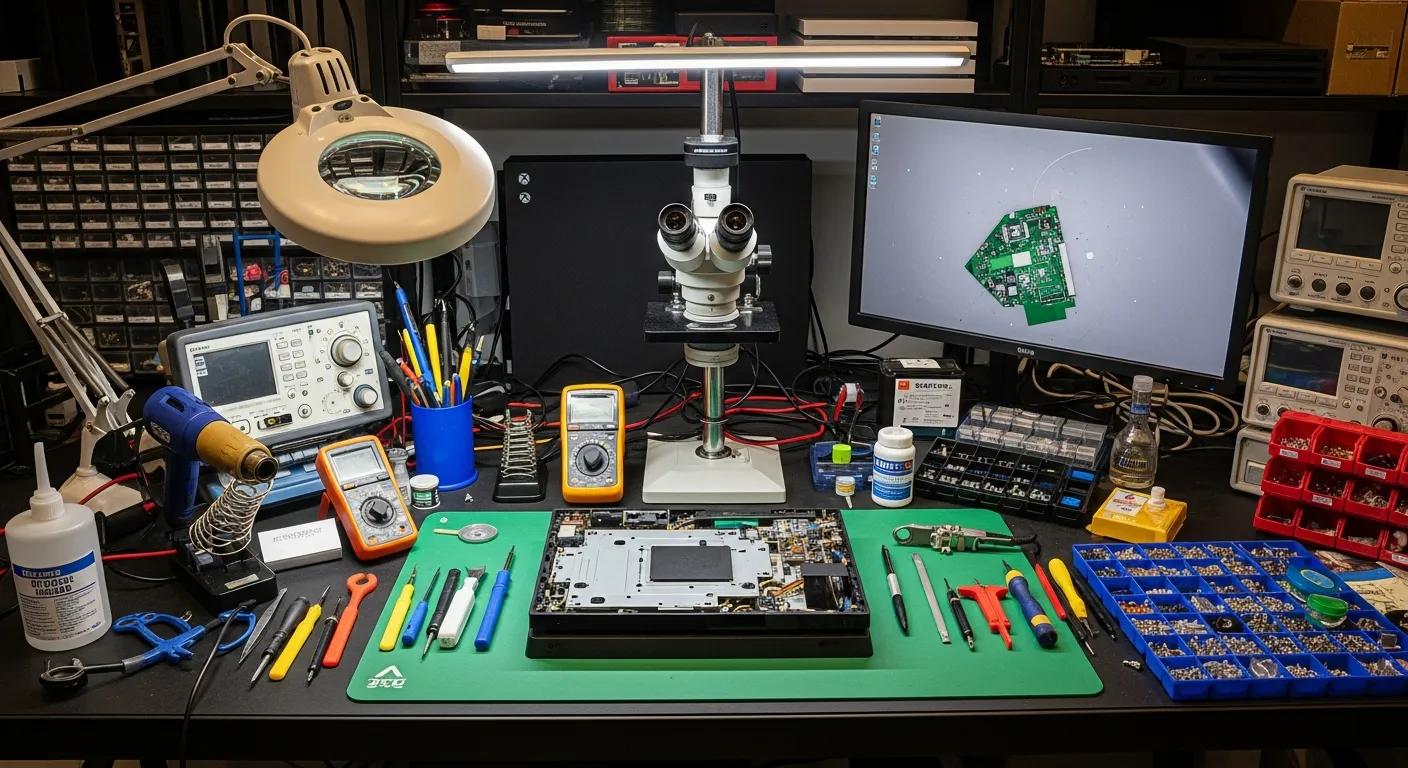
Gaming Console Repairs Port Augusta West: Fixing Overheating, Loud Fans & Random Shutdowns
Gaming consoles are essential for entertainment, but issues like overheating, loud fan noise, and random shutdowns can disrupt the gaming experience. Understanding the causes and solutions for these problems is crucial for maintaining your console’s performance. This article will explore common issues faced by gaming consoles, including overheating in PlayStation, Xbox, and Nintendo Switch models, diagnosing loud fan noise, and addressing random shutdowns. Additionally, we will discuss maintenance practices to prevent these issues and highlight the repair services offered by Bizup, a local expert in electronic device repairs.
Why Is My Gaming Console Overheating in Port Augusta West?
Overheating in gaming consoles can lead to performance issues and potential damage. This problem often arises from dust accumulation, poor ventilation, or hardware malfunctions. When a console overheats, it can cause the system to throttle performance or shut down entirely to prevent damage. Understanding the causes of overheating is essential for gamers to ensure their devices remain functional and reliable.
Overheating not only affects the immediate performance of your console but can also shorten its overall lifespan. Excessive heat can degrade internal components such as the CPU, GPU, and motherboard, leading to permanent damage if not addressed promptly. In Port Augusta West, where ambient temperatures can vary, ensuring your console is protected from heat stress is particularly important. Gamers should be aware of environmental factors, such as room temperature and airflow, that can influence overheating risks.
What Causes Overheating in PlayStation, Xbox, and Nintendo Switch Consoles?
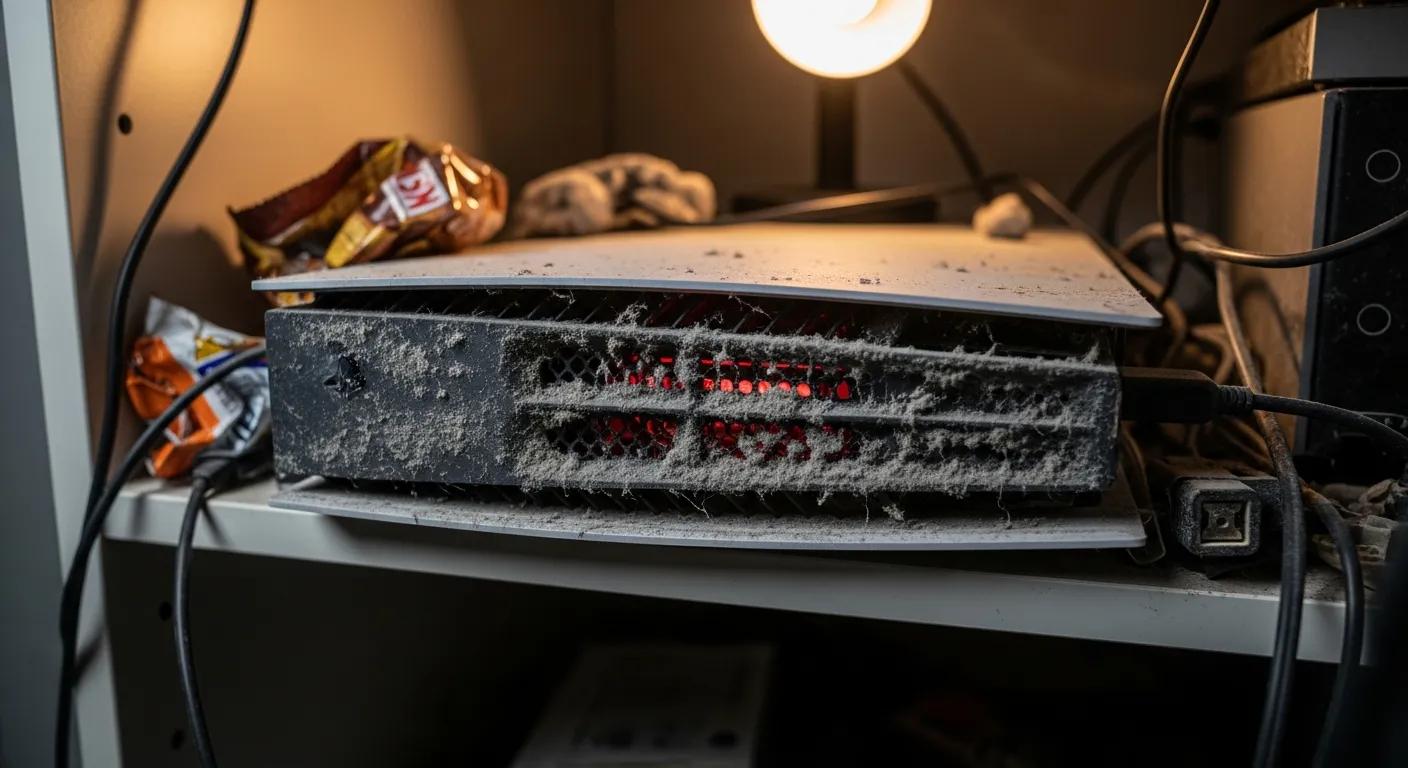
Each gaming console has unique components that can contribute to overheating. For instance, dust accumulation affects all models, blocking airflow and trapping heat. Poor ventilation is a common issue, especially if the console is placed in an enclosed space. Additionally, hardware malfunctions, such as failing cooling fans or thermal paste degradation, can lead to overheating. Regular maintenance and awareness of these factors can help prevent overheating issues.
Specifically, PlayStation consoles often rely on sophisticated cooling systems that can become clogged with dust over time, reducing their efficiency. Xbox consoles, with their powerful processors, generate significant heat and require unobstructed airflow to maintain safe operating temperatures. The Nintendo Switch, being a portable device, has a compact design that can be more susceptible to heat buildup if used extensively in warm environments or placed on soft surfaces that block vents.
How Does Dust and Poor Ventilation Lead to Console Heat Issues?
Dust restricts airflow within the console, causing internal temperatures to rise. When dust settles on cooling fans and vents, it hampers their ability to dissipate heat effectively. Poor ventilation exacerbates this issue, as consoles need adequate airflow to maintain optimal operating temperatures. Regular cleaning and ensuring proper placement in well-ventilated areas are essential practices for preventing heat-related problems.
In addition to dust, the placement of your console plays a critical role in ventilation. Placing consoles inside closed cabinets, on carpeted floors, or near heat sources can trap heat and reduce cooling efficiency. It is advisable to position your console on a hard, flat surface with at least a few inches of clearance around all vents. This setup allows air to circulate freely and helps maintain a stable temperature during extended gaming sessions.
How Can Loud Fan Noise in Gaming Consoles Be Diagnosed and Fixed?
Loud fan noise in gaming consoles can be a sign of underlying issues that need attention. Identifying the symptoms of fan malfunction is crucial for timely repairs. Common indicators include excessive noise during operation, sudden shutdowns, and poor performance, which may relate to cooling issues. Understanding these signs can help gamers take action before more significant problems arise.
Fan noise can also be influenced by the age of the console and the quality of its cooling components. Over time, fans may wear out, bearings can degrade, and dust buildup can cause imbalance, all contributing to increased noise levels. Addressing fan noise promptly not only improves the gaming experience but also prevents overheating and hardware damage.
What Are the Signs of Fan Malfunction in Different Console Models?
Different console models exhibit specific signs of fan malfunction. For example, a loud fan noise often indicates overheating, while sudden shutdowns can signal fan failure. Additionally, poor performance during gameplay may relate to inadequate cooling. Recognizing these symptoms early can prevent further damage and ensure a smoother gaming experience.
In PlayStation consoles, you might notice the fan running at high speeds constantly or making grinding noises. Xbox users may experience abrupt shutdowns or system freezes linked to fan issues. Nintendo Switch owners could observe the fan spinning loudly during gameplay or the device becoming unusually warm. Each of these signs warrants inspection and possible repair to maintain optimal console function.
Which Repair Services Does Bizup Offer for Fan Noise Reduction?
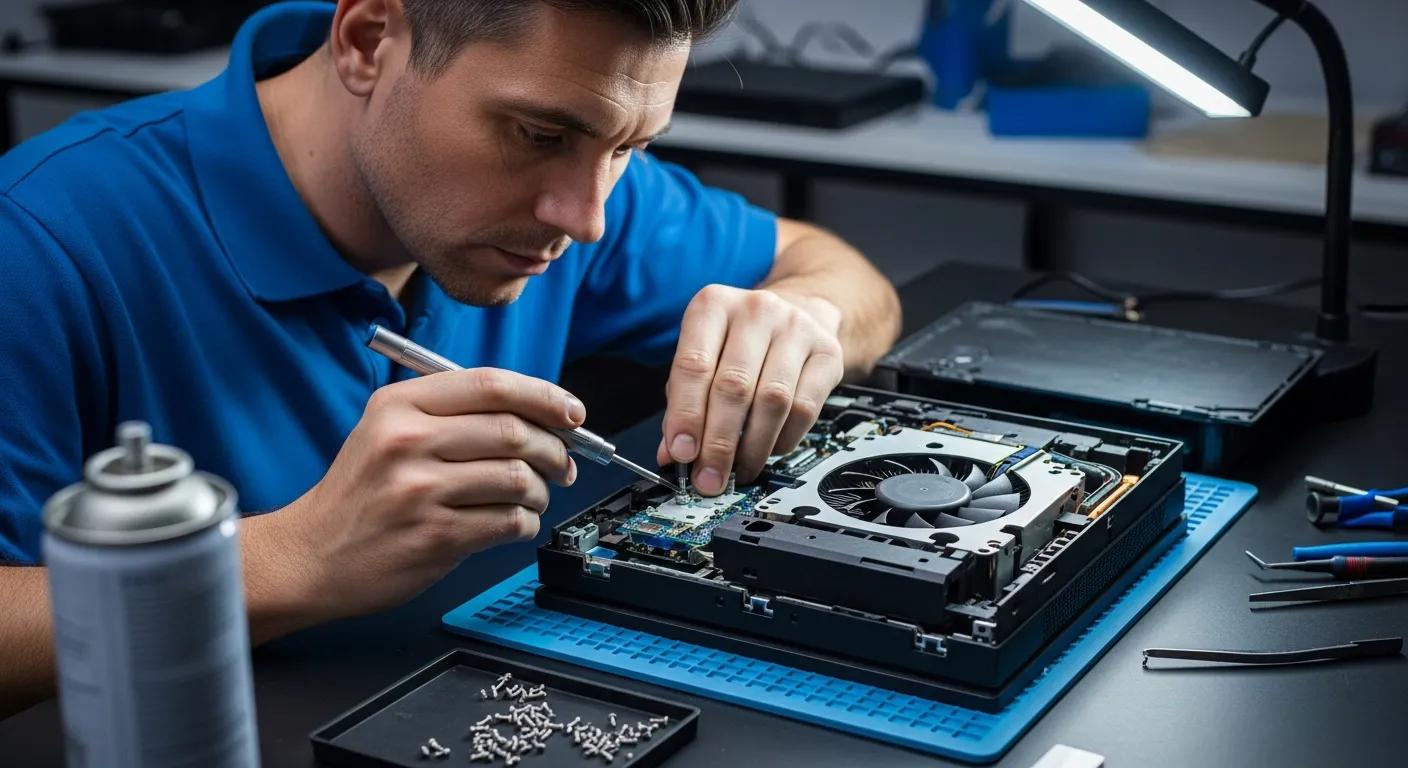
Bizup offers various repair services to address fan noise issues in gaming consoles. Their services include internal cleaning to remove dust buildup, fan replacement options for malfunctioning units, and thermal paste renewal to improve heat transfer. By utilizing these services, gamers can restore their consoles to optimal performance and reduce unwanted noise.
Technicians at Bizup use specialised tools to carefully dismantle consoles, clean internal components, and replace worn-out fans with high-quality parts. They also apply fresh thermal paste to critical chips, which enhances heat dissipation and reduces the workload on cooling fans. These comprehensive services ensure that consoles run quieter and cooler, extending their lifespan and improving user comfort.
Research further emphasizes the importance of effective fan design and repair in significantly reducing console noise.
What Causes Random Shutdowns and How Are They Repaired?
Random shutdowns in gaming consoles can be frustrating and disruptive. These shutdowns may result from power supply issues, software glitches, or overheating. Understanding the root causes of these shutdowns is essential for effective repairs and maintaining a reliable gaming experience.
Random shutdowns not only interrupt gameplay but can also indicate serious underlying problems that, if left unresolved, may cause permanent damage to your console. Identifying whether the cause is hardware or software-related is the first step in troubleshooting and repair.
How Do Hardware and Software Issues Trigger Unexpected Console Shutdowns?
Hardware issues, such as overheating, are a major cause of random shutdowns. When a console reaches critical temperatures, it automatically shuts down to prevent damage. Power supply issues can also lead to failures, as can software glitches that cause instability. Identifying these problems is crucial for implementing the right repair strategies.
Power supply problems may include faulty power adapters, damaged internal power circuits, or unstable electrical input. Software issues might involve corrupted system files, firmware bugs, or incompatible updates that cause the console to crash unexpectedly. Both hardware and software diagnostics are necessary to pinpoint the exact cause of shutdowns and to apply the appropriate fix.
What Repair Processes Address Random Shutdowns at Bizup?
Bizup employs several repair processes to address random shutdowns in gaming consoles. Their services include thermal cleaning to remove dust and improve airflow, power supply repairs or replacements for failing units, and comprehensive hardware diagnostics to identify underlying issues. By addressing these problems, Bizup helps ensure that consoles operate reliably and efficiently.
During repairs, Bizup technicians perform detailed inspections using specialised diagnostic tools to test power supply stability and hardware integrity. They clean internal components to reduce heat buildup and replace any defective parts. For software-related shutdowns, they may reinstall or update the console’s firmware to resolve bugs and improve system stability. This thorough approach ensures that random shutdowns are effectively resolved, restoring the console’s reliability.
How to Maintain Your Gaming Console to Prevent Overheating and Shutdowns?
Proper maintenance is key to preventing overheating and shutdowns in gaming consoles. Gamers can adopt several best practices to keep their devices in optimal condition. Regular cleaning, monitoring ambient temperature, and ensuring proper ventilation are essential steps in maintaining console health.
In addition to these practices, it is important to be mindful of usage patterns. Avoid prolonged gaming sessions without breaks, as continuous operation can increase internal temperatures. Using cooling accessories, such as external fans or cooling stands, can also help maintain safe operating temperatures, especially in warmer climates like Port Augusta West.
What Are Best Practices for Console Cleaning and Cooling?
To maintain your gaming console, consider the following best practices:
- Regular Cleaning: Use compressed air to clean dust from vents and fans. This prevents dust buildup that can block airflow and cause overheating.
- Proper Placement: Ensure the console is in a well-ventilated area to promote airflow. Avoid enclosed spaces and keep the console away from heat sources.
- Scheduled Maintenance: Plan regular check-ups to address potential issues before they escalate. This includes professional servicing if you notice unusual noises or performance drops.
By following these steps, you can significantly extend the lifespan of your gaming console and enhance its performance, ensuring a smooth and enjoyable gaming experience.
When Should You Seek Professional Repair Services in Port Augusta West?
Recognising when to seek professional help is crucial for maintaining your gaming console. Signs that indicate the need for professional repair include slow performance, freezing or crashing devices, and visible damage. If you encounter these issues, it may be time to consult a local expert like “Bizup” for assistance.
Professional repair services are especially recommended if you notice persistent overheating despite regular cleaning, loud or unusual fan noises, or frequent random shutdowns. Attempting to fix complex hardware or software issues without proper expertise can lead to further damage. Bizup’s experienced technicians provide reliable diagnostics and repairs, ensuring your console is restored to optimal condition quickly and safely.
In summary, understanding the common issues faced by gaming consoles, such as overheating, loud fan noise, and random shutdowns, is essential for maintaining optimal performance. Regular maintenance and timely repairs can prevent these problems and ensure a smooth gaming experience. For those in Port Augusta West, Bizup offers reliable repair services to address these issues effectively.