
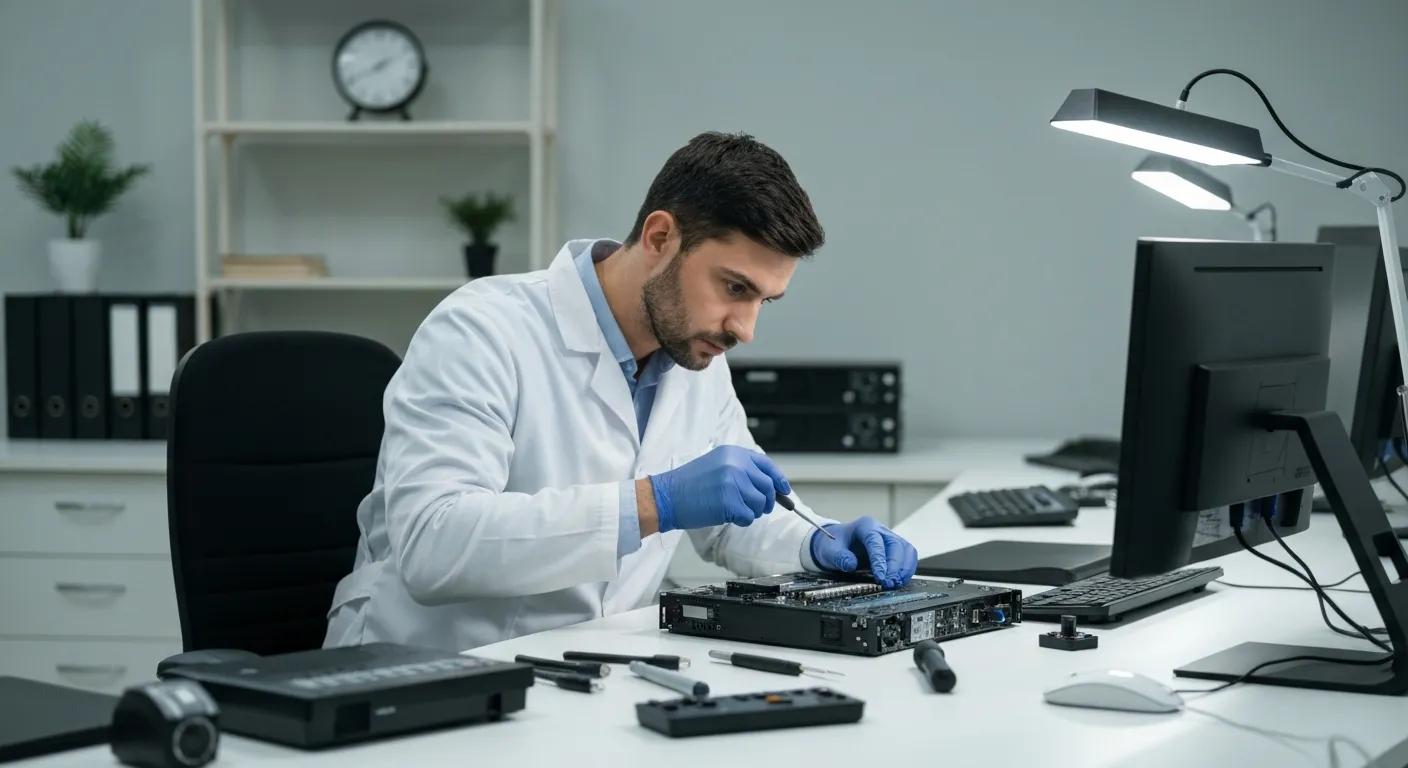
Effective Computer Virus Cleaning in Murray Bridge: Expert Virus and Malware Removal by Bizup
A computer virus cleaning service removes malicious software that degrades performance, steals data, or disrupts access to files and services. This article explains how virus and malware cleaning works, how to recognise infections on PCs and laptops, and practical steps to limit damage while you get help. For regional users in Murray Bridge, the focus is on clear, actionable guidance that restores performance and protects data, with an emphasis on local support options and safe first actions. Bizup connects regional Australians with expert tech repairs and support, offering accessible, reliable, and affordable options through in-store, on-site, and secure remote services while communicating in plain language. Read on for symptom checklists, a comparison of malware types, the step-by-step removal workflow used by professional technicians, prevention strategies, and immediate actions you can take if you suspect infection. The goal is to help you diagnose risk, limit harm, and understand when to escalate to professional virus removal for a secure outcome.
What Are the Common Signs Your Computer Has a Virus or Malware in Murray Bridge?
A virus or malware infection often produces distinct symptoms because malicious code alters normal system behaviour and consumes resources. Recognising these signs early helps contain the spread, protect personal data, and reduce the chance of more serious compromise, such as ransomware. Below are clear indicators that a device may be infected and practical checks you can run to confirm suspicious activity. If multiple symptoms appear together, professional diagnosis is usually the safest next step.
Common symptoms to watch for include:
- Sudden, unexplained slowdowns during routine tasks that previously ran smoothly.
- Repeated pop-ups or browser redirects even when no browser windows are open.
- Frequent freezing, crashes, or blue screens that interrupt normal work.
These symptoms often point to background processes or unwanted software consuming CPU, disk, or network resources; understanding what to check next helps decide whether a DIY fix is safe or if expert removal is needed.
How to Recognise Slow Performance, Pop-ups, and Freezing Issues
Slow performance commonly shows as long boot times, lag when opening apps, or high disk usage from unknown processes. Check Task Manager on Windows or Activity Monitor on Mac to spot processes using large CPU, memory, or disk; unknown names or repeated high usage suggest malware rather than hardware ageing.
Pop-ups, toolbars, or unwanted browser extensions are typical of adware and PUPs (potentially unwanted programs) and will often persist after clearing browsing data, indicating deeper infection. If freezing coincides with sudden network activity or file changes, treat the device as potentially compromised and prepare to isolate it before troubleshooting further.
These diagnostic checks narrow down the cause between ageing hardware, software bloat, and malware; knowing the difference helps decide on cleaning steps or contacting a technician for a secure removal.
What Other Warning Signs Indicate Malware Infection on Your PC or Laptop?
Less obvious signs include unexpected network traffic, unauthorised account activity, and new software appearing without consent. Monitor data usage for unexplained spikes and review recent logins or emails for signs of credential theft; spyware and trojans often operate silently to harvest information. Ransomware indicators include renamed or encrypted files and ransom notes demanding payment; in such cases, immediate isolation and professional help are essential to avoid exacerbating damage. Regularly checking system logs and installed applications helps you spot these subtler signals before they escalate into loss of data or privacy.
Recognising these warning signs early increases the chance of complete recovery and minimises disruption to your workflows and personal data.
What Types of Malware Threaten Computers in Murray Bridge?
Malware is a broad term that covers many categories—ransomware, spyware, adware, trojans, and PUPs—each with different infection methods and user impact. Understanding the distinctions clarifies removal complexity and when to call a specialist. Below is a compact comparison of common malware types showing how they infect, the typical user impact, and how difficult professional removal tends to be.
The table below compares common malware categories and their key attributes.
How Does Ransomware Affect Your Computer and Data?
Ransomware encrypts files or locks systems to extort payment, often spreading across local networks and attached drives. The immediate priority is to disconnect the affected device from the network and external storage to limit lateral movement, preserving evidence for recovery attempts. DIY attempts to decrypt or pay a ransom can worsen outcomes or lead to data loss; restoration typically depends on available backups or specialised recovery tools used by professionals. Safe next steps include documenting ransom notes and affected files, preserving copies for technicians, and contacting expert support without engaging with attackers.
Understanding the urgency of ransomware containment and the role of backups helps you assess options and prepare for professional remediation or data recovery where possible.
What Are Spyware, Adware, and Trojans and Their Impact on Your Device?
Spyware covertly collects information, often sending sensitive data or keystrokes to attackers and undermining privacy; removal typically requires both software cleanup and credential resets. Adware and PUPs focus on showing unwanted ads and redirecting browsing, causing slowdowns and degraded user experience; these are often bundled with free downloads and may be removed with targeted cleaners. Trojans disguise themselves as legitimate software but install backdoors or download further malware, creating persistent access that complicates removal and increases the risk of secondary infections. Each type demands different removal tactics: privacy checks for spyware, targeted uninstallation for adware, and deep scans plus integrity checks for trojans.
Recognising which type of malware is present helps inform whether a full system restore, targeted cleanup, or professional forensic analysis is appropriate.
How Does Bizup Perform Effective Computer Virus Cleaning in Murray Bridge?
Effective virus cleaning follows a clear, repeatable service process: diagnosis, isolation, removal, repair, and prevention advice. Bizup provides flexible support modes—secure remote sessions for quick triage, in-store hands-on repairs for hardware-level tasks, and on-site visits for network infections—while keeping communication clear and jargon-free. Technicians start with a full assessment to identify the malware type and scope, then quarantine affected systems and apply specialist removal tools before verifying system integrity and restoring normal operation. After cleanup, customers receive plain-language recommendations to reduce reinfection risk and guidance on backups and updates.
The structured workflow ensures technicians address both the immediate threat and the root cause, helping devices return to reliable operation with reduced risk of repeat infection. The process table below summarises the typical steps and outcomes you can expect from professional cleaning.
What Are the Step-by-Step Virus and Malware Removal Procedures?
A practical step-by-step removal sequence clarifies what to expect and how to assist technicians: assess, isolate, back up where safe, remove, repair, verify, and advise. Technicians begin with diagnostic scans and logs to establish infection scope, then isolate the device from networks to prevent spread. If possible and safe, they perform a controlled backup of critical data before executing removal tools and manual clean-up to eliminate persistent components. After removal, they repair system files, apply updates, and run validation scans to confirm the system is clean, finishing with user-friendly advice on updates, antivirus, and backup routines.
Knowing this workflow helps you collect useful information beforehand and sets realistic expectations for timing and involvement during cleanup.
How Do Remote, On-site, and In-store Services Work for Virus Cleaning?
Remote support is often the fastest way to triage common infections through secure screen-sharing and authorised remote access; it suits many adware, spyware, and straightforward Trojan removals. In-store service allows technicians to run hands-on diagnostics, perform hardware checks, and apply repairs or data extraction not possible remotely, making it suitable for complex cases or when hardware faults coexist with malware. On-site visits address multi-device network infections, business setups, or cases where devices cannot be moved; technicians can secure the local network and remediate affected systems in situ. Each mode balances speed, security, and convenience, and Bizup communicates each step simply so regional customers know what to expect.
Choosing the right mode depends on infection complexity, data sensitivity, and whether physical hardware or network-level fixes are required; professionals advise the safest route based on initial diagnosis.
Why Should Murray Bridge Residents Choose Bizup for Virus and Malware Removal?
Local expertise and a community focus matter when timeliness and trust are priorities for regional customers. Bizup positions itself as a regional connector that offers clear, jargon-free communication and flexible service options—walk-in, remote, or on-site—so residents can choose the most convenient and secure path to recovery. The combination of rapid triage, transparent updates, and community understanding reduces downtime for home users and small businesses who rely on local support. A concise list below highlights the practical benefits of choosing a local specialist for virus and malware removal.
Local benefits include:
- Faster access to technicians and easier in-person follow-up when needed.
- Practical knowledge of regional connectivity limits and backup constraints.
- Clear explanations and ongoing support aimed at building long-term trust.
These local strengths make it simpler for Murray Bridge residents to restore devices quickly and maintain safer computing habits with a provider that understands regional needs.
How Does Bizup’s Local Expertise Benefit Regional Customers?
Local technicians offer advantages beyond technical skill: faster response, easier device drop-off and follow-up, and familiarity with common regional scenarios such as limited upload bandwidth or common consumer software setups. This contextual knowledge helps technicians recommend backup strategies and removal approaches that suit local infrastructure and user behaviour. Local support also enables in-person demonstrations of safer habits and direct handover for devices that need physical work. The result is a more practical, community-oriented service experience that combines technical resolution with accessible advice.
Local expertise, therefore, shortens recovery time and provides a more personalised, understandable service pathway for residents and small businesses in the Murray Bridge area.
What Do Customers Say About Bizup’s Virus Cleaning Services?
Customer feedback commonly centres on clarity of communication, speed of response, and the practical effectiveness of the repair process without technical jargon. Many clients appreciate step-by-step explanations and actionable prevention advice that helps them avoid repeat infections, while others value the convenience of choosing remote triage or an in-store visit. These recurring themes—clear updates, fast triage, and practical prevention guidance—reflect the service priorities Bizup emphasises for regional communities. Prospective customers can expect straightforward intake conversations and transparent next steps during every service engagement.
This pattern of feedback underscores the importance of easy-to-understand guidance and flexible support options when selecting a local virus removal provider.
How Can You Prevent Future Virus Infections on Your Computer in Murray Bridge?
Prevention combines software defences, routine maintenance, and safe user behaviours to reduce exposure and impact from malware. Core measures include reputable antivirus software, regular operating system and application updates, reliable backups, and cautious browsing habits. The table below compares common prevention measures with what they protect against and how to implement them practically for home and small business users.
What Essential Tips Help Keep Your PC Secure from Malware?
Daily security habits significantly reduce risk: keep software updated, use strong, unique passwords, enable multi-factor authentication where available, and treat unexpected email attachments or links with suspicion. Install and configure antivirus software with real-time protection and periodic full scans, and limit administrator privileges for routine accounts to reduce installation risks. Regularly review installed programs and browser extensions for unwanted additions and remove anything unfamiliar. These habits, when combined, form a practical routine that protects against common attack vectors and helps detect unusual activity earlier.
Consistent application of these tips reduces the burden on reactive cleaning and makes infection less likely to succeed in the first place.
How to Choose the Right Antivirus Software and Backup Strategies?
When selecting an antivirus, prioritise real-time scanning, frequent updates, a low performance impact, and good detection rates for common malware types; consider platform-specific options for Windows and Mac. For backups, adopt a hybrid approach: local external backups for fast restores plus off-site/cloud copies for disaster recovery, following a simplified 3-2-1 mindset. Test restores periodically to ensure backups are usable and document recovery steps to speed restoration after an incident. If you handle sensitive data or complex network setups, consult professional advice to tailor backup frequency and retention to your needs.
Rightly chosen antivirus and backup plans reduce recovery time and protect against permanent data loss from ransomware or hardware failure.
What Should You Do Immediately If You Suspect Your Computer Has a Virus?
Quick, calm actions can limit damage and preserve evidence for recovery—disconnect from the internet, avoid logging into sensitive accounts, and gather symptom details for the technician.
Do not attempt risky DIY decryptors or respond to ransom demands; instead, document affected files and error messages and take screenshots where possible. Below is a short, actionable checklist to follow immediately to reduce harm while preparing to contact professional help.
- Disconnect the device from Wi-Fi and wired networks to prevent spread.
- Avoid entering passwords or performing banking until the device is clean.
- Take screenshots and note recent downloads or email interactions.
- If possible, power down safely and preserve the device for technician inspection.
These steps stabilise the situation and give technicians the best possible starting point for diagnosis and safe recovery.
What Are the First Steps to Take Before Contacting Bizup?
Before contacting Bizup, isolate the device and collect basic information: note symptoms, record recent suspicious emails or downloads, and capture screenshots of any ransom notes or error messages. If you can, identify affected devices on your network and back up any critical, unencrypted files to a disconnected external drive—only if doing so will not spread the infection. Avoid paying ransoms or running unknown tools; instead, prepare to explain the sequence of events and observed symptoms to the technician. This information speeds diagnosis and helps technicians choose the safest remediation path.
Being prepared with clear symptom details improves the efficiency of your support interaction and helps the technician advise the right immediate steps.
How to Book Expert Virus Cleaning Services with Bizup in Murray Bridge?
Booking with Bizup is straightforward: choose between a secure remote session for fast triage, an in-store drop-off for hands-on work, or an on-site visit for network-level or multi-device issues. When arranging service, provide a brief description of symptoms, any error messages, and whether sensitive data or backups are involved; this helps technicians prioritise containment and recovery. For remote sessions, you will be asked to consent to secure access tools and to remain available during diagnosis; for in-store or on-site work, prepare the device and list recent changes. Bizup aims to communicate next steps clearly, offering practical timelines and plain-language explanations throughout the repair process.
Clear preparation and open communication make the booking process efficient and ensure technicians can start remediation promptly upon engagement.