
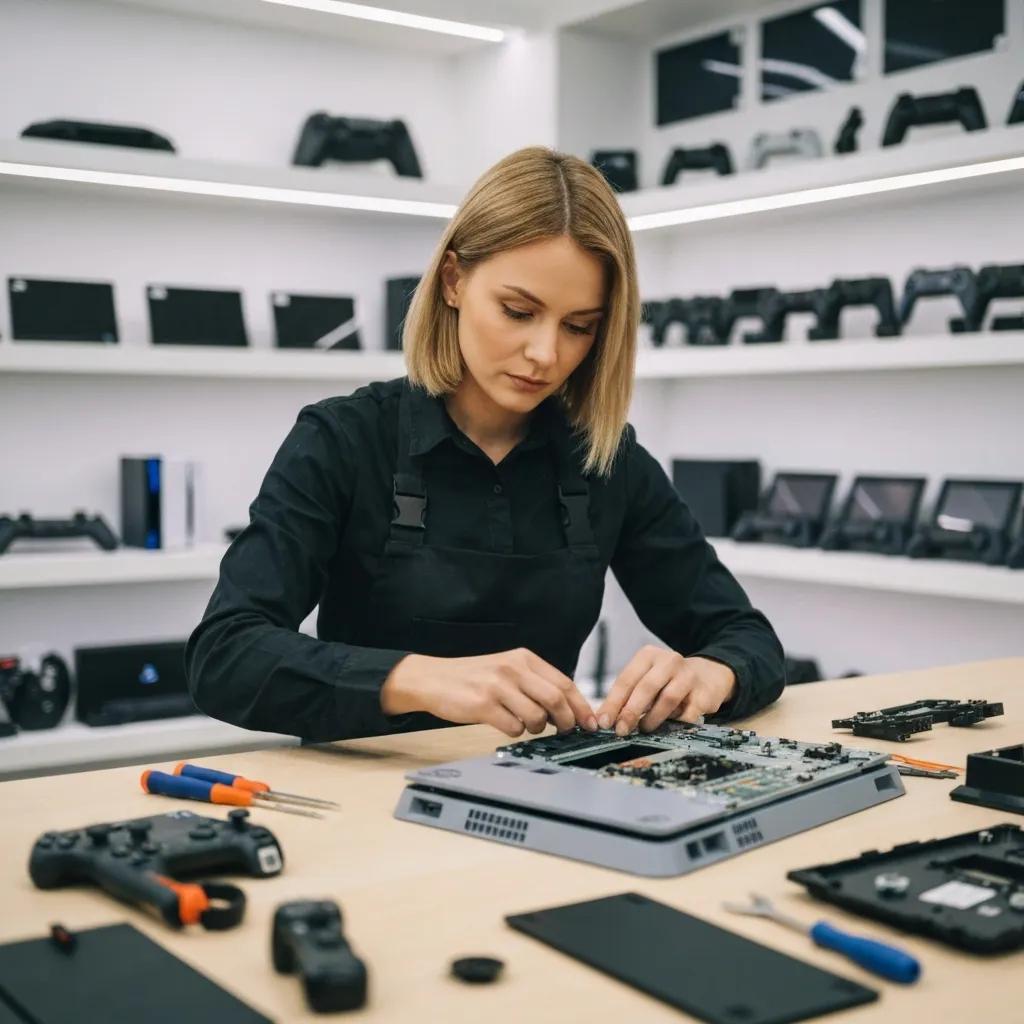
Premium Gaming Console Repairs in Murray Bridge at Bizup: Reliable, Local, and Expert Service
Local gamers in Murray Bridge need fast, trustworthy repairs when a PlayStation, Xbox or Nintendo Switch stops behaving — and this guide explains how to spot problems, what repairs typically involve, and how to get your console working again. You will learn which console families are commonly serviced, the symptoms that point to HDMI, disc drive, controller or thermal faults, and the realistic timelines for diagnosis and repair. The article also walks through the step-by-step repair workflow used locally, provides practical advice for preparing a device for drop-off or on-site visits, and explains how Bizup IT’s local approach means reliable outcomes without overpromising. Read on for concise lists of common faults, clear comparisons of supported models, and easy-to-read tables that match symptoms to likely fixes and expected complexity. If you want an actionable next step, the later sections explain booking options and how Bizup IT communicates during diagnosis and repair, helping you decide whether to drop in, book an on-site visit, or arrange remote support.
What Gaming Consoles Does Bizup Repair in Murray Bridge?
This section summarises the console families most commonly repaired locally and the typical scope of hardware and controller work carried out by our regional technicians. Console repair work generally covers port and connector fixes, disc drive mechanisms, internal cleaning and cooling, controller repairs and basic board-level diagnostics where needed. Knowing which family your device belongs to helps narrow likely faults and the most efficient service route, whether that is a simple in-store fix or a longer part-sourced repair. Below are the families supported and what each covers in practical terms, followed by model-specific notes in the subsections.
Which PlayStation Models Are Supported for Repair?
PlayStation repairs in Murray Bridge typically focus on PS5 and PS4 models, addressing common faults such as HDMI signal issues, disc drive failures and overheating caused by dust or degraded thermal paste. Our technicians diagnose whether the fault is connector damage, firmware-related or a failing internal component, then recommend cleaning, port replacement or component-level work as appropriate. Many PS5/PS4 issues start as intermittent symptoms — for example, flickering output or disc recognition errors — so thorough testing and repeat verification are part of our workflow. Understanding these PlayStation-specific failure modes leads to how Xbox consoles present and how repair choices differ by family.
What Xbox Consoles Can Bizup Fix Locally?
Local Xbox work commonly covers Xbox Series X|S and Xbox One families, with typical problems including HDMI output faults, power or boot issues, and noisy or failing fans that suggest cooling maintenance. Symptoms like no-display, sudden shutdowns or loud operation often point to dust build-up, faulty fans, or connector faults; our technicians aim to reproduce issues, clean and test cooling systems, and advise on replacement parts when necessary. For some faults, in-store drop-off is the most efficient option, while on-site visits are suited to setups where physical transport is difficult. These Xbox repair patterns help frame the quick reference table below comparing key console families and common repair types.
This table gives a compact view to help you match your console to the likely repair path and set expectations before booking. The next section examines the top faults customers bring in and how those are typically resolved.
What Are the Most Common Gaming Console Issues Fixed by Bizup?
Gamers usually bring consoles in for a short list of recurring faults that are straightforward to identify and often fixable without full replacement. The most common issues include damaged HDMI ports that cause no video output, failing disc drives that won’t read or eject discs, controller problems like analogue stick drift, and thermal-related faults from dust and ageing thermal interface materials. Each problem has a typical diagnostic pattern and a corresponding set of repair actions, and awareness of these helps you describe symptoms accurately when booking a diagnosis. Below are focused explorations of the two most frequent hardware categories and a compact table to help match symptoms to causes and likely fixes.
How Does Bizup Repair HDMI Port and Disc Drive Problems?
Damaged HDMI ports and failing disc drives are often caused by physical stress, connector wear or internal contamination, and our technicians begin with non-invasive checks: reproduce the fault, test with known-good cables and discs, and confirm whether the issue is mechanical, electrical or firmware-related. For HDMI faults, the fix can range from cleaning contacts to replacing the HDMI assembly or performing connector-level repairs; disc drive problems commonly require mechanism cleaning, recalibration or replacement of the drive assembly. All repairs include systematic testing on multiple outputs and disc types to verify the fix before returning the console. Knowing this diagnostic progression clarifies why some fixes are quick while others need parts or longer board-level attention.
This introductory table mapping frequent issues to causes and repair approaches helps set realistic timeframe expectations for each category.
This table clarifies typical causes and expected repair approaches so customers can anticipate complexity and timing when arranging a diagnostic. Next, we explore controller-specific problems and thermal solutions, which are equally common.
What Solutions Are Available for Joy-Con Drift and Overheating?
Controller drift and overheating are distinct but frequent faults: Joy-Con drift is usually caused by wear of the analogue stick sensors or contamination, while overheating in consoles stems from dust accumulation, ageing thermal paste, or fan degradation. For drift, our technicians perform cleaning, recalibration, and, if necessary, control-stick module replacement to restore accurate input; these steps typically start with symptom reproduction and controller-level testing. Thermal issues follow a staged approach: internal cleaning, fan checks, and replacement of thermal interface materials where appropriate, with functional stress testing to confirm sustained cooling. Understanding controller and thermal repair options helps you decide whether to pursue a quick controller swap or a deeper console service.
How Does the Bizup Gaming Console Repair Process Work in Murray Bridge?
Our repair workflow is a clear sequence designed to reduce uncertainty: initial diagnosis, transparent quote, repair work, post-repair testing and customer collection or return. Each stage is focused on clear communication and practical outcomes, so you know what to expect and can make informed choices about repairs versus alternatives. Below, we break the lifecycle into explicit steps and present an easy-to-read mapping of stages to customer actions so the process is easy to follow. Knowing the workflow improves the booking experience and sets expectations around communication and turnaround.
What Are the Steps from Diagnosis to Repair Completion?
Diagnosis begins with symptom capture and reproducible testing to isolate hardware from software or accessory causes, typically followed by a short report that explains the likely root cause and proposed repair actions. After diagnosis, a clear quote is prepared and communicated so the customer can approve work based on parts required and expected time; approval triggers the scheduled repair phase. Repair work follows the agreed plan and includes component replacement, cleaning or board-level attention as needed, then thorough testing across use cases to confirm the fault is resolved. This stepwise sequence emphasises transparency and frequent updates so customers remain informed while the device is being serviced.
The following table maps each workflow stage to what happens and what the customer can expect, making the sequence explicit and actionable.
This workflow table shows where customers are involved and what outcomes to expect at each touchpoint, reducing friction and uncertainty. Next, we discuss typical timing so you can plan repairs around your schedule.
How Long Do Typical Console Repairs Take at Bizup?
Most common repairs — such as controller replacements, cleaning, and simple port work — are completed within a few business days, while parts-dependent repairs or more complex board-level work can take longer depending on part availability. Turnaround is influenced by whether the required components are held locally, whether a board-level diagnosis is needed, and the current workshop queue, so timing estimates are provided with each quote. For routine fixes, customers should expect a clear timeframe at diagnosis and periodic updates if parts need to be ordered. These realistic timing expectations help manage planning for gaming sessions or tournaments while your console is being serviced.
Why Choose Bizup for Your Gaming Console Repairs in Murray Bridge?
When you need a local repair partner, practical communication and approachable technicians matter as much as technical skill; Bizup IT positions itself as a regional provider focused on clear updates, sensible repair choices and flexible service options. The following short paragraphs explain how that local focus shapes repair outcomes and why it matters for regional customers. After the topic-centred explanation, a concise list highlights the unique value propositions that make the service an accessible option for Murray Bridge gamers.
Bizup IT emphasises a community-minded approach where technicians explain faults in plain language, recommend repair-first solutions aligned with cost and longevity, and outline realistic timelines for regional parts sourcing. This emphasis on explanation and practicality helps customers choose repairs that balance affordability with durability, and ensures follow-up support channels are clear. Understanding these service traits leads to a quick summary of the specific benefits local customers can expect.
- Local, approachable technicians who explain faults and options in everyday language.
- Clear communication at diagnosis and regular progress updates during repair.
- Practical recommendations favouring repair-over-replace where appropriate.
- Flexible service options including drop-off, on-site visits and remote support where suitable.
These points explain why choosing a local provider that prioritises communication and pragmatic fixes can reduce inconvenience and extend the life of gaming hardware. If you’re ready to book, the next section outlines how to find and contact the Murray Bridge service and what to expect when arranging repairs.
What Makes Bizup’s Technicians and Service Unique?
Bizup’s technicians focus on practical diagnostics and clear customer communication, ensuring you understand the cause of a fault and the realistic repair options available for your console. They combine approachable local knowledge with multi-device capability, which helps when a console-related issue overlaps with peripherals or home network factors. Technicians prioritise reproducible testing and explain whether a quick cleaning, part replacement or deeper board-level work is the most pragmatic option. This transparent approach helps customers make informed repair decisions without technical confusion and sets expectations for follow-up support.
How Does Bizup Ensure Affordable and Long-Lasting Repairs?
Affordability is approached through honest assessment of repair versus replacement, recommending targeted interventions that restore function while avoiding unnecessary work. Long-lasting repairs are supported by quality replacement components where needed, systematic testing and advice on maintenance to prevent recurrence — for example, guidance on keeping vents clear and controllers clean. Post-repair checks and calibration aim to reduce repeat visits, and technicians explain practical steps customers can take to prolong hardware life. These practices balance cost-awareness with durability and lead naturally to how costs and aftercare are handled.
Understanding Costs and Aftercare for Console Repairs at Bizup
The cost for console repairs varies by fault complexity, parts required and labour; Bizup IT provides clear, itemised quotes after diagnosis so customers can decide how to proceed without surprises. Rather than presenting fixed prices in advance, our local diagnostic process identifies the exact parts and effort required and yields a transparent estimate. Post-repair support is handled through clear follow-up channels and standard aftercare practices that focus on post-service checks and practical troubleshooting. The section below explains how costs are determined and how customers can request an accurate estimate.
How Are Repair Costs Determined at Bizup?
Rather than a single figure, cost depends on factors such as whether a connector assembly must be replaced, if a disc mechanism requires a new unit, or whether board-level diagnostics are necessary — each of which affects parts and labour. Customers are encouraged to book a diagnostic so Bizup IT can confirm the fault, outline options and provide an itemised quote reflecting parts sourcing status. This process ensures that you see the cost drivers clearly — parts, complexity and labour — so you can weigh repair options against replacement or alternative approaches. Being informed about these drivers makes budgeting for repairs straightforward and transparent.
What Aftercare and Support Can You Expect?
Aftercare is important to us. Our technicians perform verification testing before handover, explain any maintenance steps, and provide contact channels for follow-up if symptoms recur soon after service. We focus on practical support practices such as post-repair checks and clear guidance on how to report any ongoing issues. Customers are advised to ask about the specific support or assurances associated with their individual repair at the time of quoting, so expectations align with the work performed.
Where Is Bizup Located and How Can You Book Your Gaming Console Repair?
This section explains how to find Bizup’s Murray Bridge service and the booking choices available, without inventing contact details. Booking options typically include in-store drop-off, scheduled on-site visits for certain repairs, and remote guidance for troubleshooting steps that can be done without workshop attendance. Pick the option that suits your situation: drop-off when you can visit, on-site when transport is difficult, or remote help for quick diagnostics — each route starts by describing symptoms and arranging a convenient time. The following paragraphs explain how to locate current contact and location information and what to prepare before any booking.
What Are Bizup’s Opening Hours and Contact Details in Murray Bridge?
Specific opening hours and direct contact details are not provided here, so customers should consult Bizup IT’s local location information page or the shop listing for current hours and the best contact route. Checking the official location page ensures you have the most up-to-date opening times and any seasonal variations that affect in-store drop-off availability. When preparing to call or message, have your console model, a short description of the fault, and any accessory details ready to speed up diagnosis scheduling. Referring to the location page before heading in avoids wasted trips and helps match the service option to your needs.
How Can Customers Book Drop-Off, On-Site, or Remote Repairs?
Booking each service type follows straightforward steps, and customers should prepare basic information to make the booking efficient:
- Drop-off: Bring the console, power cable and any relevant controllers; describe symptoms on arrival and request a diagnostic.
- On-site: Explain the problem and location constraints so a technician can assess whether on-site service is suitable and schedule a visit.
- Remote support: Describe the issue and follow guided troubleshooting steps; if a workshop visit is recommended, arrange diagnostics.
These booking steps make it clear what to prepare and how each option differs, helping you choose the fastest or most convenient route to get your console fixed. Preparing your console and account details in advance reduces delays and speeds up the diagnosis process.
- Checklist before booking: Have model name, fault description and any recent changes ready.
- What to bring: Power lead, controllers, and any relevant accessories.
- Expect communications: You will receive updates during diagnosis and repair so you can plan collection.
Following these practical steps reduces turnaround friction and helps technicians start work faster once the device arrives for service.