
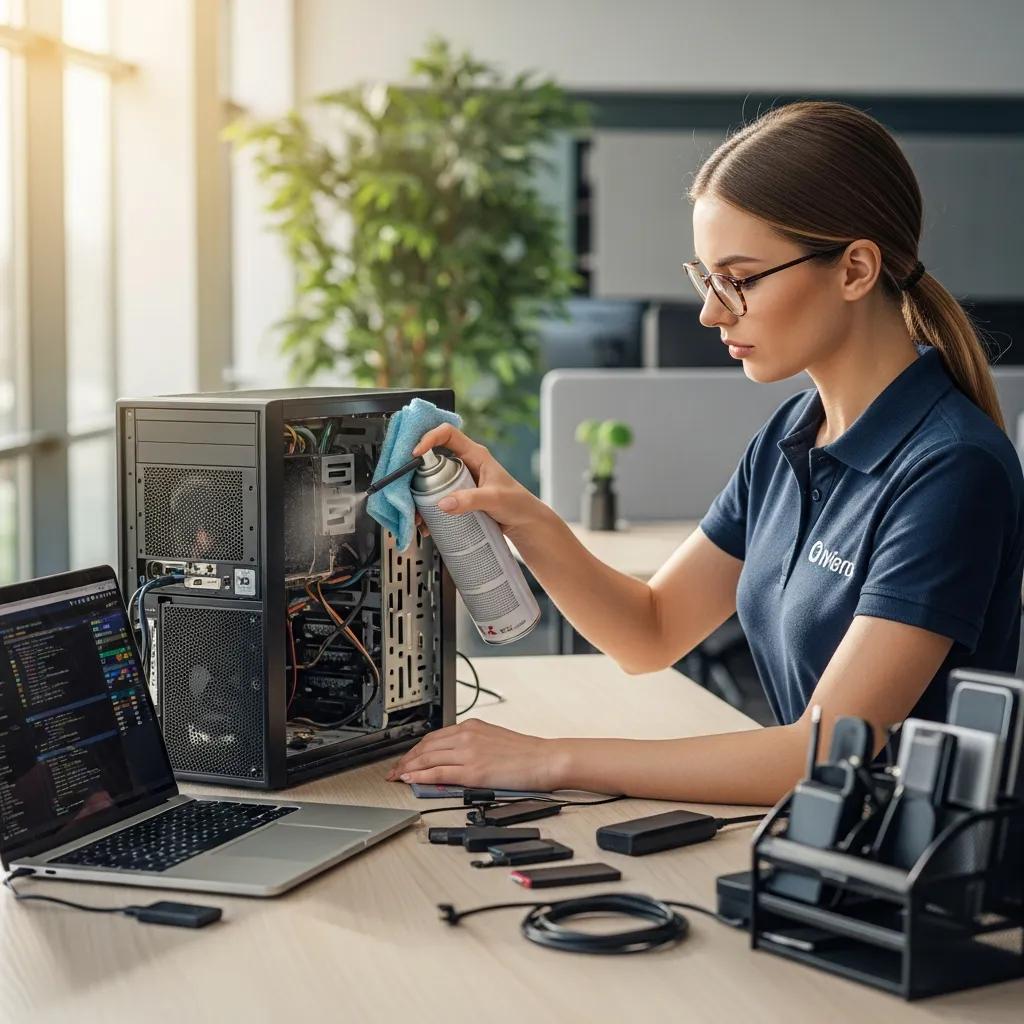
Optimize Computer Virus Removal with Bizup's Local Expertise
In today’s digital landscape, computer viruses pose significant threats to both personal and professional devices. Understanding how to identify and address these issues is crucial for maintaining the integrity of your electronic devices. This article delves into the essential aspects of computer virus cleaning, focusing on the signs that indicate your computer may be infected, the processes involved in effective virus removal, and the importance of ongoing IT support. By the end of this guide, you will be equipped with the knowledge to recognise malware symptoms, understand the virus cleaning process, and appreciate the value of preventative IT support services.
To highlight the ongoing challenges posed by digital threats, it’s important to stay aware of how malware continues to evolve and affect devices.
What Are the Common Signs Your Computer Needs Virus Cleaning?
Recognising the signs of a computer virus is the first step in protecting your device. Common symptoms include slow performance, unexpected pop-ups, and frequent crashes. These indicators suggest that your system may be compromised, necessitating immediate action to prevent further damage.
How to Identify Malware and Virus Symptoms on Your Device
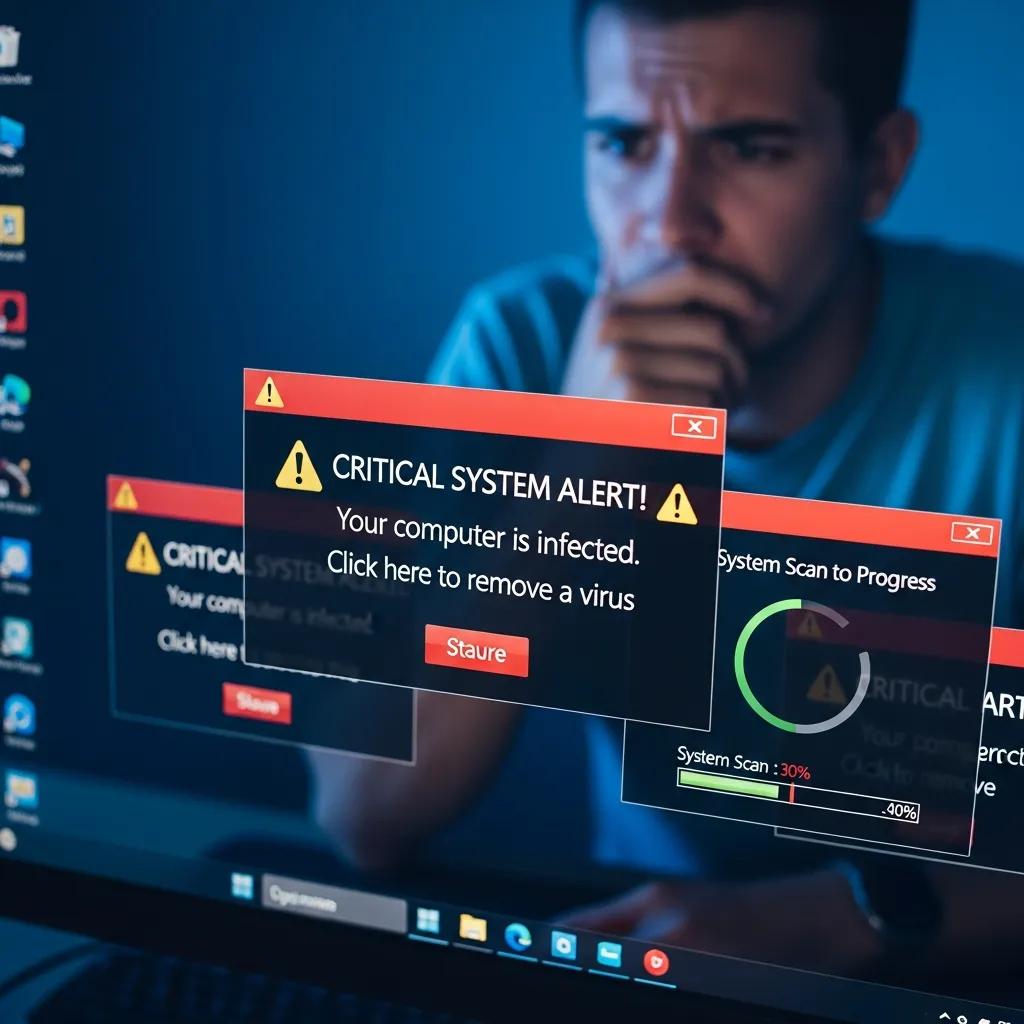
Identifying malware and virus symptoms is essential for timely intervention. Here are some common signs to watch for:
- Slow Performance: If your computer takes longer than usual to boot up or run applications, it may be infected.
- Unexpected Pop-ups: Frequent pop-up ads, especially those that appear when you’re not browsing, can indicate adware or other malicious software.
- Frequent Crashes: If your system crashes or freezes unexpectedly, it could be a sign of a virus affecting system stability.
Recognising these symptoms early can help mitigate potential damage and restore your device’s functionality.
Why Early Detection Prevents Further Computer Damage
Early detection of malware is crucial for minimising damage. Ignoring symptoms can lead to data loss, compromised personal information, and costly repairs. By addressing issues promptly, you can save time and money while protecting your sensitive data. Moreover, early intervention often results in simpler and less expensive solutions, making it a wise choice for any computer user.
How Does Bizup Perform Computer Virus and Malware Removal in Murray Bridge?
Bizup offers a comprehensive approach to virus and malware removal, ensuring that your device is thoroughly cleaned and restored to optimal performance. Their process is designed to be efficient and effective, catering to the specific needs of each client.
Step-by-Step Virus Cleaning Process Explained
The virus cleaning process at Bizup involves several key steps:
- Initial Contact and Assessment: Clients can reach out via phone at 08 8531 0000 or email at sales@bizup.com.au to discuss their issues.
- Remote Support Procedures: For many cases, Bizup can provide immediate assistance through remote support, allowing technicians to diagnose and resolve issues without needing to visit the client’s location.
- On-site Technician Roles: If necessary, a technician will visit the client’s location to perform a thorough inspection and cleaning of the device.
This structured approach ensures that all potential threats are addressed, restoring your device’s functionality.
What Makes Bizup’s Virus Removal Service Reliable and Local
Bizup’s virus removal service is built on a foundation of reliability and local expertise. Their transparent diagnostic policies ensure that clients are informed throughout the process, fostering trust and confidence. With multiple service channels available, including remote and on-site support, Bizup caters to the diverse needs of its clients. Their local presence in Murray Bridge further enhances their ability to provide timely and effective service, making them a trusted choice for virus cleaning.
What Are the Options for Virus Removal Services in Murray Bridge?
Virus removal services can vary depending on the complexity of the issue and the level of support required. Bizup offers flexible service options designed to suit different needs and budgets, providing clear information upfront to help clients make the best choice for their situation.
Overview of Service Options and Clear Communication
Bizup provides several service options, each tailored to different levels of virus cleaning and IT support. Their communication is clear, ensuring clients know what to expect without hidden fees. This clarity helps clients choose the option that best fits their needs.
Clients are encouraged to contact Bizup directly to discuss their specific requirements and receive a personalised service recommendation.
How to Choose the Right Virus Cleaning Option for Your Needs
When selecting a virus cleaning option, consider the following factors:
- Service Channel Preferences: Determine whether you prefer remote support or on-site assistance.
- Quality of Service Considerations: Research customer reviews and testimonials to gauge the effectiveness of the service.
- Budget Constraints: Evaluate your budget to find an option that offers the best value for your needs.
By weighing these factors, you can make an informed decision that ensures your device receives the appropriate care.
How Can IT Support Help Prevent Future Virus Infections?
Ongoing IT support plays a vital role in preventing future virus infections. By implementing preventative measures, businesses and individuals can significantly reduce their risk of encountering malware.
Preventative Measures and Ongoing IT Support Services
Bizup offers a range of preventative measures designed to safeguard your devices:
- Regular System Updates: Keeping software and operating systems up to date helps protect against vulnerabilities.
- Antivirus Software Installation: Installing reputable antivirus software provides an additional layer of security.
- User Education: Training users on safe browsing practices and recognising phishing attempts can prevent infections before they occur.
These proactive strategies are essential for maintaining the health of your devices and ensuring long-term protection against cyber threats.
Beyond basic preventative measures, advanced strategies for detecting and filtering internet threats are continuously being developed to enhance cybersecurity.
Why Small Businesses in Murray Bridge Trust Bizup for IT Security
Small businesses in Murray Bridge trust Bizup for IT security due to their commitment to quality service and local expertise. With a focus on customer satisfaction, Bizup has built a reputation for reliability and effectiveness. Their tailored IT support solutions address the unique challenges faced by small businesses, making them a preferred partner for maintaining cybersecurity.
Frequently Asked Questions
What types of viruses can Bizup remove from my computer?
Bizup is equipped to handle a wide range of malware, including viruses, trojans, ransomware, spyware, and adware. Each type of malware has its own characteristics and methods of infection, which Bizup’s technicians are trained to identify and eliminate. By utilising advanced tools and techniques, they ensure that all traces of malicious software are removed, restoring your device to optimal performance. This comprehensive approach helps protect your data and enhances your system’s security against future threats.
How long does the virus removal process typically take?
The duration of the virus removal process can vary based on the complexity of the infection and the specific services required. Generally, remote support can resolve issues within a few hours, while on-site visits may take longer, depending on the extent of the damage. Bizup aims to provide efficient service without compromising quality, ensuring that your device is thoroughly cleaned and restored as quickly as possible. Clients are kept informed throughout the process regarding expected timelines and any necessary follow-up actions.
Can I prevent viruses from infecting my computer in the future?
Yes, there are several proactive measures you can take to prevent future virus infections. Regularly updating your operating system and software is crucial, as updates often include security patches. Additionally, installing reputable antivirus software and conducting routine scans can help detect and eliminate threats before they cause harm. Educating yourself about safe browsing practices and being cautious with email attachments and downloads are also effective strategies to minimise the risk of infection.
What should I do if I suspect my computer is infected?
If you suspect your computer is infected, the first step is to disconnect it from the internet to prevent further damage or data loss. Avoid using the device until it has been assessed by a professional. Contact Bizup for immediate assistance, as they can provide remote support or schedule an on-site visit. Early intervention is key to minimising damage, so addressing the issue promptly can save you time and money in the long run.
Are there any signs that indicate I need ongoing IT support?
Yes, several signs may indicate the need for ongoing IT support. Frequent system slowdowns, unexpected crashes, and recurring malware infections are clear indicators that your device may require professional attention. Additionally, if you find yourself struggling to keep up with software updates or security measures, it may be time to consider ongoing IT support. Bizup offers tailored solutions to help maintain your system’s health and security, ensuring you can focus on your work without technical interruptions.
How does Bizup ensure customer satisfaction with its services?
Bizup prioritises customer satisfaction by providing transparent communication, tailored solutions, and reliable service. They keep clients informed throughout the virus removal process, ensuring there are no hidden fees or surprises. Additionally, their technicians are trained to address specific client needs, offering personalised recommendations based on individual circumstances. By focusing on quality service and local expertise, Bizup has built a strong reputation in Murray Bridge, making it a trusted partner for IT support and virus cleaning.
Conclusion
Effective virus cleaning and ongoing IT support are essential for safeguarding your devices against digital threats. By recognising symptoms early and choosing a reliable service like Bizup, you can restore your computer’s performance and prevent future infections. Their tailored solutions and local expertise ensure you receive the best care for your needs. Contact Bizup today to discuss how they can help protect your technology and enhance your cybersecurity.