
Reliable Virus & Malware Removal Solutions in Murray Bridge for Fast and Dependable Computer Repair
Computer viruses and malware can silently compromise files, slow systems, and expose personal data, so recognising and removing threats quickly is essential for Murray Bridge users. We’ll help you understand how infections work, how to spot common signs on your PCs, laptops, and mobile devices, and what immediate steps you can take to reduce risk while you arrange professional help. We’ll also cover practical diagnostic checks, an overview of common malware types like ransomware, spyware, and trojans, and clear guidance on when it’s safe to try self-help versus calling a technician. You’ll learn about Bizup’s local service model, our four-step removal process, proactive cybersecurity measures, including recommended antivirus options, and how our remote and onsite support options work. We’ll also set realistic expectations for how long our service might take. Keep reading for symptom checklists, removal steps, comparisons of antivirus options and service types, and quick FAQ-style answers designed to help Murray Bridge residents act fast and confidently.
Reliable Virus & Malware Removal Services for Murray Bridge Devices
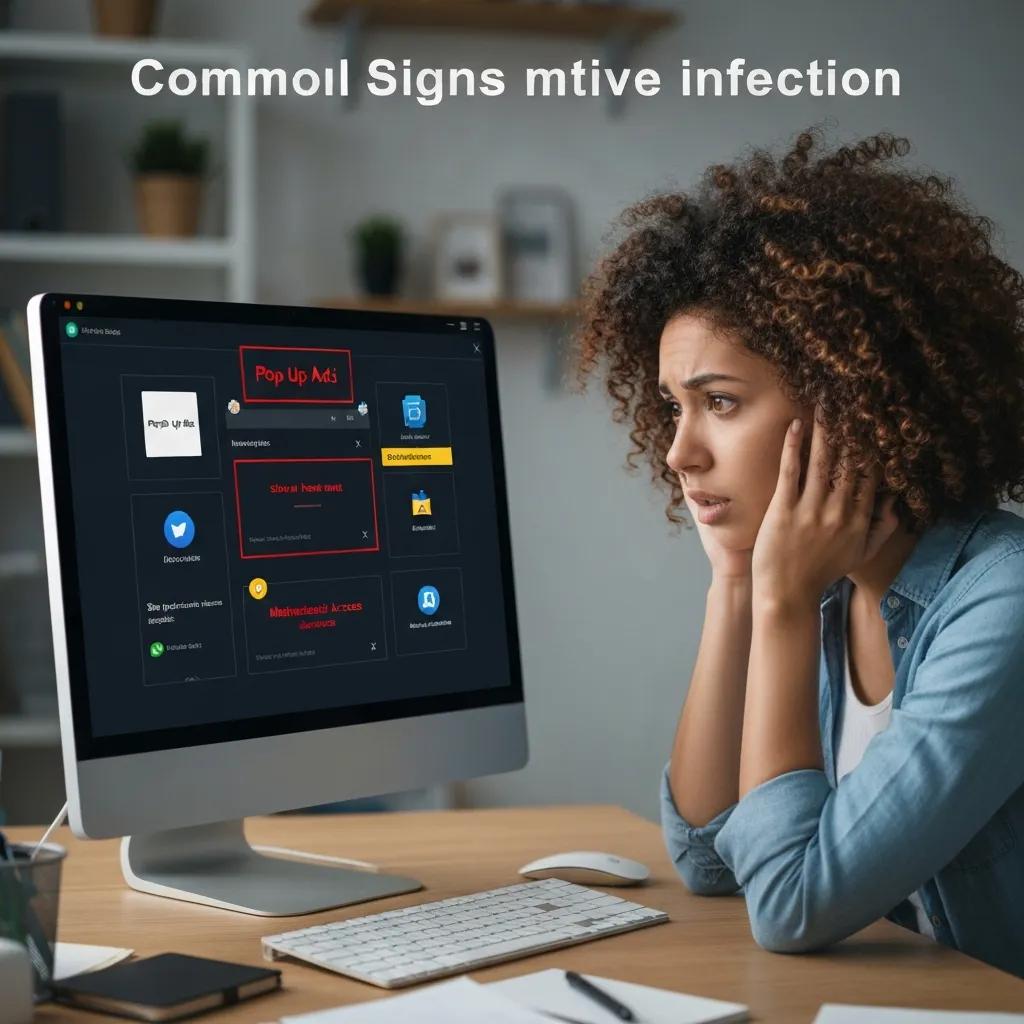
A computer infected with malware commonly shows performance, behaviour, and security changes because malicious code consumes resources, modifies settings, and intercepts user activity. Spotting these signs early helps contain the spread and prevent data loss, which is particularly important for devices used for banking, schoolwork, or small-business tasks in Murray Bridge. We’ll go through typical indicators, link symptoms to likely malware types, and suggest immediate safe actions you can take to limit harm before professional removal. Knowing these signs helps you decide quickly whether to try some DIY checks or contact a technician for diagnosis and removal.
Here’s a checklist of the most common signs of infection and why they matter:
- Unexplained slowdowns, freezing, or repeated crashes that start suddenly.
- Frequent pop-up adverts, browser redirects, or new toolbars appearing without consent.
- Unauthorised access signs, such as unexpected password reset emails or unknown account activity.
- Ransom notes, encrypted files, or a sudden inability to open documents.
These symptoms often point to likely causes — for example, persistent pop-ups usually mean adware, while encrypted files suggest ransomware. We’ll explain some simple, safe checks you can perform before calling for help.
How to Recognise Virus and Malware Symptoms on Your PC or Laptop
Recognising symptoms starts with simple, low-risk checks that reveal whether an infection is likely or if a software issue is the cause. Begin by rebooting into safe mode and running a full system antivirus scan from known, reputable software; safe mode can prevent many threats from actively hiding.
Check Task Manager or Activity Monitor for processes consuming excessive CPU or memory, and look for unfamiliar startup items that persist after reboot.
If you see ransom messages, unauthorised account activity, or system files replaced, avoid entering passwords and disconnect from the network to limit further compromise, then prepare to escalate to professional removal.
Performing these steps provides immediate information about severity. It lets you collect useful details for a technician, such as error messages and process names, which accelerates diagnosis and informs the appropriate remediation strategy.
What Are the Most Frequent Malware Types Affecting Murray Bridge Devices?
Local devices commonly face a handful of malware categories whose behaviour and risk profiles differ, so identifying the type helps prioritise response. Ransomware encrypts files and demands payment, posing urgent data-loss risk; spyware silently gathers information like keystrokes or browsing history; trojans masquerade as legitimate software and create backdoors; adware generates intrusive adverts and browser changes; rootkits hide deep in system components and resist standard removal. Each type requires different tools and urgency levels, with ransomware and rootkits often needing professional intervention.
If you suspect ransomware, rootkit activity, or unauthorised access to accounts, treat the situation as high priority: isolate the device, preserve backups if available, and contact a specialist for secure eradication and recovery options instead of attempting unverified DIY steps.
How Does Bizup Provide Expert Virus and Malware Removal Services in Murray Bridge?
Virus and malware removal involves systematic diagnosis, targeted eradication, system restoration, and added protection to prevent re-infection; this structured approach ensures threats are removed, and devices are returned to secure operation.
Bizup IT’s business intent is to provide accessible, reliable, and dependable tech repair and support services to regional Australian communities. Their goal is to build trust locally, attract walk-in and remote service customers, and position themselves as the go-to tech solution provider. Following that mission, Bizup delivers three accessible service options—secure remote support for fast cases, in-store repairs for hands-on work, and onsite visits for complex hardware or sensitive data situations—backed by experienced technicians and a clear follow-up process.
Here’s a concise summary of the practical steps our professional service follows to remove viruses and malware:
- Diagnosis: Detailed scanning to identify malware signatures, suspicious processes, and compromised files.
- Threat eradication: Use of specialised removal tools and manual cleanup to remove active threats and residual components.
- System restoration: File integrity checks, restoration from clean backups where available, and repair of affected system settings.
- Protection and follow-up: Install or recommend antivirus tools, apply updates, and offer tuning to reduce re-infection risk.
This table gives you a quick overview of our workflow so you understand each phase and the typical result. Let’s break these steps down into more detail and explain what you can expect during each stage.
What Are the 4 Key Steps in Bizup’s Virus Removal Process?
A professional removal workflow begins with a precise diagnosis that identifies active malware, persistence mechanisms, and affected files, which then informs an eradication plan. During eradication, technicians use a combination of up-to-date signature-based and behavioural tools plus manual remediation to remove threats without harming user data where possible. Restoration involves validating file integrity, repairing system configurations, and restoring from verified backups if needed, followed by thorough testing to ensure stability. Finally, proactive protection includes installing reputable antivirus software, enabling automatic updates, and scheduling follow-up tune-ups to keep systems resilient.
Clear communication is part of the process: customers receive a summary of findings, an explanation of recommended fixes, and guidance on protective steps to take after service, which ensures transparency and prepares users for the follow-up protection phase.
How Bizup Ensures Reliable Virus Removal and Quality Service
At Bizup, we’re dedicated to providing quality service and stand by our work. We believe in clear communication, and our experienced technicians ensure you receive not only a documented scope of work but also reassurance that the fix has been thoroughly checked. If further issues related to the original problem arise, our technicians will revisit the case to ensure everything is sorted. This approach aligns our service reliability with local accountability, which is important for regional customers who need dependable results.
Understanding our commitment to quality helps customers decide between quick fixes and comprehensive remediation, and our approach encourages choosing a provider that stands behind its work rather than one-off patch repairs.
What Proactive Cybersecurity Measures Can Murray Bridge Residents Take to Prevent Malware?
Prevention relies on layering simple, repeatable practices that collectively reduce your exposure to threats. This means addressing common infection points like malicious email attachments, outdated software, and poor backup habits. Regular software updates close known vulnerabilities that malware exploits, reputable antivirus software detects, and blocks threats, and consistent backups protect your data if an infection does occur. Here are some practical prevention tips, along with a short comparison of antivirus options to help you choose the right protection for your home or small business.
- Keep operating systems and applications up to date with automatic patches enabled.
- Use a trusted antivirus and run scheduled full-system scans.
- Maintain regular offline or cloud backups and test restore procedures.
- Exercise caution with email attachments and links; verify unexpected messages.
- Limit administrative account use and enable strong, unique passwords or a password manager.
This comparison helps local users weigh trade-offs between detection effectiveness, system performance, and additional security features; if you’d like help implementing or managing any of these tools, Bizup provides antivirus installation, tune-ups, and managed checks and can assist with secure setup across in-store, remote, and onsite options while maintaining accessible and dependable service.
Which Antivirus Software Does Bizup Recommend for Local Devices?
For most home and small business devices, vendors with strong detection records and low system impact are preferable; Bitdefender and Norton generally balance detection efficacy with features, while Malwarebytes is useful as a specialist remediation tool. Free products can serve as a basic defence but often lack advanced protection layers, such as behaviour-based detection and managed updates that paid solutions provide. When choosing, consider device performance, whether you need multi-device licensing, and whether the product includes backup or identity protection features. For hands-on setup and tailored recommendations, Bizup can assist with installation and configuration to suit Murray Bridge users’ needs.
Choosing the right product involves assessing your typical device use and data sensitivity, which leads naturally into how ongoing maintenance and tune-ups keep protection effective over time.
How Can Regular System Optimisation and Tune-Ups Help Avoid Future Infections?
Regular optimisation reduces the attack surface by removing unused applications, applying necessary updates, and cleaning startup items that could harbour persistent threats. Tune-ups typically include disk cleanup, uninstalling bloatware, updating software, reviewing startup programs, and verifying backup integrity to ensure a recoverable state if an infection occurs. These maintenance tasks improve system responsiveness while preventing vulnerabilities that malware exploits, and scheduled checks catch suspicious changes early.
A scheduled maintenance plan pairs well with antivirus protection and backup routines, creating a layered defence strategy that is both preventive and practical for everyday users.
How Can Remote and Onsite Virus Removal Support Benefit Murray Bridge Customers?
Remote and onsite services each have strengths: remote support offers speed and convenience for many software-only infections, while onsite visits let technicians handle hardware faults, complex recovery, and data-sensitive work directly. Choosing the right mode depends on the symptoms, data sensitivity, and whether the device can be disconnected safely for remote access.
- Remote support: fast response, convenient, works well for many malware cleanups where the internet is available.
- On-site support: hands-on troubleshooting for hardware faults, complex ransomware recovery, and data-sensitive cases.
- Security measures: secure, consent-based remote sessions and transparent process; onsite visits follow local safety and data-handling practices.
These points help customers decide between a quick remote fix and a more involved on-site appointment. Let’s look at the advantages of remote sessions in practical terms.
What Are the Advantages of Secure Remote Virus Removal Services?
Secure remote removal is ideal when infections are limited to software and the device can connect to a trusted technician; it enables immediate diagnosis and remediation without travel. Remote sessions typically use encrypted, consent-driven connections so the customer controls access and can observe technician actions, enhancing transparency and security. The speed of remote support often reduces downtime compared with physical visits, making it appropriate for urgent but non-hardware-related issues. However, remote work is limited if the device won’t boot, files are encrypted, or hardware components are failing, in which case onsite work may be necessary.
Understanding remote capabilities helps users triage their situation quickly and book the appropriate support channel when they contact a provider.
When Is Onsite Support the Best Choice for Virus and Malware Removal?
On-site support becomes essential when infections involve hardware, full-disk encryption from ransomware, or sensitive data that customers prefer not to transmit over the internet. Physical presence allows technicians to perform hands-on repairs, use secure local backups, and execute complex data recovery techniques that aren’t possible remotely. On-site work also suits cases where multiple devices on the same network show signs of compromise and coordinated remediation is required. If your device exhibits hardware errors, persistent power or boot failures, or you have critical unbacked data, prioritise an on-site appointment with trained technicians.
Selecting on-site support ensures technicians can fully control the environment and apply advanced recovery tools, which improves the chances of restoring systems and retrieving data safely.
Understanding Our Virus and Malware Removal Service
The duration of service can vary widely depending on infection severity, need for data recovery, and whether service is remote, in-store, or on-site. Our typical service phases include diagnosis, eradication, restoration, and follow-up checks. We believe in clear communication about the work required and any associated costs before we start, and Bizup is committed to delivering reliable outcomes.
This information gives you a quick reference for planning. Actual service duration depends on factors such as encrypted data recovery needs and hardware faults. Let’s explain how we provide transparent service information.
How Bizup Provides Clear Service Information for Virus Removal
Clear service information means you’ll receive a diagnostic report and a clear outline of required tasks before any work proceeds. Factors that influence how long the service takes and its complexity include the infection’s severity, whether data recovery is needed, whether an on-site visit is required, and any necessary parts. Bizup offers accessible in-store, onsite, and remote options and supports local clients with clear communication about the work involved and expected outcomes. For exact service details and to book an assessment, you can contact Bizup by phone or email for a tailored assessment and appointment.
What to Expect Regarding Service Duration for Professional Virus Removal
Simple malware cleanups that are limited to removable adware or easily-detected trojans can often be resolved remotely quickly or by the next business day, while deep infections requiring restoration from backups or extensive file repairs take longer. Ransomware recovery, rootkit removal, or complex data recovery can extend timelines to several days depending on backup availability, hardware health, and the need for forensic checks. On-site visits add scheduling time for a technician to travel, but they are often necessary for hardware faults or high-risk data restoration. When booking a service, request an estimated timeframe based on the initial diagnosis so you can plan around device downtime.
What Are the Most Frequently Asked Questions About Virus and Malware Removal in Murray Bridge?
- Can I remove malware myself, or should I use professional services? You can handle mild adware and basic infections using reputable removal tools and guided steps, but if you face ransomware, rootkits, or signs of data loss, professional services are safer to avoid further damage. DIY is appropriate for clear, low-risk cases; if in doubt, seek a technician to assess the risk.
- How do I know if my computer is infected with a virus or malware? Primary indicators include sudden slowdowns, frequent pop-ups, new unfamiliar programs, unexpected password resets, or encrypted files; a safe-mode antivirus scan and process inspection provide quick confirmation. If scans find persistent threats or you see ransom notices, disconnect and get professional help.
- What should I do immediately if I suspect ransomware? Disconnect from the internet and any networked drives, preserve evidence and do not pay or negotiate without expert advice; contact a specialist to assess recovery options and backup integrity as soon as possible. Professional intervention gives the best chance of data recovery and containment.
- How can I contact local support for an assessment or booking? For residents in Murray Bridge, Bizup offers in-store, remote, and on-site assessment options with clear service outlining. We’re here to help—call 08 8531 0000 or email sales@bizup.com.au to arrange an appointment or ask about available services.
Each short answer gives an actionable first step and a clear path to local assistance; if you need hands-on help, contacting a regional provider ensures the right balance of speed, quality, and local trust that Murray Bridge customers expect.