
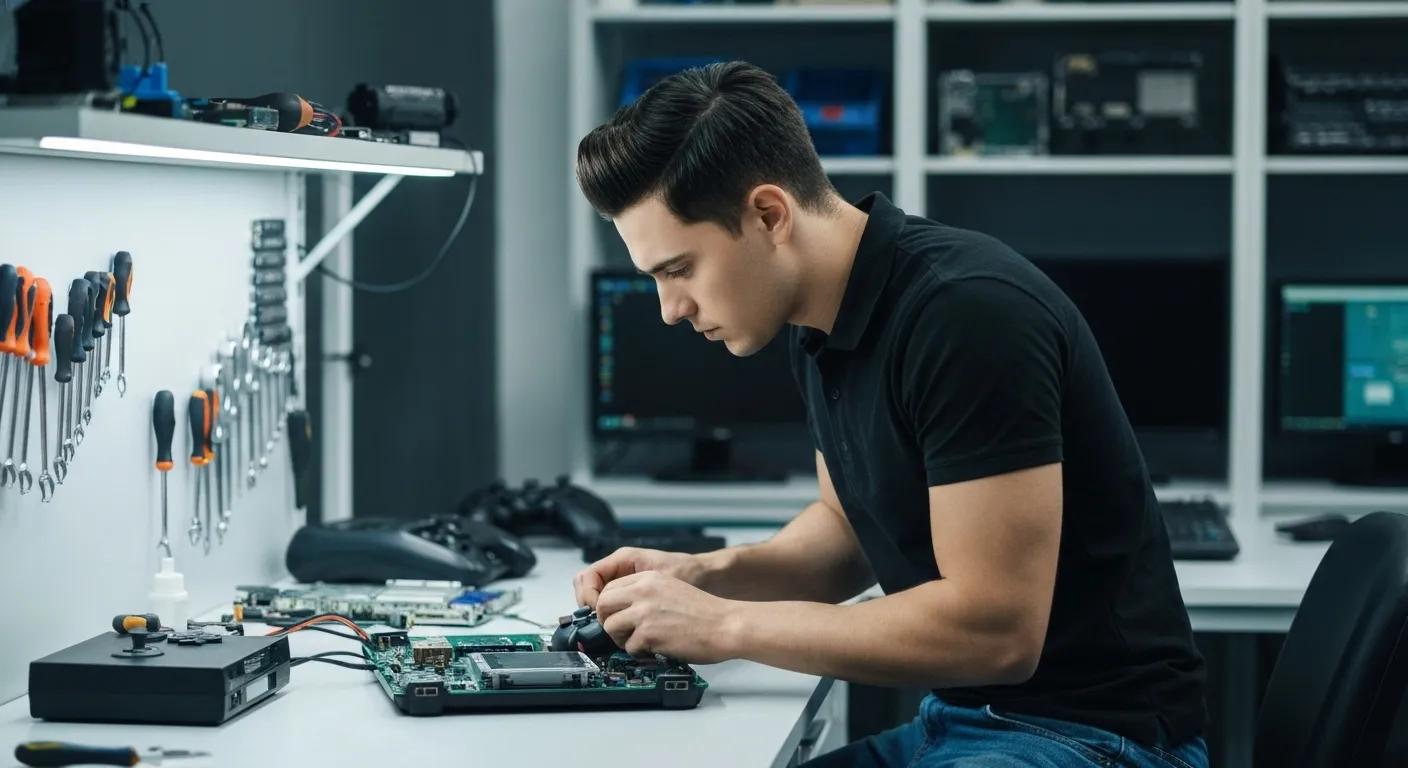
Expert Gaming Console Repairs in Murray Bridge by Bizup IT
Is your PlayStation, Xbox, or Nintendo Switch refusing to power on or displaying glitches? Bizup IT brings reliable, affordable gaming console repairs to Murray Bridge, ensuring local gamers get back in the action fast. This guide explains the most common console issues—like HDMI port damage, overheating, disc drive failures, controller drift, and power supply faults—then outlines our specialised PlayStation, Xbox, and Nintendo Switch services. You’ll discover cost factors, our quality assurance, DIY troubleshooting tips, booking steps, and answers to key questions, all backed by over a decade of local expertise.
What Are the Most Common Gaming Console Problems in Murray Bridge?
Gaming consoles often experience hardware or software faults that interrupt play and risk data loss. Addressing these failures promptly preserves your system and game library. For example, a damaged HDMI port can cut video output entirely, while overheating can degrade internal components over time.
How Does HDMI Port Damage Affect Your Console?
A faulty HDMI port prevents video and audio from reaching your TV or monitor, turning your console into an unresponsive black box. Bent pins or worn solder joints interrupt the signal pathway, causing flickering screens or no display at all. Repairing the port restores full audiovisual performance and prevents further damage to connected cables.
Common Gaming Console Hardware Issues
Gaming consoles are susceptible to various hardware failures, including HDMI port damage, overheating, disc drive malfunctions, controller drift, and power supply issues. These problems can lead to a range of performance issues, from display problems to complete system failure, impacting the user experience and potentially leading to data loss.
This information is relevant to understanding HDMI port damage.
What Causes Overheating in Gaming Consoles?
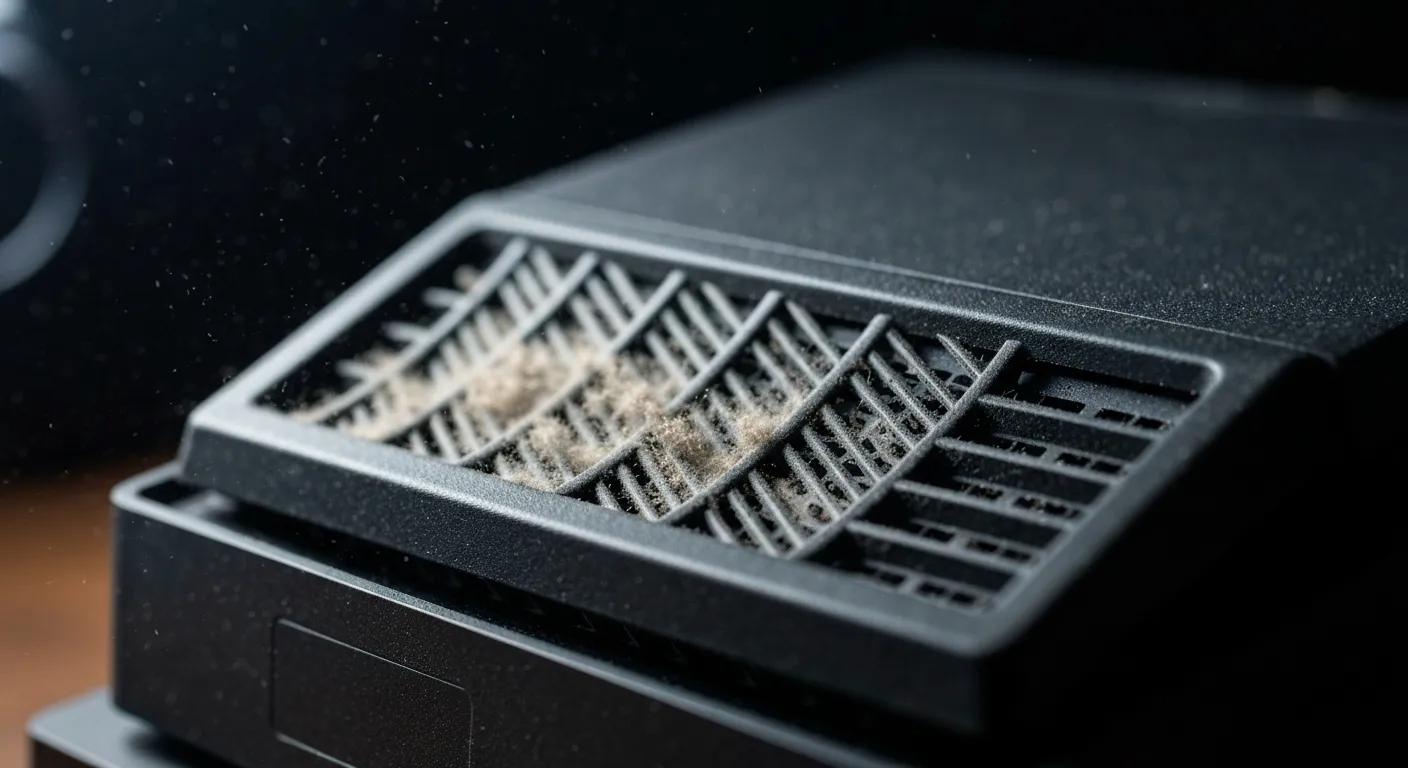
Overheating arises when internal cooling fans or heat sinks fail to dissipate processor and GPU heat effectively, leading to thermal throttling or automatic shutdowns. Excessive dust buildup, blocked vents, or degraded thermal paste increase internal temperatures. Restoring proper airflow and reapplying thermal compound enhances performance stability and extends component life.
How to Identify Disc Drive Malfunctions on Your Console?
When a console’s disc drive fails, it may reject discs, produce clicking noises, or spin irregularly without reading data. Laser lens misalignment or worn belts often underlie these symptoms. Realigning the laser mechanism and replacing worn parts ensures reliable game loading and preserves physical media integrity.
What Is Controller Drift and How Can It Be Fixed?
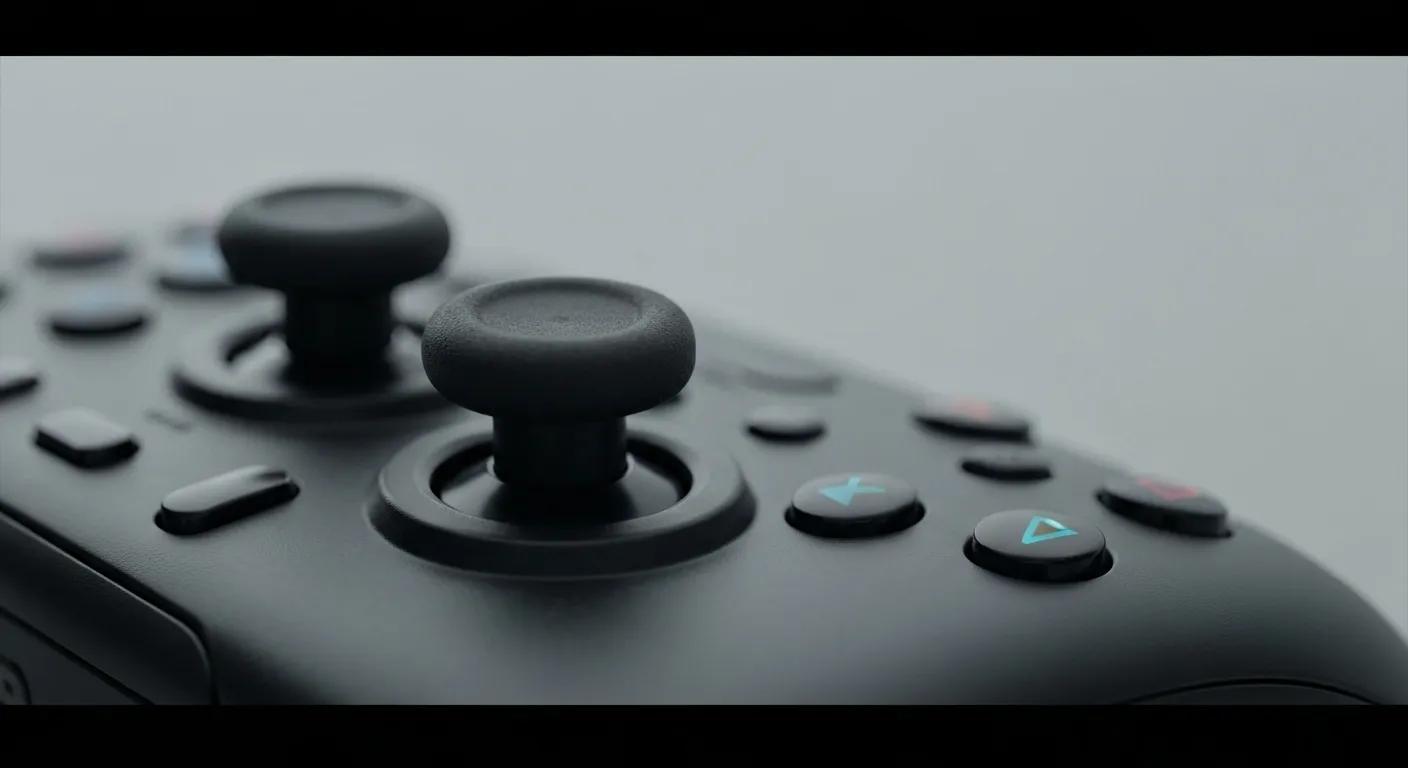
Controller drift occurs when analog sticks register movement without input, often due to worn potentiometers or debris beneath the joystick cap. Cleaning the module and replacing the drifting sensor restores precise control and prevents frustration in competitive gaming.
How Do Power Supply Issues Impact Console Performance?
A failing power supply can cause random shutdowns, failure to boot, or component damage due to voltage fluctuations. Capacitor failure or transformer issues disrupt stable current delivery. Swapping in a quality replacement ensures consistent power, protecting internal circuits and guaranteeing reliable startup and uninterrupted gameplay.
These hardware faults guide our comprehensive repair services, each tailored to specific console models and symptoms. Next, explore how Bizup IT solves these issues for PlayStation, Xbox, and Nintendo systems.
Comprehensive Gaming Console Repairs in Murray Bridge by Bizup IT
Bizup IT provides targeted repair and diagnostic solutions for PlayStation, Xbox, and Nintendo Switch consoles in a secure in-store environment or via mail-in service. Our expert technicians use genuine or OEM-equivalent parts to restore full functionality.
This table highlights our core offerings, leading into individual console specialties.
What PlayStation Repair Services Are Available Locally?
Bizup IT specialises in PS5 HDMI port replacements, PS4 disc drive overhauls, PS3 laser lens realignment, and thermal maintenance to curb overheating. Our technicians inspect internal boards, clean cooling systems, and update firmware to solve software conflicts, delivering a like-new gaming experience.
How Does Bizup Fix Xbox Consoles in Murray Bridge?
For Xbox Series X/S and Xbox One, we conduct power supply diagnostics, replace faulty capacitors, realign disc mechanisms, and clean dust-clogged fans. Board-level soldering addresses HDMI and USB port failures, while software repairs handle system updates and error code resolutions.
What Nintendo Switch Repairs Can Bizup Provide?
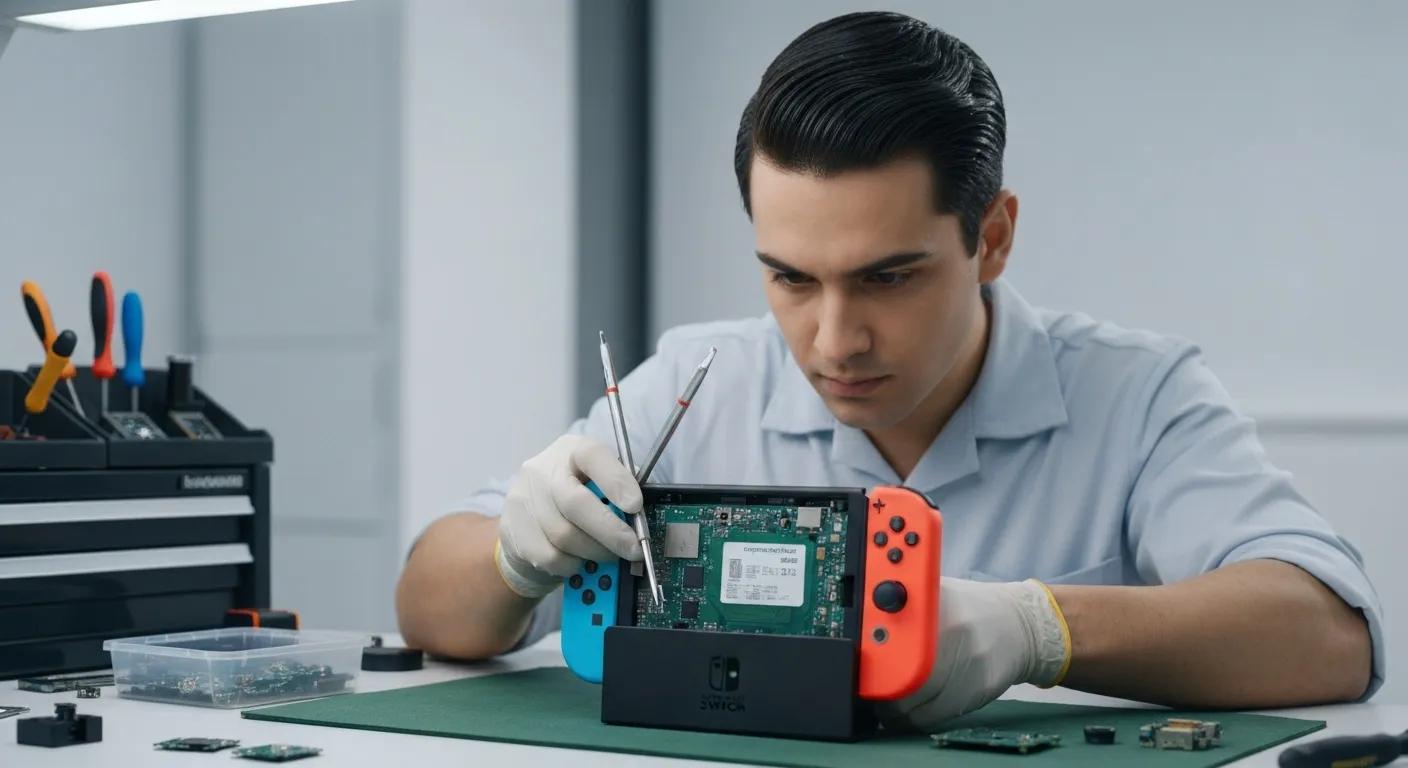
Joy-Con drift, a common Switch issue, is corrected by replacing analog modules and recalibrating sensors. We also install new touchscreens, swap in fresh batteries for extended playtime, and mend broken charging ports, ensuring seamless handheld and docked performance.
How Are Software and Diagnostic Services Handled?
Our in-store and remote diagnostics use specialised testing routines to pinpoint hardware faults, software corruption, or network connectivity issues. A detailed report accompanies every repair quote, so you know the solution plan before work begins.
What Quality Parts and Support Does Bizup IT Provide?
Bizup IT sources high-quality replacement parts matched to each console’s specifications. Our services are designed to get your console back to peak performance.
With service options set, you may wonder about repair costs. Let’s break down the factors influencing pricing and how to secure a transparent quote.
How Much Does Gaming Console Repair Cost in Murray Bridge?
Repair costs vary based on damage severity, replacement parts, and labour time. Understanding these factors helps you budget before committing to service.
What Factors Influence the Cost of Console Repairs?
- Damage Extent: Minor soldering or cleaning jobs cost less than board-level component replacement.
- Parts Quality: Genuine or OEM-equivalent components carry different price points.
- Labour Time: Complex repairs requiring disassembly and testing extend labour charges.
Cost Factors in Electronics Repair
The cost of repairing electronics, including gaming consoles, is influenced by several factors. These include the extent of the damage, the quality of replacement parts, and the labour time required for the repair. Understanding these factors helps consumers budget for repairs and make informed decisions about whether to repair or replace their devices.
How Can I Get a Transparent Repair Quote from Bizup IT?
Bizup IT offers free initial diagnostics. Bring your console to our Murray Bridge store or mail it in. After testing, we provide a detailed quote outlining parts, labour, and turnaround time—no surprises upon pickup.
Are There Any Warranty or Guarantee Options?
Our services are designed to provide reliable solutions for your gaming needs. We stand behind the quality of our work.
Having reviewed costs and guarantees, learn why Murray Bridge gamers choose Bizup IT for console repairs.
Why Should You Choose Bizup IT for Gaming Console Repairs in Murray Bridge?
- Fast Turnaround: Same-day diagnostics and most repairs completed within 48 hours.
- Experienced Technicians: Certified electronics specialists trained on PlayStation, Xbox, and Switch hardware.
- Transparent Pricing: No hidden fees; written quotes provided before work begins.
- Quality Parts: We use high-quality components to ensure your console performs its best.
- Local Trust: Decade-long presence in Murray Bridge and positive word-of-mouth from families and small businesses.
How Does Bizup IT Ensure Fast Turnaround Times?
Our streamlined workflow—combining on-site diagnostics, rapid parts sourcing, and dedicated repair bays—minimises downtime. Local stock of common components accelerates repair completion.
What Experience Do Bizup Technicians Have with Consoles?
Technicians undergo ongoing training in console board repair, firmware troubleshooting, and heat management. This specialisation ensures accurate fault detection and precision fixes on all major console generations.
How Does Bizup Maintain Transparent Pricing and Quality?
Every repair begins with a no-obligation diagnostic that documents required parts and labour. Customers review and approve the estimate before work starts, fostering trust and clear expectations.
What Do Local Customers Say About Bizup’s Console Repairs?
“Murray Bridge Gamer” rated our PS5 HDMI port repair five stars, praising the quick turnaround and performance restoration. Families appreciate our clear communication and reliable service, making Bizup IT the community’s top choice for console troubleshooting.
Building on that trust, you can also try simple fixes at home before booking a repair.
How Can You Troubleshoot Common Gaming Console Issues at Home?
What Are Quick Fixes for Overheating Consoles?
Turn off the console, unplug it, and use compressed air to clear dust from vents and fans. Allow at least 30 minutes of rest before powering on again. Keeping the console in an open, ventilated area promotes heat dissipation.
How to Check and Clean a Faulty HDMI Port?
Power down and disconnect all cables, then inspect the HDMI connector for bent pins or debris. Gently clean with a soft brush or cotton swab dipped in isopropyl alcohol. Reconnect securely to test signal restoration.
What Should You Do If Your Disc Drive Isn’t Reading Games?
Eject the disc and check for visible scratches. Power off, hold the eject button for 10 seconds to reset the drive motor, then reinsert the disc. If the issue persists, avoid forcing the disc and plan for a professional lens realignment.
How to Recognise and Manage Controller Drift Temporarily?
Recalibrate the controller via system settings, then perform several stick rotations to dislodge debris. A quick workaround is to plug in a wired controller or use on-screen calibration tools until a full repair.
While these steps help minor faults, certified technicians deliver lasting solutions. When you’re ready, follow these simple steps to book a repair with Bizup IT.
Ready to Get Back in the Game?
Don’t let console issues keep you from your favourite games. Trust Bizup IT for fast, reliable repairs.
What Are the Steps to Book a Gaming Console Repair with Bizup IT in Murray Bridge?
Booking a repair is straightforward, whether you prefer drop-off, mail-in, or on-site service.
How Do I Contact Bizup IT for Console Repairs?
Call our Murray Bridge store at (08) 8532 1234 during business hours (Mon–Fri 9 am–5 pm, Sat 9 am–2 pm) or submit a service request online at https://bizup.com.au/. Our team confirms availability and provides drop-off instructions.
Can I Use Mail-In Repair Services for My Console?
Yes, pack your console securely with padding and include a completed service form (available on our website). Ship to Bizup IT Murray Bridge, and we’ll notify you upon receipt and after diagnostics with a repair quote.
What Is the Repair Process from Drop-Off to Pickup?
- Drop-Off/Mail-In: Hand over or ship your console.
- Diagnostics: We perform tests and contact you with a quote.
- Repair: Upon approval, technicians execute the fix using quality parts.
- Quality Check: Post-repair testing ensures full functionality.
- Pickup/Return: Collect your console or have it shipped back, ready for gaming.
How Do I Track the Status of My Console Repair?
After booking, receive a tracking link or repair ticket ID via email. Log in to our repair portal to view status updates—diagnostics complete, repair in progress, or ready for collection.
With repairs on the way, you might still have questions. The next section addresses key concerns before you commit.
What Are the Frequently Asked Questions About Gaming Console Repairs in Murray Bridge?
Can All Console Brands Be Repaired Locally by Bizup IT?
Yes. We service PlayStation 5/4/3, Xbox Series X/S/One, and all Nintendo Switch models, including Lite and OLED.
How Long Does a Typical Console Repair Take?
Most repairs are completed within a few business days after parts approval. Complex board-level jobs may take a bit longer, depending on part availability.
Is It Worth Repairing My Console Instead of Replacing It?
Repairs often cost significantly less than new consoles and preserve your saved games and profiles. Plus, choosing repair is a great way to be more eco-conscious and reduce electronic waste!
What Warranty Does Bizup Offer on Console Repairs?
Our services are designed to provide reliable solutions for your gaming needs. We stand behind the quality of our work.
How Do I Prepare My Console for Repair?
Back up any valuable game saves to the cloud or external storage. Remove personal accessories, note system passwords, and include original power and video cables to streamline testing.
If you’re ready to get back to uninterrupted gaming, Bizup IT is here to help.