
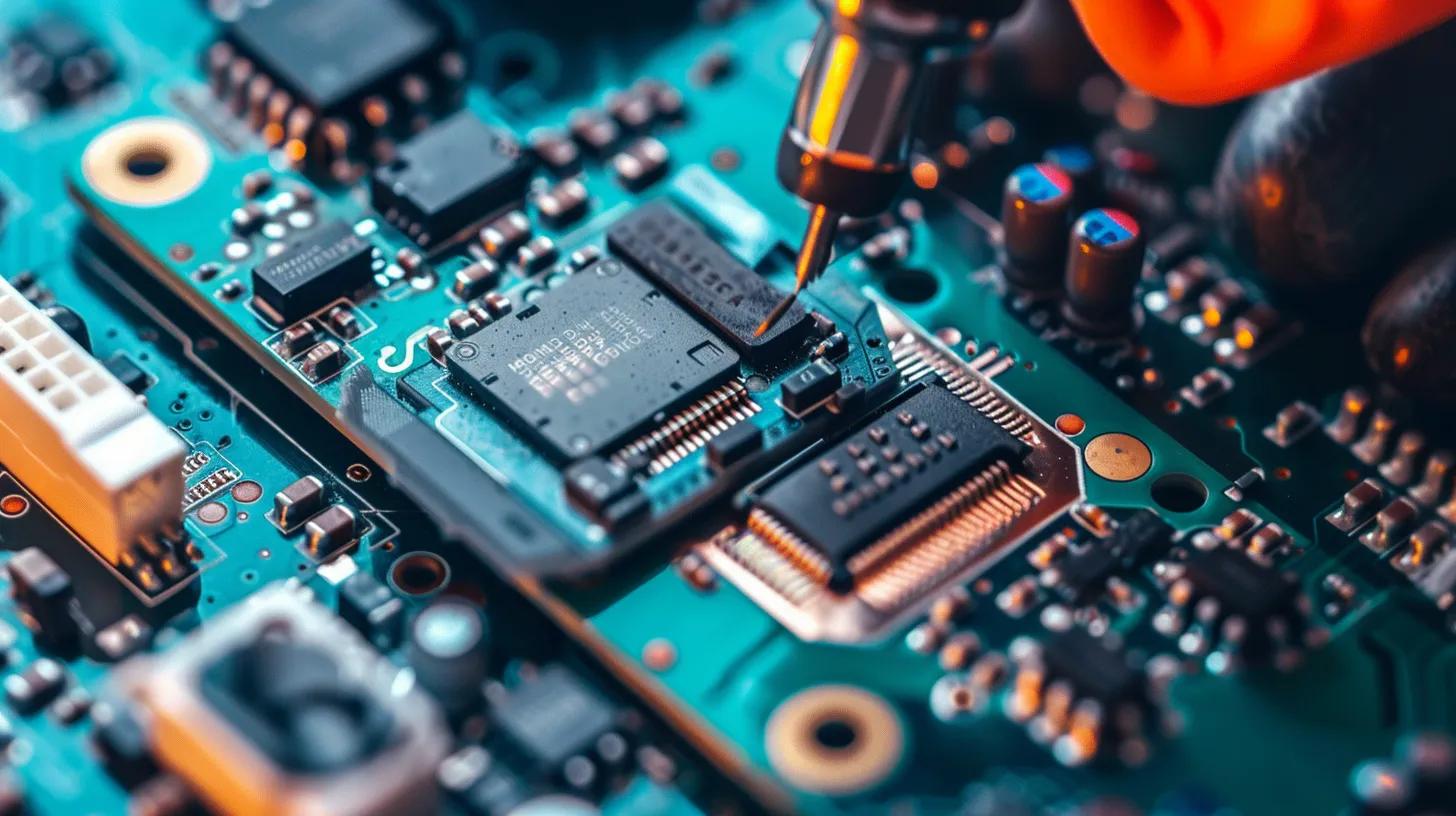
Seamless Gaming Console Setup in Broken Hill: Expert Local Guide
Setting up a gaming console can be a bit of a task, especially if you’re not familiar with all the tech. This guide is here to simplify the process, making sure gamers in Broken Hill can enjoy a smooth and hassle-free experience. By following our expert advice, you’ll learn how to set up your console efficiently, troubleshoot common issues, and get your gaming environment just right. A professional setup can really make a difference, boosting your gaming performance and cutting down on frustration. This article will cover the perks of professional setup services, a handy pre-setup checklist, step-by-step connection guides, internet setup instructions, common troubleshooting tips, and how our gaming console expertise can even help with commercial IT solutions.
Why Choose Professional Gaming Console Setup Services in Broken Hill?
Hiring a professional for your gaming console setup offers loads of advantages that can truly enhance your gaming experience. Our local experts really get the specific needs and challenges faced by gamers in Broken Hill, helping to ensure optimal performance tailored to the region’s network conditions.
What Are the Benefits of Local Expert Setup for Your Gaming Console?
- Familiarity with Local Network Conditions: Our professionals understand the local internet infrastructure, which can definitely impact your gaming performance.
- Quick Response Times for Support: Should any issues pop up, our local technicians can provide timely assistance, getting you back in the game faster.
- Personalised Service Tailored to Local Needs: We can customise setups based on your individual preferences and gaming habits, ensuring a more enjoyable experience just for you.
How Does Bizup Ensure Reliable and Efficient Console Installation?
Bizup IT employs trained technicians with plenty of experience in gaming console installations. Our commitment to customer satisfaction shines through in our careful approach to every setup. We use quality equipment and tools, making sure every installation is performed to professional standards. This dedication helps ensure your gaming console is set up correctly, allowing you to dive into your gaming adventures without hassle.
What Is the Complete Pre-Setup Checklist for Gaming Console Installation?
Before you even start setting up your gaming console, it’s super important to have a checklist to make sure you’ve got everything you need for a smooth installation. This checklist will help you prepare your space and equipment effectively.
Which Essential Equipment and Cables Do You Need Before Setup?
- HDMI Cable: You’ll need this for connecting your console to the TV.
- Power Supply: Make sure you have the correct power adapter for your console model.
- Ethernet Cable: Great for wired internet connections, giving you a really stable gaming experience.
How to Prepare Your Space and Network for Optimal Gaming Performance?
- Ideal Room Setup: Pick a quiet area with minimal distractions and good lighting.
- Network Configuration for Low Latency: Position your router as close as possible to the console to help reduce lag.
- Router Placement Tips: Elevate your router and try to avoid obstructions to boost signal strength.
How to Connect Your Gaming Console to Your TV in Broken Hill: Step-by-Step Guide
What Are the Best HDMI and Alternative Connection Methods for Different Consoles?
- Use an HDMI Cable: Simply connect one end to your console and the other to an HDMI port on your TV.
- Alternative Connection Methods: If your console supports it, you might consider using component cables for older TVs.
- Check Compatibility: Always ensure your TV supports the resolution settings of your console for the best display quality.
How to Select the Correct TV Input and Configure Display Settings?
- Navigate TV Menus: Use your TV remote to access the input/source menu.
- Select the HDMI Input: Choose the HDMI port where your console is connected.
- Adjust Display Settings: Configure the display settings on your console for the best visual experience.
How to Set Up an Internet Connection for Your Gaming Console in Broken Hill?
What Are the Steps to Connect via Wi-Fi and Wired Ethernet?
- For Wi-Fi: Go to the network settings on your console. Select your Wi-Fi network and enter the password.
- For Wired Ethernet: Connect one end of the Ethernet cable to your console and the other to your router. Ensure the connection is secure and check the network settings.
How to Optimise Network Settings for Low Latency and Stable Gaming?
- Quality of Service (QoS) Settings: You can prioritise gaming traffic in your router settings to help reduce lag.
- Router Settings for Gaming: Make sure your router firmware is up to date for optimal performance.
- Reducing Interference: Keep other devices that might cause interference away from your gaming setup.
What Are Common Gaming Console Setup Issues and How to Troubleshoot Them?
How to Fix No Signal, Controller, and Software Update Problems?
- No Signal: Double-check all cable connections and ensure the correct input is selected on your TV.
- Controller Issues: Make sure your controller is charged and properly synced with the console.
- Software Updates: Regularly check for system updates to ensure your console runs smoothly.
When Should You Contact Bizup for Professional Gaming Tech Support in Broken Hill?
- Frequent Connectivity Problems: If your console is struggling to maintain a stable connection.
- Hardware Malfunctions: Any physical damage or components that aren’t working right.
- Complex Setup Needs: If you need a hand with advanced configurations or tricky installations.
How Does Gaming Console Setup Expertise Translate to Commercial IT Fit-out Solutions?
What Commercial Projects Benefit from Bizup’s Gaming and IT Installation Skills?
- Corporate Gaming Zones: We can set up gaming areas in offices for employee engagement and fun.
- Event Installations: Providing gaming setups for corporate events and exhibitions.
- Educational Institutions: Implementing gaming technology in schools for educational purposes.
How to Leverage Bizup’s Local IT Expertise for Business Fit-outs in Broken Hill?
- Engaging with Local Support: Utilise Bizup’s knowledge of local infrastructure for tailored solutions that really fit.
- Community Trust: Building relationships with a local provider like us fosters trust and reliability.
- Customised Solutions: Bizup can offer bespoke fit-out solutions that meet your specific business needs.