
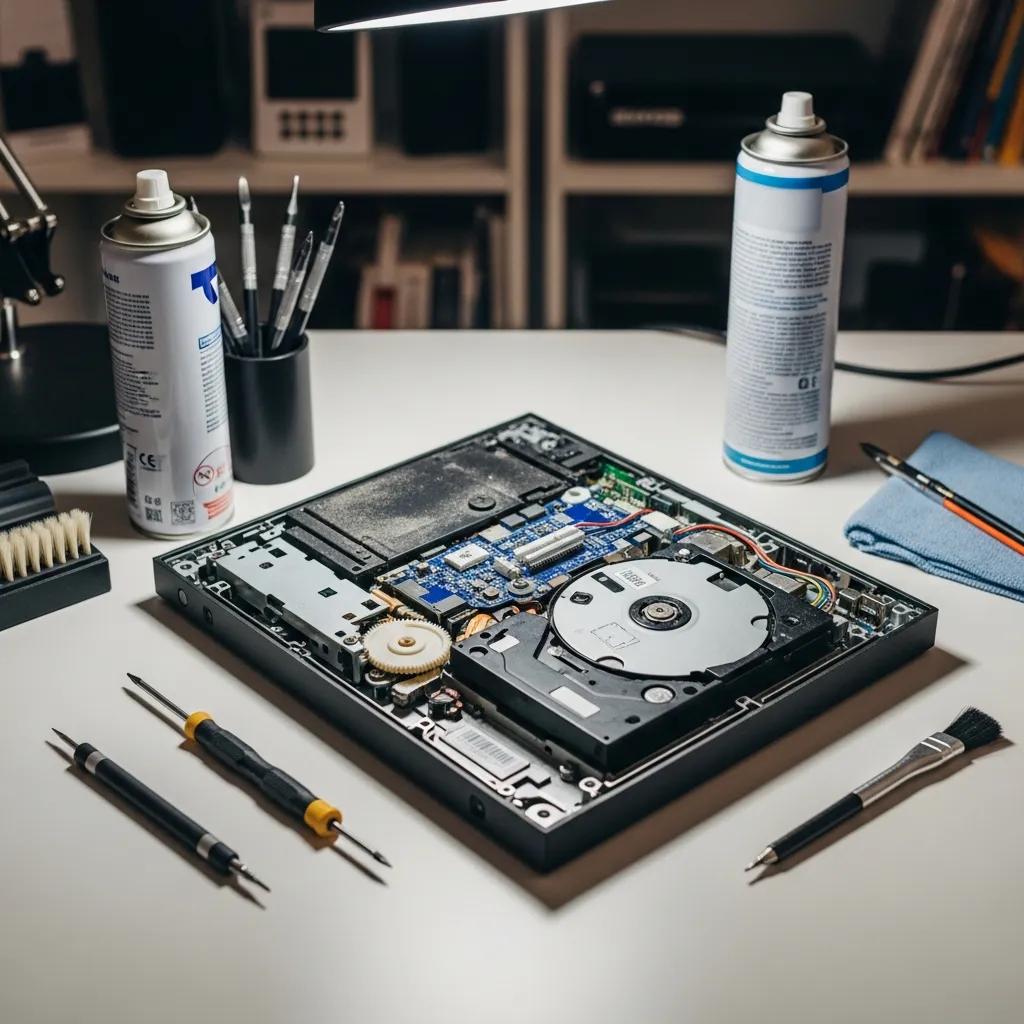
Troubleshooting Gaming Console Disc Reading: Expert Repairs Griffith
Experiencing issues with your gaming console not reading discs can be frustrating, especially when you’re eager to dive into your favourite games. This guide will help you understand the common causes behind these problems and provide effective troubleshooting steps. By exploring the intricacies of gaming console repairs, particularly in Griffith, you will gain insights into how to address these issues efficiently. Whether it’s a faulty disc drive or laser lens damage, knowing the right steps can save you time and hassle. We’ll cover the common causes of disc reading failures, the repair process at Bizup, general service options, and maintenance tips to prevent future problems.
What Are the Common Causes of Console Disc Reading Failures?
When a gaming console fails to read discs, several common issues may be at play. Understanding these causes can help you diagnose the problem effectively.
- Mechanical Issues: Over time, the internal components of a console can wear out, leading to mechanical failures that prevent disc reading. This can include problems such as the disc tray mechanism jamming, the spindle motor failing to spin the disc properly, or gears inside the drive becoming misaligned or broken. These mechanical faults often develop gradually and can be exacerbated by frequent use or physical shocks to the console.
- Laser Lens Problems: The laser lens is crucial for reading discs. If it becomes dirty or damaged, it can hinder the console’s ability to read games. Dust accumulation, fingerprints, or scratches on the lens can interfere with the laser’s ability to focus correctly on the disc surface. Additionally, the laser diode itself can degrade over time, reducing its power and effectiveness, which leads to intermittent or complete failure in reading discs.
- Debris in the Disc Drive: Dust and debris can accumulate in the disc drive, obstructing the laser’s path and causing reading failures. This can include small particles from the environment, pet hair, or even fragments from damaged discs. Such debris can cause the laser to misread data or prevent the disc from spinning smoothly, resulting in errors or the console failing to recognise the disc altogether.
Identifying these issues is the first step toward resolving your console’s disc-reading problems. Careful inspection and testing can help determine whether the problem is mechanical, optical, or related to contamination within the drive.
How Do Faulty Disc Drives Affect Console Performance?
Faulty disc drives can significantly impact your gaming experience. Symptoms of disc drive malfunctions include frequent error messages, inability to load games, and unexpected crashes during gameplay. These issues not only disrupt your gaming sessions but can also lead to more extensive repairs if not addressed promptly. For example, a malfunctioning disc drive may cause the console to freeze or reboot unexpectedly, which can corrupt game data or system files. Additionally, the longer you wait to fix a faulty disc drive, the more likely it is that other components may be affected, leading to more extensive damage and higher repair needs. In some cases, continued use of a faulty drive can cause overheating or electrical issues that compromise the console’s motherboard or power supply.
What Role Does Laser Lens Damage Play in Disc Reading Issues?
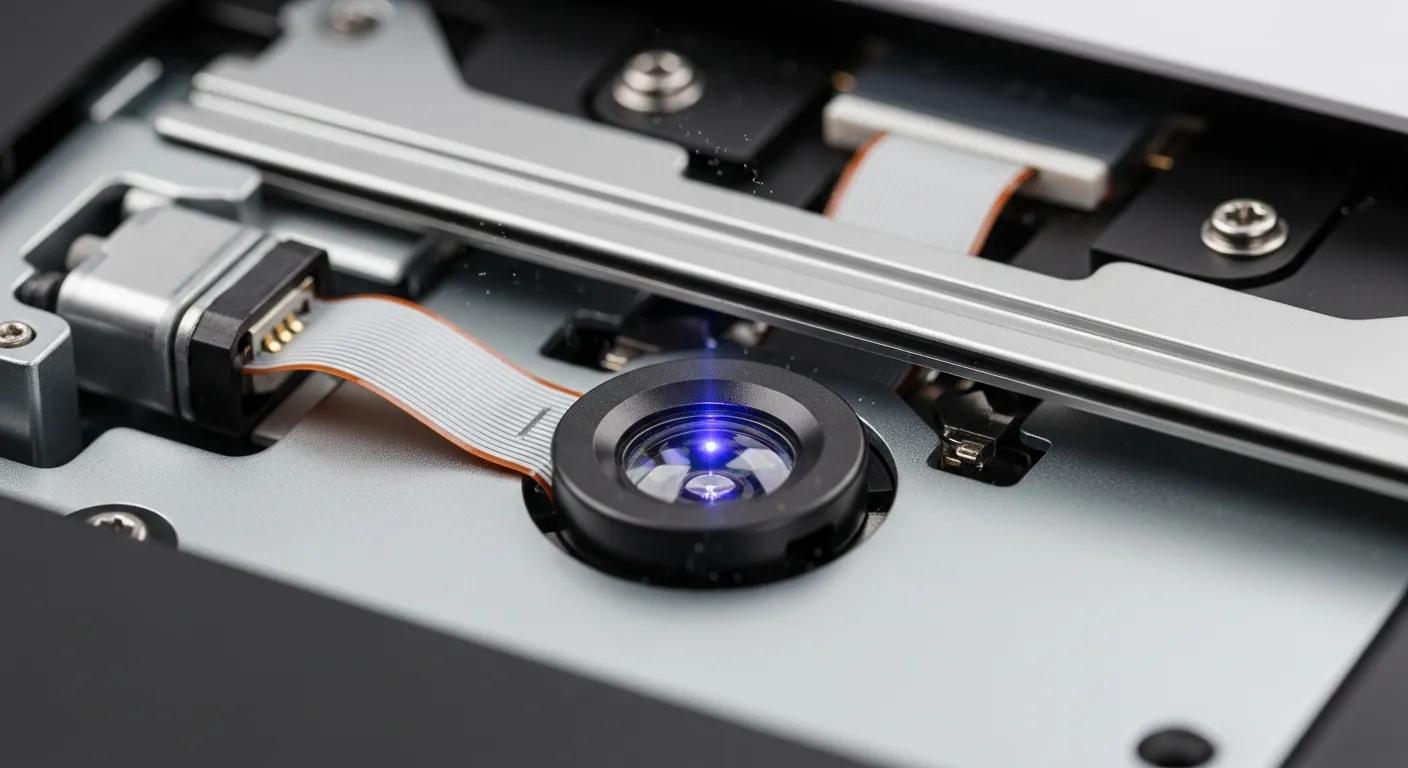
Laser lens damage is a critical factor in disc reading failures. When the lens is scratched or dirty, it cannot effectively read the data on the disc, resulting in errors. Symptoms of laser lens damage include inconsistent reading of discs and the inability to read certain games while others work fine. This inconsistency occurs because some discs may have data encoded in areas that are harder to read when the lens is compromised. Repair options for laser lens issues typically involve cleaning the lens or, in severe cases, replacing it entirely. Cleaning can often restore functionality if the problem is due to dust or smudges, but physical damage like scratches or a failing laser diode requires replacement. Preventive measures, such as regular maintenance and careful handling of discs, can help avoid these problems. Using high-quality discs and storing them properly also reduces the risk of lens damage caused by disc imperfections.
How Does Bizup Repair Gaming Consoles in Griffith?
Bizup offers a comprehensive approach to gaming console repairs, ensuring that your device is back in working order as quickly as possible. Their repair process includes a thorough diagnosis and systematic troubleshooting to identify the root cause of the issue. This approach minimises unnecessary repairs and ensures that the correct components are serviced or replaced. Bizup’s technicians are trained to handle a wide range of console models and issues, using specialised tools and replacement parts to restore optimal performance. They also provide clear communication throughout the repair process, keeping customers informed about the status and any additional recommendations.
What Diagnostic Steps Does Bizup Use for Console Disc Drive Troubleshooting?
The diagnostic steps taken by Bizup for console disc drive troubleshooting involve several key actions. First, they reproduce the issue to understand its nature, observing error messages, loading times, and any unusual noises. Next, a mechanical inspection is conducted to check for any visible damage or wear, such as broken gears, misaligned trays, or damaged cables. Finally, bench testing is performed to assess the functionality of the disc drive under controlled conditions, including testing the laser’s ability to read various discs and verifying firmware integrity. This systematic approach ensures that all potential issues are identified and addressed effectively, reducing the risk of recurring problems after repair.
How Are Firmware and Software Issues Resolved in Console Repairs?
Firmware and software issues can also contribute to disc reading problems. Bizup resolves these issues through a series of methods, including resetting the system to its factory settings, reinstalling firmware, and performing data recovery steps if necessary. Firmware updates can fix bugs that affect disc drive communication or improve compatibility with newer game discs. In some cases, corrupted system files may cause the console to misinterpret disc data, which is resolved by reinstalling the operating system or applying patches. Data recovery services help retrieve saved games and user data before performing resets or reinstallations, ensuring minimal loss. This comprehensive approach ensures that both hardware and software components are functioning optimally, allowing for a seamless gaming experience.
What Are the Service Options for Console Repairs in Griffith?
Understanding the service options available for console repairs is essential for making informed decisions. Bizup provides a range of services tailored to meet the needs of gamers in Griffith, with pricing designed to be competitive and reflective of the repair complexity and parts required. Services cover a variety of console brands and models, including the latest releases and older systems. Customers can choose from basic diagnostics to full repairs, including hardware replacements and software troubleshooting. Bizup also offers consultation services to help customers decide whether repair or replacement is the most cost-effective option based on the console’s condition and age.
This table outlines the various services offered by Bizup, providing clarity on what to expect in terms of service scope and general pricing. Customers are encouraged to contact Bizup directly for precise quotes based on their specific console model and issue.
How Does Bizup Compare Repair Services for PlayStation and Xbox Consoles?
When comparing repair services for PlayStation and Xbox consoles, both are offered with similar care and attention. Factors affecting service options may include the specific nature of the issue, the required parts, and the time needed for repairs. PlayStation consoles may require different replacement parts or firmware versions compared to Xbox systems, but Bizup’s technicians are experienced with both platforms. Bizup maintains a transparent approach, ensuring customers are informed about potential service details before proceeding, including estimated costs, repair timelines, and warranty coverage. This transparency helps customers make informed decisions and sets clear expectations for the repair process.
What Service Packages and Turnaround Times Are Available?
Bizup offers several service packages to cater to different needs, with typical turnaround times ranging from 24 to 72 hours for most repairs. Urgent repair options are also available for those who need their consoles fixed quickly, often within 24 hours, depending on parts availability. Standard packages include basic diagnostics and minor repairs, while premium packages cover comprehensive repairs, including part replacements and software updates. Customers can select packages based on their budget and urgency, with clear pricing and service details provided upfront. Additionally, Bizup offers post-repair support and advice to help maintain console performance after service.
How Can You Maintain Your Gaming Console to Prevent Disc Reading Problems?
Preventive maintenance is key to ensuring your gaming console remains in good working condition. By following best practices, you can minimise the risk of disc reading issues.
- Regular Cleaning: Periodically clean the console and disc drive to remove dust and debris that can affect performance. Use compressed air to blow out dust from vents and the disc drive area, and gently wipe external surfaces with a soft cloth. Avoid opening the console yourself unless you have the proper tools and expertise, as this can void warranties or cause damage.
- Proper Ventilation: Ensure that your console is placed in a well-ventilated area to prevent overheating, which can lead to hardware failures. Avoid placing the console in enclosed spaces or near heat sources. Keeping the console cool helps maintain the longevity of internal components, including the disc drive and laser lens.
- Handling Discs Carefully: Always handle discs by the edges to avoid fingerprints and scratches that can impair reading. Store discs in their cases when not in use to protect them from dust and damage. Avoid using damaged or cracked discs, as these can cause further harm to the console’s disc drive.
Implementing these practices can significantly extend the lifespan of your gaming console and enhance its performance. Regular maintenance not only prevents disc reading problems but also improves overall system stability and user experience.
What Are Best Practices for Laser Lens Cleaning and Maintenance?
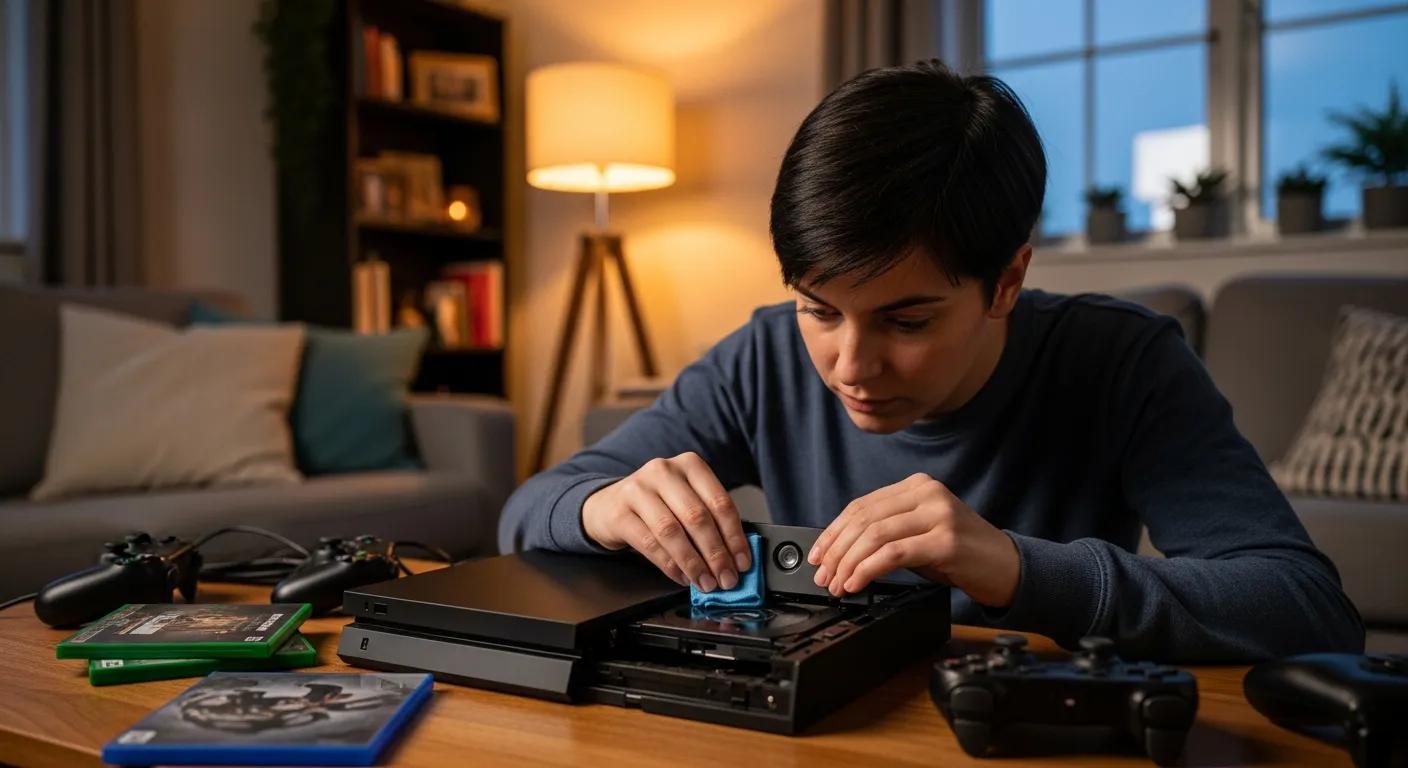
Cleaning and maintaining the laser lens is crucial for optimal console performance. Best practices include using a soft, lint-free cloth to gently wipe the lens and avoiding harsh chemicals that could cause damage. Regular cleaning should be performed every few months, especially if you notice any reading issues. Tools needed for this process include a lens cleaning kit specifically designed for electronic devices, which often contains a cleaning disc or swabs with safe cleaning solutions. When cleaning manually, ensure the console is powered off and unplugged to avoid electrical hazards. Common mistakes to avoid include using abrasive materials or excessive force during cleaning, which can scratch or misalign the lens. If you are unsure about cleaning the lens yourself, it is advisable to seek professional assistance to prevent accidental damage.
How Often Should Firmware Updates Be Performed?
Firmware updates are essential for maintaining the functionality of your gaming console. It is recommended to check for updates every few months or whenever a new game is released that requires the latest firmware. Keeping your console updated ensures that you benefit from the latest features and security enhancements. Firmware updates can also resolve bugs related to disc reading and improve compatibility with new game releases. To check for updates, navigate to the system settings and follow the prompts to download and install any available updates. Many consoles offer automatic update options, which can be enabled to ensure your system stays current without manual intervention. Regularly updating firmware is a simple yet effective way to maintain optimal console performance and prevent software-related disc reading issues.