
Optimizing PC & Internet Troubleshooting for Stirling North Residents
In today’s digital age, experiencing slow computers, system crashes, or internet connectivity issues can be incredibly frustrating. This guide provides expert solutions to these common problems, specifically tailored for residents of Stirling North. Understanding the underlying causes of these issues is crucial for effective resolution, and we explore practical methods to enhance your computer’s performance and reliability. Additionally, we discuss how local services, such as those offered by Bizup IT, can assist you in addressing these challenges efficiently. By following this advice, you will be better equipped to tackle slow PCs, system crashes, and internet troubles, ensuring a smoother computing experience.
What Causes Slow Computers and How Can They Be Fixed?
Slow computer performance can stem from various factors, including hardware limitations, software issues, and external influences like internet speed. Identifying these causes is the first step toward effective solutions. By understanding the reasons behind sluggish performance, users can implement targeted fixes to restore their computers to optimal functioning.
Common Reasons for Slow PC Performance in Stirling North
In Stirling North, several local factors can contribute to slow PC performance. These include:
- Internet Speed Issues: Some users experience slowdowns due to inadequate internet speeds, particularly during peak usage times.
- Hardware Limitations: Older computers may struggle with modern software demands, leading to decreased performance.
- Malware and Viruses: Infections can significantly slow down system operations, making regular scans essential.
Addressing these issues promptly can prevent further degradation of your computer’s performance.
Effective Methods to Speed Up Your Computer
To enhance your computer’s speed, consider the following effective methods:
- Software Updates: Regularly updating your operating system and applications can improve performance and security.
- Hardware Upgrades: Adding more RAM or switching to a solid-state drive (SSD) can provide a significant speed boost.
- Disk Cleanup: Removing unnecessary files and programs can free up valuable system resources.
Implementing these strategies can lead to noticeable improvements in your computer’s speed and efficiency.
How to Diagnose and Repair System Crashes Efficiently
Diagnosing and repairing system crashes requires a systematic approach to identify the root cause and implement effective solutions. By following a clear process, users can minimise downtime and restore their systems quickly.
- Immediate Action: If you encounter a critical hardware failure, power down the unit immediately to prevent further damage.
- Professional Diagnostics: Arrange for professional diagnostics as soon as possible. Technicians will assess the fault and determine if it can be repaired.
- Clear Diagnostic Process: Choose a repair service that separates diagnostics from repair work, ensuring thorough assessments.
- Prepare for Repair: Have basic information ready, such as the device make and model, and ensure critical data is backed up.
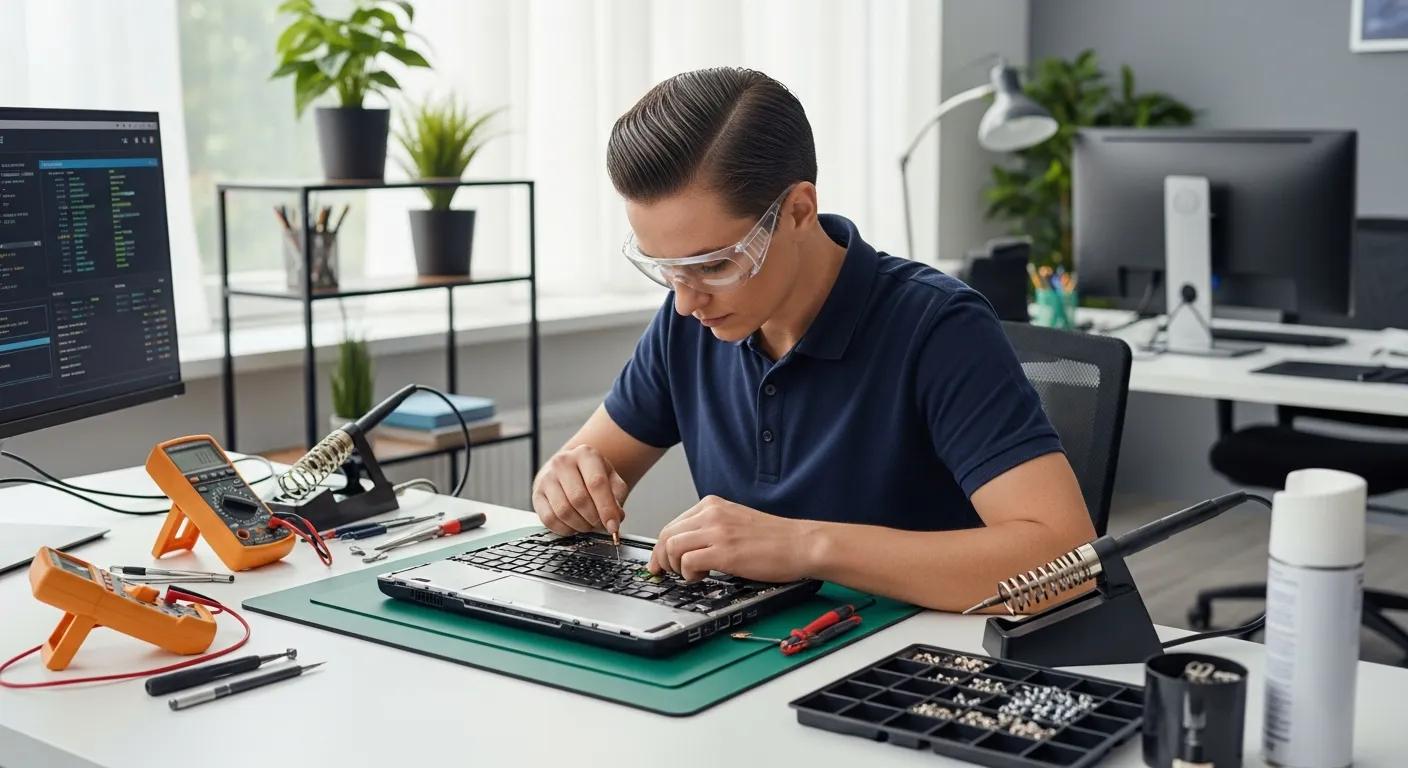
- On-Site Diagnosis: During the diagnosis, technicians will run tests and inspect components to pinpoint issues.
- Mail-In Repairs: If opting for mail-in repairs, securely package the device and include a symptom description.
- Stay Informed: Most reputable services offer tracking systems or regular updates on repair status.
By following these steps, you can ensure a more efficient diagnosis and repair process for system crashes.
Identifying Symptoms of Frequent Computer Crashes
Frequent computer crashes may indicate the need for professional repair. Signs that your computer may require this include:
- Frequent Crashes: Regular unexpected shutdowns can signal underlying issues.
- Failure to Power On: If your computer fails to start, it may indicate a hardware failure.
- Unusual Noises: Sounds like clicking or grinding can suggest hard drive problems.
- Overheating: Excessive heat can lead to performance issues and crashes.
- Issues with Video Output: Problems like flickering screens may indicate graphics card issues.
Addressing these issues early can help prevent further damage.
Step-by-Step Repair Process for System Crashes
To repair system crashes, follow these steps:
- Power Down: Immediately power down the computer to prevent further damage.
- Avoid Repeated Power Cycles: Do not attempt to restart the computer multiple times.
- Arrange for Professional Diagnostics: Contact a repair service to assess the issue.
- Prepare for Diagnostics: Have basic information ready, including the computer make and model.
- Diagnostic Process: Technicians will run tests and inspect components to identify the root cause.
- Approval for Repairs: If repairs are needed, the technician will provide a clear estimate and only proceed with your approval.
- Testing After Repair: After repairs, comprehensive testing will confirm that the computer functions correctly.
- Documentation: Ensure that the work done is documented for your records.
For mail-in repairs, securely package the computer and ship it using a tracked service.
What Are the Best Solutions for Internet Connection Troubleshooting?

Internet connectivity issues can disrupt daily activities, making it essential to identify and resolve them quickly. Understanding common problems and practical troubleshooting tips can help users regain reliable internet access.
Modern approaches to troubleshooting home network issues often leverage web-based measurement tools for efficient diagnosis.
Common Internet Issues Faced in Stirling North
Residents of Stirling North may encounter several common internet issues, including:
- Slow Speeds: Some users report slow internet speeds, particularly during peak hours.
- Frequent Disconnections: Intermittent connectivity can be frustrating and impact productivity.
- Router Issues: Problems with the router can lead to poor signal strength and connectivity issues.
Recognising these issues is the first step toward effective troubleshooting.
Practical Troubleshooting Tips for Internet Connectivity
To resolve internet connectivity issues, consider the following troubleshooting tips:
- Router Resets: Restarting your router can often resolve temporary connectivity issues.
- Check Connections: Ensure all cables are securely connected and not damaged.
- Update Firmware: Keeping your router’s firmware up to date can improve performance and security.
Implementing these tips can help restore reliable internet connectivity.
How Do Remote and Walk-in Repair Services Compare?
Remote and walk-in repair services differ primarily in their approach and capabilities. Remote services are faster to schedule and more convenient, as they do not require travel and are suitable for software troubleshooting and quick diagnostics. However, they cannot perform physical repairs or address environment-dependent issues. In contrast, walk-in services allow for physical repairs and thorough diagnostics but may take longer to arrange. An initial remote triage can help determine if an on-site visit is necessary, optimising the repair process based on the fault type and urgency.
Using information and communication technologies can improve the efficiency of field service processes, enhancing the planning and execution of maintenance and repairs.
Benefits of Remote Support for Computer Repairs
The benefits of remote support for computer repairs include:
- Speed and Convenience: Remote sessions are typically faster to schedule and eliminate travel time.
- Initial Triage: Remote support can help identify whether an on-site visit is necessary, saving time and effort.
- Suitable for Software Issues: Remote assistance is effective for software troubleshooting and quick diagnostics.
- Cost-Effective: By addressing issues remotely, users may save on costs associated with on-site visits.
However, remote support cannot perform physical repairs or conduct thorough diagnostics for hardware issues.
Advantages of Walk-in Services at Bizup in Stirling North
Walk-in services at Bizup in Stirling North offer several advantages, including:
- Personalised Service: Customers receive tailored assistance from technicians who can assess issues in person.
- Physical Diagnostics: Technicians can conduct thorough diagnostics and repairs on-site, ensuring comprehensive service.
- Immediate Support: Walk-in services allow for immediate assistance without the need for scheduling appointments.
These benefits make walk-in services a valuable option for those needing hands-on support.
What Are the Affordable Pricing Options and Service Features?
Understanding pricing options and service features is essential for consumers seeking computer repair services. While specific pricing details may vary, it is important to consider transparency and customer satisfaction when choosing a service provider.
Transparent Pricing for PC Repair Services in Stirling North
Transparent pricing is crucial for building trust with customers. Service providers should clearly outline their pricing structures, including diagnostic fees and repair costs. This transparency helps customers make informed decisions and avoid unexpected charges. Typically, diagnostic services are offered at a reasonable fixed rate, while hardware repairs and software troubleshooting are priced based on the complexity and parts required, ensuring affordability and value.
Service Features and Support from Bizup
Bizup IT focuses on delivering reliable and effective computer repair services tailored to your needs. Their offerings include comprehensive diagnostics, expert hardware repairs, and efficient software troubleshooting. By prioritising quality and customer care, Bizup ensures you receive the support necessary to keep your technology running smoothly. Engaging with local services provides peace of mind and practical solutions for all your computer repair needs.