
Reliable Computer Repairs and Virus Removal in Port Augusta
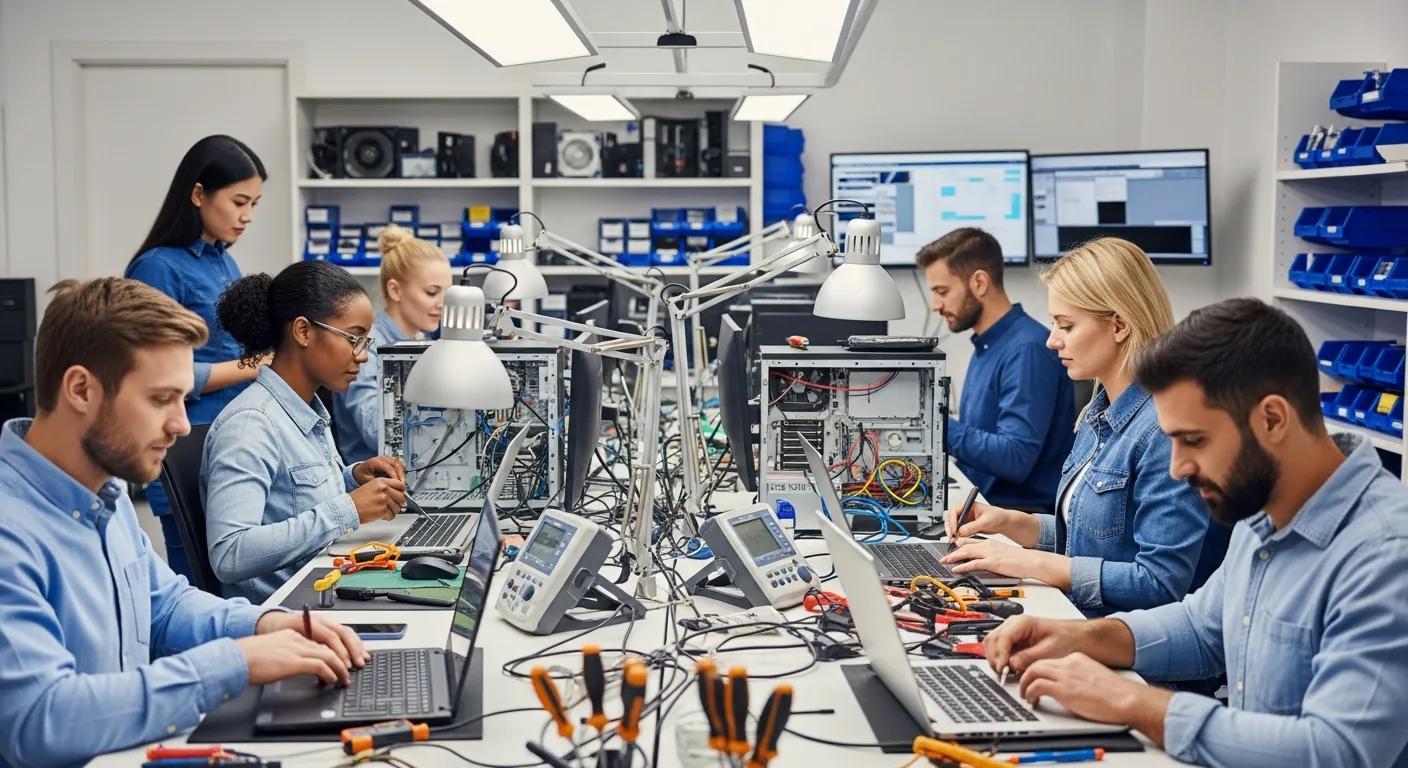
In today’s digital age, maintaining the health of your computer is crucial for both personal and professional tasks. For over 10 years, Bizup IT has been at the forefront of ensuring devices run smoothly and securely. What started with two plastic tables in a shopping centre has blossomed into a trusted name in computer and phone repairs across South Australia and NSW. Our skilled technicians provide reliable software and hardware solutions to keep your devices running smoothly, tackling everything from complex virus removals to essential hardware upgrades. Proudly regional, we are continuously expanding our services to even more towns across SA, bringing expert support closer to you. Here, we’ll explore the essential services offered for computer repairs and virus cleaning in Port Augusta and Port Augusta West. You’ll discover the various repair services available, the importance of professional virus removal, and how to prevent future threats. With the increasing prevalence of malware and system issues, understanding these services is vital for safeguarding your valuable technology. This guide will cover the types of repairs available, the virus removal process, and tips for maintaining system health.
What Computer Repair Services Does Bizup Offer in Port Augusta?
Bizup IT provides a comprehensive range of computer repair services tailored to meet the diverse needs of local customers in Port Augusta. Our expertise covers a wide spectrum of issues affecting both laptops and desktops, from minor glitches to major system failures, ensuring that your devices are restored to optimal performance and reliability. The importance of local service cannot be overstated; it allows for quick response times, convenient drop-offs, and personalised support from technicians who understand the specific challenges faced by our community. We pride ourselves on being an accessible and dependable resource for all your computing needs.
Which Laptop and Desktop Repairs Are Available Locally?
In Port Augusta, Bizup IT offers a robust suite of repair options for both laptops and desktops, addressing a multitude of common and complex problems. For laptops, our services frequently include critical screen replacements for cracked or malfunctioning displays, battery failures that impact portability, and keyboard malfunctions that hinder productivity. Desktop users often benefit from essential hardware upgrades like RAM or SSD installations, power supply replacements to resolve boot issues, and intricate motherboard repairs. Our team of highly skilled and certified technicians approaches each repair with meticulous attention to detail, utilising advanced diagnostic tools and genuine parts to ensure devices are fixed efficiently, effectively, and built to last.
How Do Hardware and Software Solutions Improve Device Performance?
Hardware and software solutions are fundamental to significantly enhancing device performance and longevity. On the hardware front, upgrading components such as RAM (Random Access Memory) can dramatically speed up processing times and improve multitasking capabilities, allowing you to run more applications simultaneously without slowdowns. Similarly, replacing traditional hard disk drives (HDDs) with solid-state drives (SSDs) can slash boot times and application loading speeds. Complementing these hardware enhancements, software optimisations are equally crucial. This includes regular system updates to patch vulnerabilities and improve efficiency, thorough malware scans to eliminate performance-sapping threats, and operating system tune-ups. Together, these improvements not only provide a smoother, faster, and more responsive user experience but also play a vital role in extending the overall lifespan of your valuable technology, saving you money in the long run.
How Does Bizup Perform Expert Virus and Malware Removal in Port Augusta West?
Virus and malware infections pose a significant threat to computer functionality, data security, and personal privacy, making professional removal services not just beneficial but essential. These malicious programs can lead to data loss, identity theft, system crashes, and severe performance degradation. Bizup IT employs a systematic, multi-layered approach to meticulously identify, isolate, and eliminate these pervasive threats. Our expert technicians utilise industry-leading tools and techniques to ensure that your systems are thoroughly cleaned, secured, and restored to full operational capacity, protecting your valuable information and peace of mind.
What Are the Common Signs of Virus and Malware Infections?
- Slow Performance: A noticeable and persistent lag in system operations, including slow boot-up times, sluggish application launches, and general unresponsiveness, often indicates a hidden infection consuming system resources.
- Unexpected Pop-ups: Frequent and intrusive advertisements, alerts, or browser redirects that appear without user initiation are classic signs of adware or other malware attempting to compromise your browsing experience.
- Unusual Behaviour: This can manifest as programs crashing unexpectedly, files disappearing or becoming inaccessible, new toolbars appearing in your browser, or applications opening and closing without user input, all pointing to malicious interference.
- Increased Network Activity: Even when your computer is idle, unusually high network activity could mean malware is sending data or communicating with external servers.
What Is the Step-by-Step Process for Secure Virus Cleaning?
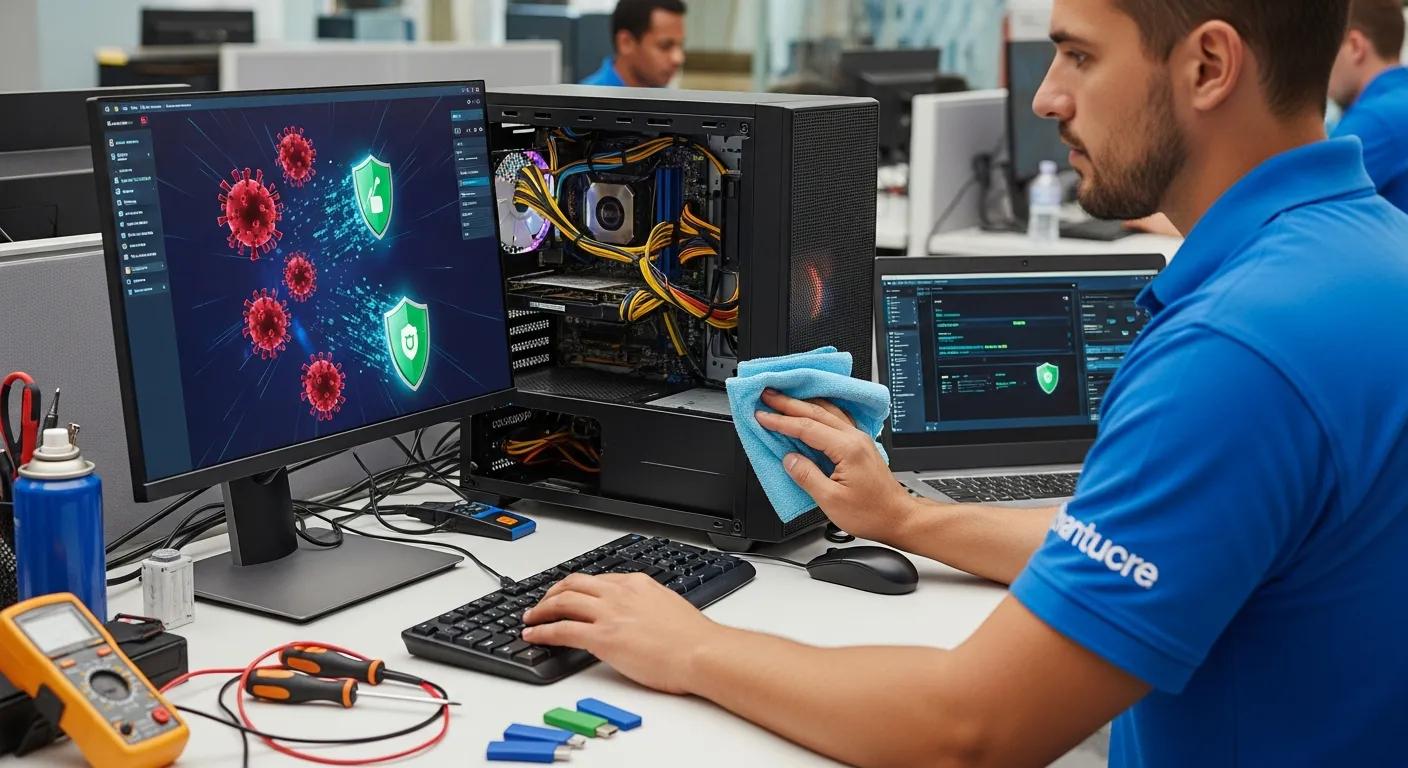
- Initial Assessment & Diagnosis: Our certified technicians begin with a thorough evaluation of your system, employing advanced diagnostic tools to precisely identify the type, origin, and extent of the infection. This crucial step ensures we understand the full scope of the threat.
- Malware Isolation & Removal: Once identified, the malicious software is carefully isolated to prevent further spread. Using specialisedOptimisation, up-to-date anti-malware tools and manual techniques, the malware is then safely and completely removed from your system, including rootkits and persistent threats.
- System Repair & Restoration: After the successful removal of threats, we address any damage caused by the infection. This includes repairing corrupted system files, restoring registry settings, and ensuring all critical operating system components are functioning correctly.
- System Optimization & Security Enhancement: Finally, the system undergoes a comprehensive optimisation process to enhance performance and fortify its defences against future infections. This involves applying the latest security updates, configuring robust firewall settings, and recommending proactive security measures and software.
Why Choose Bizup for Reliable Computer Repairs and Virus Cleaning in Port Augusta?
Choosing the right service provider for computer repairs and virus cleaning is paramount for ensuring effective, lasting solutions and protecting your valuable data. In a landscape filled with options, Bizup IT consistently stands out due to its unwavering commitment to quality, unparalleled expertise, and dedication to complete customer satisfaction. Our reputation is built on trust, transparency, and delivering reliable results every time, making us the preferred choice for individuals and businesses alike in the Port Augusta region.
What Are Bizup’s Unique Benefits for Local Customers?
- Deep Community Trust: With over a decade of service, Bizup IT has cultivated an established and respected reputation within the Port Augusta area. Our long-standing presence means we’re not just a service provider, but a trusted member of the community, known for our integrity and reliability.
- Unrivalled Local Knowledge: Our technicians possess an intimate understanding of the common technological issues and specific needs faced by residents and businesses in Port Augusta and its surrounding areas. This local insight allows us to diagnose and resolve problems more efficiently and effectively.
- Truly Personalised Service: We believe every customer’s situation is unique. That’s why we offer tailored solutions that precisely meet individual customer needs, providing clear explanations and customised advice rather than one-size-fits-all approaches.
- Accessibility and Convenience: Being local means easy access for drop-offs, quick consultations, and a friendly face to discuss your concerns, fostering a more personal and convenient service experience.
How Does Bizup Ensure Fast and Affordable Service?
Bizup IT is deeply committed to prioritising both efficiency and affordability across all its service offerings. We achieve this through a meticulously designed operational framework that focuses on streamlined processes and expert resource allocation. The company employs a transparent pricing structure, ensuring that customers are fully aware of all costs upfront with no hidden fees, fostering trust and clarity. Quick turnaround times are a hallmark of our service, achieved through a dedicated and highly skilled team of technicians who work diligently and methodically to diagnose and resolve issues promptly. This powerful combination of speed, value, and clear communication makes Bizup IT a consistently preferred choice for individuals and businesses seeking reliable and cost-effective computer and phone repair solutions in the region.
What Remote and Onsite IT Support Options Are Available in Port Augusta?
Recognising the diverse needs and busy schedules of our clients, Bizup IT extends its expert support beyond traditional in-store services by providing flexible remote and on-site IT support options. These comprehensive solutions are designed to cater to various customer preferences and urgent needs, ensuring that professional assistance is always within reach, whether you’re at home, in the office, or facing an unexpected technical challenge.
How Does Remote Support Help with Virus Removal and System Optimisation?
Remote support provides an incredibly convenient and efficient solution for a wide array of software-related issues, including critical virus removal and comprehensive system optimisation. Our certified technicians can securely access your device remotely, allowing for immediate diagnostics and repairs without the need for a physical visit or you having to leave your home or office. This method is particularly effective for resolving software conflicts, removing malware, updating drivers, configuring security settings, and performing system tune-ups. It enables fast resolutions, minimises disruption to your daily routine, and offers a flexible way to maintain your computer’s health from anywhere with an internet connection.
When Should You Request Onsite Tech Support?
- Complex Hardware Repairs: On-site support is indispensable when physical components within your computer, such as motherboards, power supplies, or intricate internal wiring, require direct replacement, repair, or specialised tools that cannot be handled remotely.
- Extensive Network Issues: For troubleshooting persistent connectivity problems, configuring complex network setups, or resolving issues with routers, modems, and local area networks that demand direct intervention and physical inspection of infrastructure.
- Comprehensive System Setup & Installation: When you require assistance with the installation of new devices, setting up entire office networks, configuring specialised software, or integrating multiple peripherals, on-site technicians can ensure a seamless and correct setup.
- Data Recovery & Backup Solutions: For critical data recovery from physically damaged drives or implementing robust, localised backup solutions that require direct access to your hardware.
- Peripheral & Printer Troubleshooting: When printers, scanners, or other external devices are not communicating correctly with your computer and require hands-on diagnosis and configuration.
How Can You Prevent Future Computer Viruses and Maintain System Health?
Proactively preventing future computer viruses and malware infections is absolutely crucial for maintaining optimal system health, safeguarding your personal data, and ensuring uninterrupted productivity. While professional removal services are vital when an infection occurs, implementing consistent proactive measures can significantly reduce your risk of encountering threats, saving you time, money, and stress. A robust prevention strategy is your first line of defence in the ever-evolving digital landscape.
What Are Effective Virus Protection and Scam Prevention Tips?
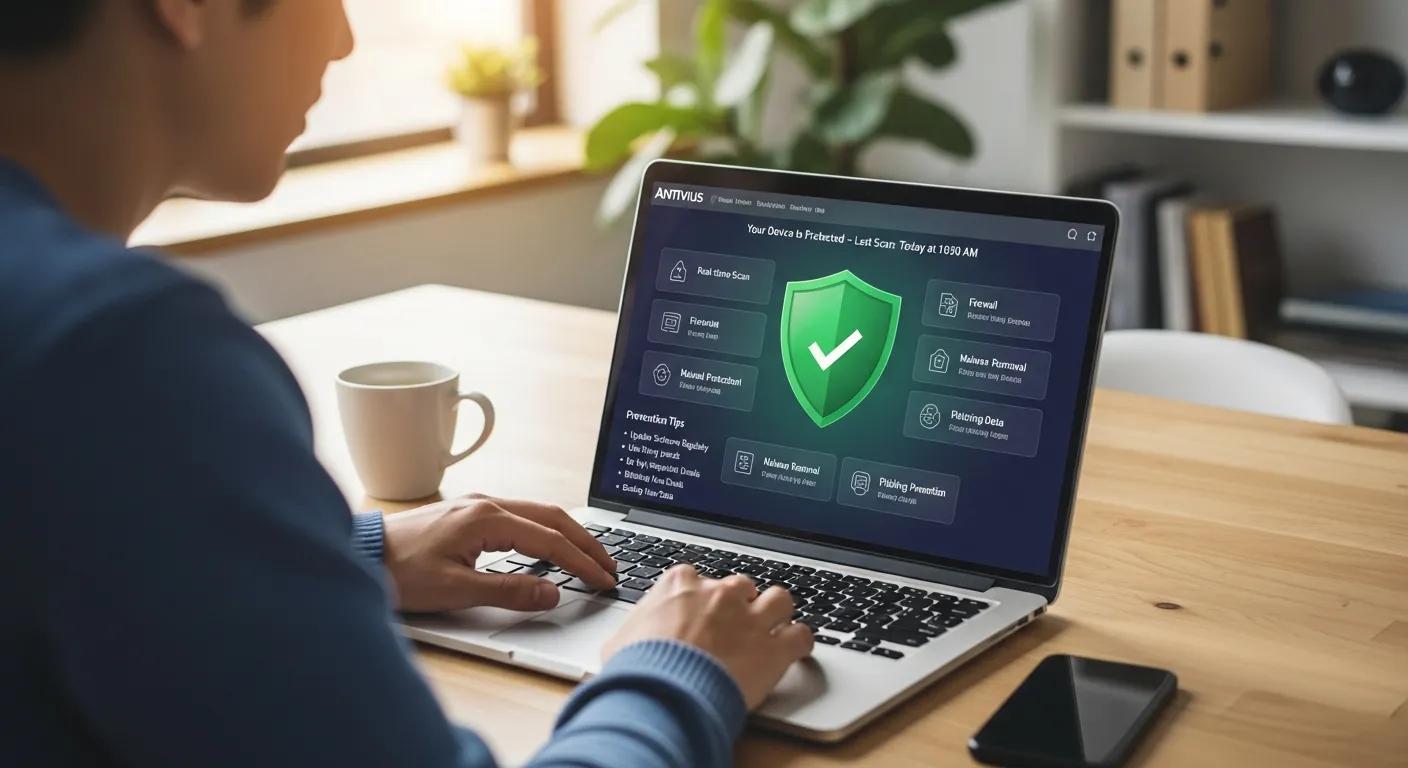
- Deploy and Maintain Robust Antivirus Software: Always use reputable antivirus and anti-malware software, ensuring it is regularly updated to detect the latest threats. Schedule full system scans frequently to catch any potential infections early.
- Exercise Extreme Caution with Emails and Downloads: Be highly suspicious of unsolicited emails, especially those with urgent requests, suspicious links, or unexpected attachments. Verify the sender’s identity before clicking anything, and never download files from untrusted sources. Phishing scams are a primary vector for malware.
- Keep All Software and Operating Systems Updated: Regularly install updates for your operating system, web browsers, and all applications. These updates often include critical security patches that fix vulnerabilities exploited by malware. Enable automatic updates whenever possible.
- Use Strong, Unique Passwords and Two-Factor Authentication (2FA): Protect your accounts with complex, unique passwords and enable 2FA wherever available. This adds an extra layer of security, making it much harder for unauthorised users to gain access even if they have your password.
- Back Up Your Data Regularly: While not a prevention tip, regular backups are crucial for recovery. In the event of a severe infection or system failure, having a recent backup ensures you can restore your important files without permanent loss.
How Does Regular Computer Optimisation Improve Performance?
- Thorough Disk Cleanup: Regularly removing temporary files, system logs, browser caches, and other unnecessary data frees up valuable disk space, which can significantly improve system responsiveness and prevent slowdowns.
- Strategic Disk Defragmentation (for HDDs): For traditional Hard Disk Drives (HDDs), defragmenting organises fragmented data into contiguous blocks, allowing the drive to access files much faster. (Note: This process is not necessary and can even be detrimental for Solid State Drives (SSDs), which manage data differently.
- Consistent System and Driver Updates: Installing the latest operating system updates, security patches, and device driver updates is vital. These updates often include performance enhancements, bug fixes, and critical security improvements that keep your system running smoothly and securely.
- Startup Program Management: Disabling unnecessary programs from launching automatically at startup can dramatically reduce boot times and free up system resources, leading to a faster and more responsive computer from the moment you turn it on.
- Regular Software Audits: Uninstalling unused applications and bloatware can free up disk space and prevent background processes from consuming valuable RAM and CPU cycles, contributing to overall system efficiency.
In conclusion, a comprehensive understanding of the critical importance of professional computer repairs and diligent virus cleaning is essential for maintaining the long-term health, security, and efficiency of your digital devices. Bizup IT, with over a decade of experience and a commitment to regional communities, offers an extensive range of expert services meticulously designed to address every conceivable issue, from complex hardware failures to insidious malware infections. By proactively implementing robust preventive measures and consistently utilising our professional, local support, you can confidently protect your valuable technological investments, extend their lifespan, and significantly enhance your overall computing experience, ensuring peace of mind in an increasingly digital world.