
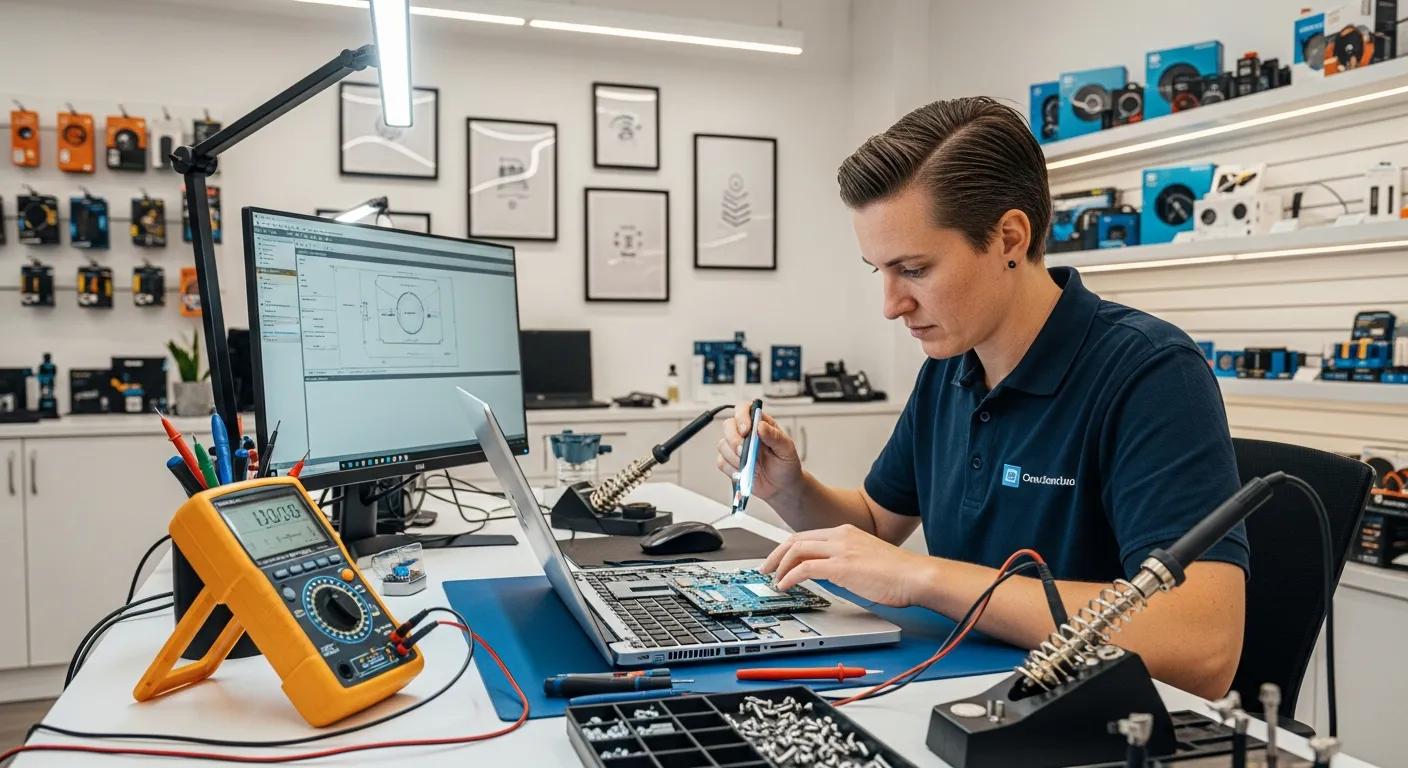
Computer Repairs Murray Bridge: Fast Solutions for Slow PCs, No Power & Overheating Issues
In today’s digital age, a malfunctioning computer can disrupt both personal and professional life. Whether you’re dealing with a slow PC, a device that won’t power on, or overheating issues, understanding the root causes and solutions is essential. We explore common computer problems faced by residents in Murray Bridge and how local repair services can provide effective solutions. We delve into the causes of slow computers, methods to fix power issues, strategies to prevent overheating, and the benefits of remote tech support. Additionally, we highlight the services offered by Bizup, a trusted local provider, ensuring you have the information needed to get your tech sorted quickly and efficiently.
What Causes Slow Computers and How Can Local Repairs Help?
Slow computer performance can stem from various factors, including hardware limitations, software issues, and user habits. Understanding these causes is crucial for effective troubleshooting and repair.
Common reasons for slow PC performance in Murray Bridge
Several factors contribute to slow PC performance, particularly in a regional setting like Murray Bridge. Common reasons include:
- Hardware Limitations: Older computers may struggle with modern software demands, leading to sluggish performance.
- Software Issues: Accumulated software bloat, outdated drivers, and malware can significantly slow down a system.
- User Habits: Frequent multitasking and running too many applications simultaneously can overwhelm system resources.
Identifying these issues is the first step toward restoring your computer’s speed.
Effective local solutions for speeding up your computer
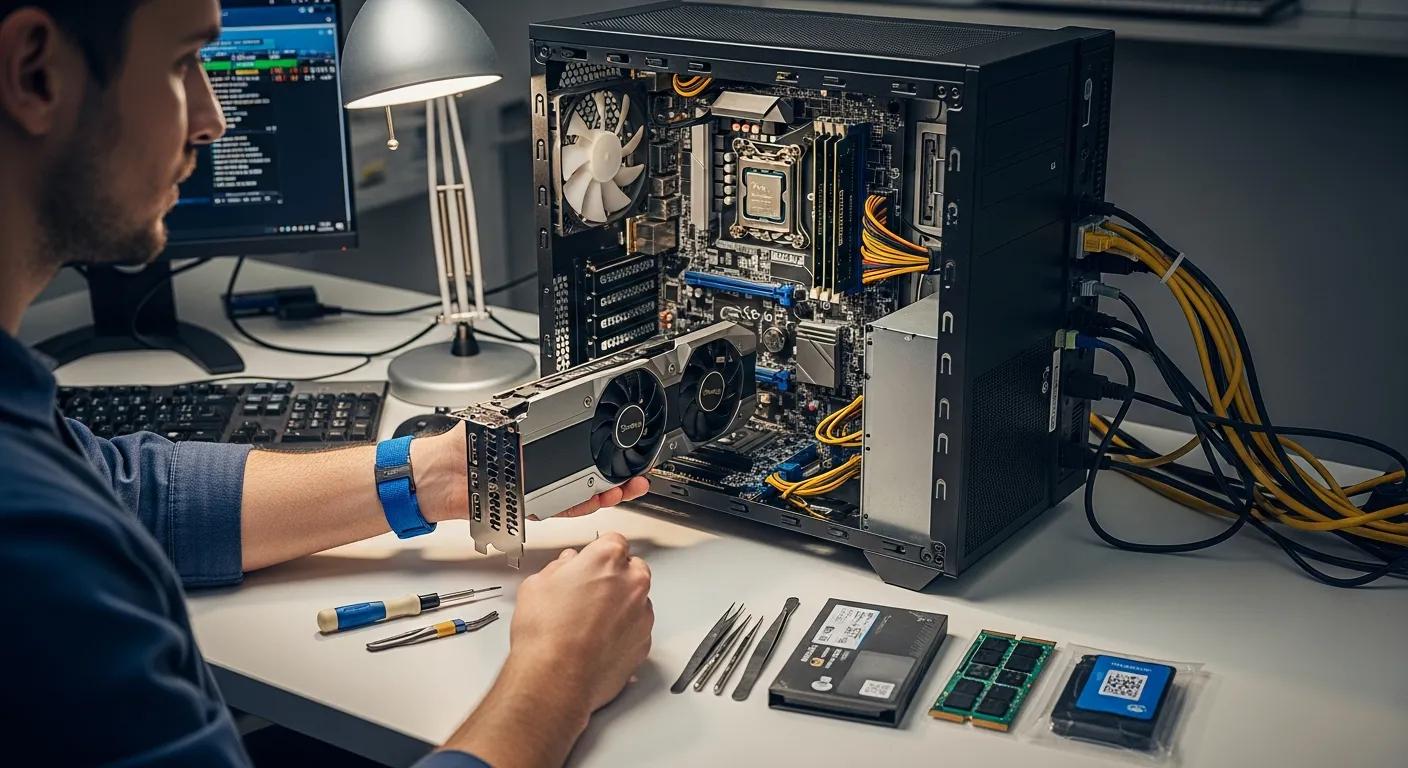
Local repair services can provide effective solutions to enhance your computer’s performance. Some strategies include:
- Upgrades: Increasing RAM or switching to a solid-state drive (SSD) can dramatically improve speed.
- Regular Maintenance: Routine checks and clean-ups can help keep your system running smoothly.
- Professional Services: Technicians can diagnose and resolve underlying issues that may not be apparent to the average user.
By leveraging local expertise, residents can ensure their computers operate at optimal levels.
How to Fix No Power Issues on Your Computer Locally?
Experiencing a computer that won’t power on can be frustrating. Understanding how to diagnose and fix these issues is essential for a quick resolution.
Diagnosing power failure problems in desktops and laptops
To diagnose power failure problems in desktops and laptops, it is recommended to prepare basic information about the device, such as make and model, a description of the fault, and ensure that critical data is backed up. During the diagnosis, technicians will run targeted tests, inspect physical components, and review error logs to identify the root cause. If repairs are needed, technicians will provide clear information and only proceed with your approval. For critical hardware failures like the “Red Ring of Death,” it is advised to power down the unit immediately and seek professional diagnostics to avoid further damage.
Affordable repair services for no power issues in Murray Bridge
For affordable repair services for no power issues in Murray Bridge, you can contact Bizup at 08 8531 0000. They provide regional on-site repairs and support, ensuring that your device is handled by professionals who understand local needs. Repair costs are generally reasonable and tailored to the complexity of the issue, making professional help accessible without breaking the bank.
What Are the Best Ways to Resolve Computer Overheating Problems?
Computer overheating can lead to hardware damage and system failures. Understanding the causes and preventive measures is vital for maintaining your device’s health.
Common causes of overheating in PCs and laptops
Overheating in computers can be attributed to several factors, including:
- Dust Accumulation: Dust can block vents and fans, restricting airflow and causing heat buildup.
- Poor Ventilation: Keeping computers in enclosed spaces can prevent proper cooling.
- Hardware Stress: Running demanding applications without adequate cooling can lead to overheating.
Recognising these causes can help users take proactive measures to prevent overheating.
Local repair techniques to prevent and fix overheating
To prevent and fix overheating, local repair services can offer several techniques:
- Cleaning Services: Regular cleaning of vents and fans can improve airflow and cooling efficiency.
- Cooling Solutions: Installing additional cooling fans or heat sinks can help manage temperatures.
- Regular Maintenance: Scheduling routine check-ups can ensure that your computer remains in optimal condition.
These practices can help extend the lifespan of your device and prevent overheating issues.
Solve Local Computer Issues in Murray Bridge
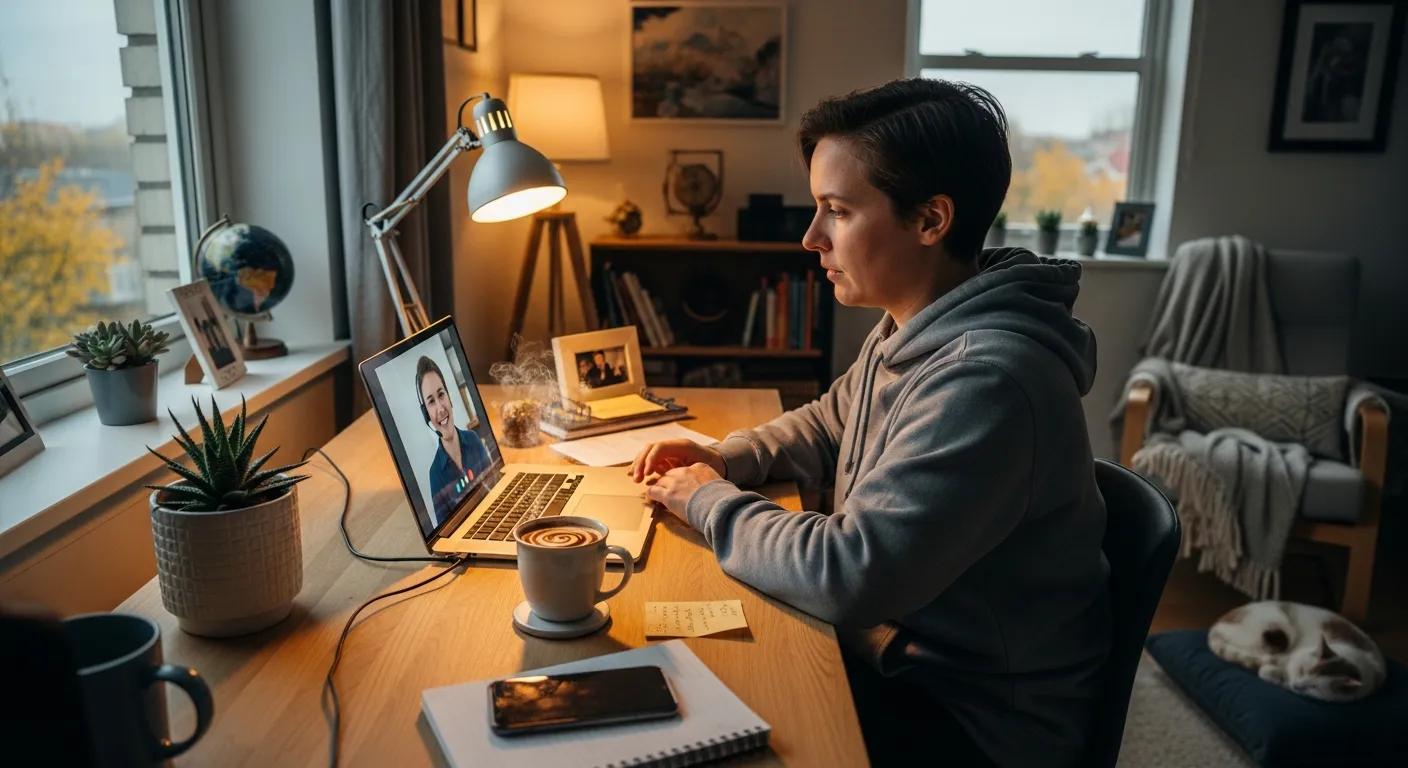
Remote tech support has become an invaluable resource for troubleshooting and resolving computer issues without the need for physical travel. This service is particularly beneficial for residents in Murray Bridge.
Benefits of remote support for quick computer troubleshooting
The benefits of remote support for quick computer troubleshooting include:
- Speed and Convenience: Remote sessions are typically faster to schedule and eliminate travel time, making them more convenient.
- Efficient Software Troubleshooting: Remote assistance is well-suited for software troubleshooting, configuration tasks, and quick diagnostics.
- Initial Triage: An initial remote triage can help identify whether an on-site visit is necessary, saving time and effort by narrowing down the problem before dispatching a technician.
- No Physical Repairs Needed: While remote support cannot perform physical repairs, it can effectively address many common software issues quickly.
Overall, remote support can streamline the troubleshooting process and enhance efficiency.
How to access reliable local remote tech support services
To access reliable local remote tech support services, you can contact Bizup, which offers comprehensive IT solutions and remote support services across South Australia and New South Wales. You can find the nearest Bizup office or utilise their remote support options for assistance with software installations, system maintenance, and troubleshooting.
What Are the Costs and Benefits of Local Computer Repair Services?
Understanding the general costs and benefits of local computer repair services can help you make informed decisions about your tech support needs.
General Costs of Local Computer Repair Services:
- Service fees typically cover diagnostics, labour, and parts, with prices varying depending on the provider and the complexity of the repair.
- Time investment may vary based on the service channel chosen, such as in-store, remote, or mail-in options.
- Additional repairs might be necessary if initial diagnostics reveal further issues, which can affect the overall cost.
Benefits of Local Computer Repair Services:
- Convenience through multiple service channels, including in-store, remote, and on-site support.
- Transparency with clear diagnostic policies and communication about proposed work.
- Faster turnaround times compared to mail-in services, especially for urgent repairs.
- Access to qualified technicians who provide accurate diagnostics and repairs.
- Comprehensive testing and documentation of repairs to ensure clarity and confidence in the service provided.
Transparent service and fast turnaround times at Bizup
Bizup offers transparent service with a diagnostic-first approach. Customers receive a clear understanding of the proposed work before any repairs begin, ensuring transparency. The repair process includes diagnostics and parts lead time, allowing for realistic expectations regarding turnaround times. Local customers appreciate the clear communication and multiple service channels, which contribute to efficient service.
Comparing local repair services with national chains in Murray Bridge
When considering repair options, choosing a local provider offers personalised support, quicker turnaround times, and a better understanding of community needs, leading to a more satisfactory customer experience.
Where Can You Find Trusted Local Tech Support in Murray Bridge?
Finding trusted local tech support is crucial for ensuring your devices are in good hands.
You can find trusted local tech support in Murray Bridge by contacting Bizup at 08 8531 0000 or visiting their office located at 10 Sixth St, Murray Bridge, SA 5253. They offer on-site, in-store, and remote support services.
Customer testimonials and case studies from Murray Bridge clients
Customer feedback is vital in assessing the quality of tech support services. Many clients in Murray Bridge have reported positive experiences with Bizup, highlighting their professionalism and expertise in resolving various computer issues.
Walk-in and remote support options for convenient repairs
Bizup offers multiple service channels for convenient repairs, including in-store, remote, and on-site support. Customers can choose between drop-off, mail-in, or remote triage options based on their urgency and location. Remote support is particularly suitable for software troubleshooting and quick diagnostics, while in-store and on-site services are available for physical repairs.
This table illustrates the various service types offered by local repair providers, highlighting the benefits of each option.
In conclusion, understanding the common issues faced by computers and the local solutions available can empower residents of Murray Bridge to make informed decisions about their tech repairs. With the support of local experts like Bizup, you can ensure your devices are running smoothly and efficiently.