
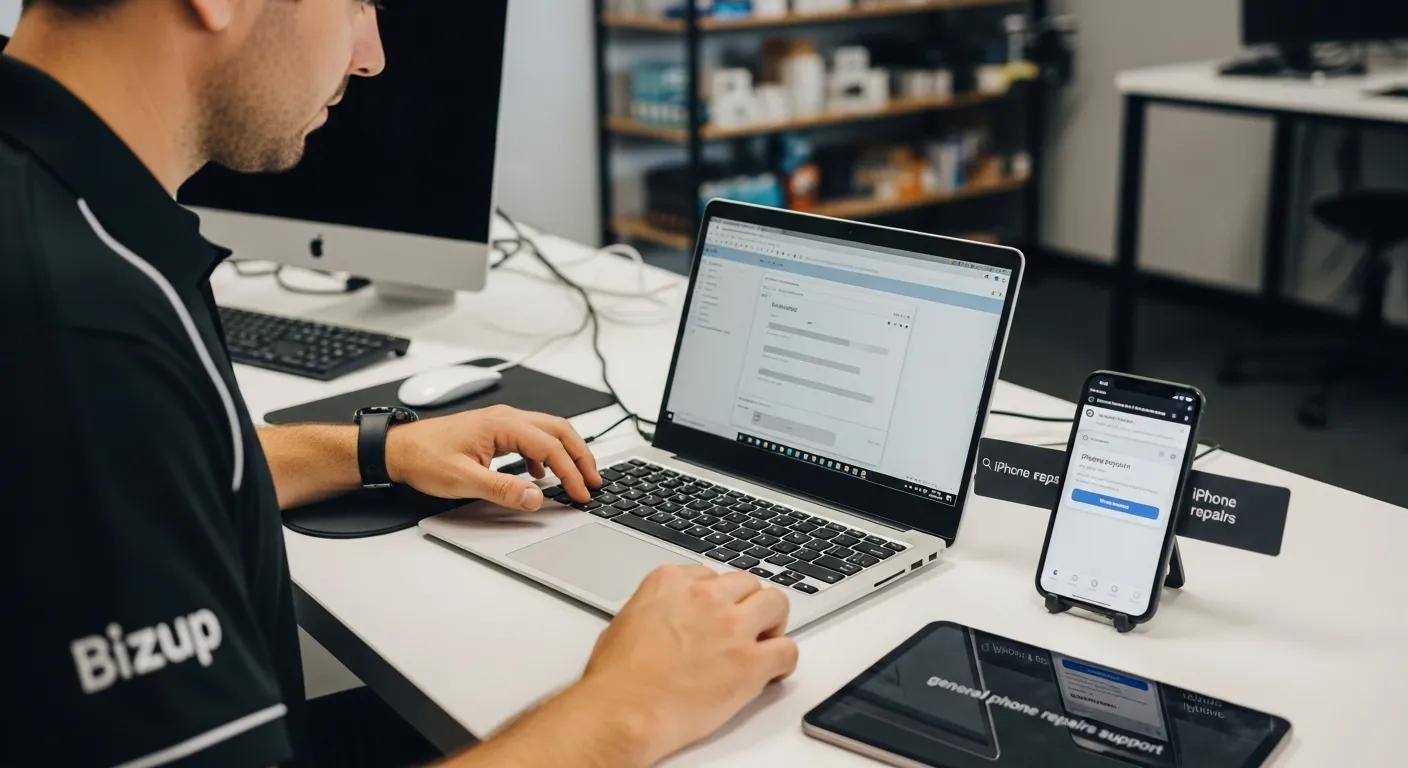
When your laptop crawls, your desktop won’t boot, or your files suddenly won’t open, it’s hard to think about anything else. That’s why people look for computer repairs Griffith they can trust—help that’s local, practical, and explains what’s going on in plain English. And because most of us rely on more than one device, it’s common to also need iPhone repairs Griffith, phone virus repair Griffith, or general phone repairs Griffith at the same time, especially when work, school, banking, and communication all live on our screens.
Bizup supports regional communities with computer and device repair services, including a local contact point for Griffith customers and remote support options for software-related issues.
Why “Just Putting Up With It” Usually Gets More Expensive
A lot of computer problems start small: the fan gets louder, the machine takes an extra minute to start, the browser freezes once a day, or you see a warning message you don’t recognise. It’s tempting to ignore it—until the day it matters most.
The catch is that many issues don’t stay stable. A failing drive can deteriorate. Overheating can shorten component life. Malware can spread across accounts. Even something that feels like “the internet is slow” might actually be a device problem, not a connection issue.
A proper repair process is about two things:
- figuring out what’s actually causing the symptoms, and
- getting you back to a stable, secure device you can rely on again.
A Calm Starting Point: What’s Happening to Your Computer?
People often arrive at a repair shop with a single sentence: “It’s not working.” That’s completely fair—most users don’t need to know the technical details. Still, a good diagnosis usually begins by pinning down the kind of problem you’re experiencing.
If you’re nodding along to any of these, it’s worth getting your computer checked sooner rather than later:
- It’s noticeably slower than it used to be, even after restarting.
- It freezes, crashes, or shows repeated error messages.
- It won’t start properly, gets stuck on loading screens, or shuts down unexpectedly.
- You hear clicking, grinding, or unusually loud fan noise.
- Programs won’t install or update correctly.
- You’re worried about losing photos, work files, or business documents
That doesn’t mean your device is “done.” It means you’re at the point where a professional assessment can save you time, stress, and (often) data.
What Professional Computer Repairs in Griffith Should Actually Do
A quality repair isn’t a guess. It’s a methodical process that checks the likely causes before anything is replaced or reinstalled. For most customers, the goal is not “a brand-new computer.” The goal is simpler: a computer that boots reliably, runs smoothly, keeps your accounts safe, and lets you get on with your day.
With Bizup, the public-facing service messaging focuses on practical repair support for computers and devices, as well as the option for remote help when you can’t visit in-store (particularly for software-related issues).
Below is how computer repair work is commonly approached in real terms, without the fluff.
1) Proper diagnostics, not assumptions
A slow computer can be caused by many things: storage health, temperature, operating system issues, startup programs, malware, or failing components. Diagnostics help narrow this down so you’re not paying for fixes you don’t need.
2) Data-first thinking
For many people, the computer is replaceable—the photos and files are not. A careful repair process prioritises protecting and recovering data wherever possible, especially if the computer is unstable.
3) Fixing the cause, not just the symptom
“Speed up” requests often hide a deeper issue. A tune-up might help, but if the storage drive is failing or the system is compromised, performance will drop again quickly.
4) Clear explanations
A warm, professional service experience means you understand what happened, what was done, and what to watch for next time. That matters just as much as the repair itself.
Common Repair Areas That Make the Biggest Difference
Every device is different, but in day-to-day computer repairs, a handful of categories show up again and again.
Performance and slow computers
Slowdowns are one of the most frequent complaints because they creep in gradually. A helpful repair focuses on the likely culprits: startup load, storage health, system clutter, operating system stability, and security. Even a computer that “still works” can become painful to use if it’s constantly lagging.
Startup failures and crashing
If your computer won’t start, restarts unexpectedly, or crashes during normal tasks, it’s often pointing to hardware stress, software corruption, overheating, or storage failure. The right fix depends on which of these is happening—this is where diagnostics matter.
Hardware faults and wear
Laptops and desktops go through physical wear: charging ports loosen, fans clog with dust, batteries degrade, and components fail over time. Addressing hardware faults early can prevent knock-on damage to other parts.
Connectivity and setup issues
Wi-Fi drops, printer dramas, and account login loops can chew up hours. These are the kinds of problems that feel “small,” but they block work and study completely. Targeted troubleshooting can restore normal function quickly and reduce recurring headaches.
Who Computer Repairs Help Most in Griffith
One reason location-based content matters is that the same repair problem affects people differently depending on what their day looks like.
Home users and families
If the household computer is down, it can affect everyone—online forms, banking, school portals, photo storage, and communication. Families often need help that’s not only technical, but patient and easy to understand.
Students
Assignments, research, online learning tools, and even basic email access can become urgent fast. Students typically need repairs that prioritise continuity: getting them back to a reliable machine with their files intact.
Small businesses and sole traders
For local businesses, downtime is expensive. A computer that can’t access invoices, job schedules, or client communication can stall work instantly. The most valuable repair is often the one that restores stability and reduces the chance of repeat issues.
Why Phone and iPhone Repairs Often Come Up in the Same Conversation
In real life, computer issues don’t happen in isolation. People move between devices constantly—phone for quick authentication and messaging, computer for work and storage. If one device is compromised or unreliable, the other often becomes a backup, which puts more pressure on it.
Bizup promotes repair support across phones, tablets, and computers, including iPhone repair content specifically for Griffith.
Phone repairs Griffith residents commonly need
Screen damage, charging problems, battery degradation, water exposure, and software glitches are frequent. Even when the device turns on, problems like random restarts or overheating can signal deeper faults.
iPhone repairs Griffith users want done properly
With iPhones, customers are often concerned about the quality of repair and long-term reliability—especially if the phone is used for work, navigation, or family communication. Bizup’s Griffith iPhone repair pages emphasise careful handling and the risks of rushed or poorly executed fixes.
Phone Virus Repair in Griffith: What to Watch For (and What Actually Helps)
Phones can absolutely be affected by malware and suspicious behaviour, especially through dodgy links, unwanted configuration profiles, risky downloads, or apps with excessive permissions. The tricky part is that “virus symptoms” can look like ordinary glitches.
Here are a few signs worth taking seriously:
- Pop-ups or redirects that keep returning
- Sudden battery drain or heat with no obvious cause
- Apps you don’t remember installing
- Strange notifications, login prompts, or account alerts
- Your phone feels slower, crashes more, or behaves unpredictably
A professional phone virus repair approach isn’t just deleting an app. It’s about identifying what’s causing the behaviour, securing accounts, and making sure the device is safe to keep using for banking, authentication, and personal communication.
Remote Support: A Practical Option When You Can’t Get In
Sometimes you don’t need to bring a device in-store—particularly if the issue is software-based, setup-related, or you need help getting things stable again. Bizup advertises remote support for customers who are out of town or can’t make it in, which can be useful for troubleshooting, optimisation, or guidance steps that don’t require physical parts.
What “Good Service” Should Feel Like
Tech repairs can be stressful because the stakes feel high: personal memories, work files, accounts, and privacy. A professional, friendly repair experience should lower that stress, not add to it.
The basics that matter most:
- You’re told what’s happening in a way you can understand
- You’re given practical options, not pressure.
- Your data and privacy are treated carefully.
- The solution fits how you actually use your device
Simple Prevention Habits That Reduce Repeat Issues
Without turning your life into an IT checklist, a few habits go a long way:
- Keep your operating system and key apps updated.
- Use reputable security tools where appropriate.
- Be cautious with unknown links and unexpected attachments.
- Back up important files (especially photos and business documents)
- Don’t ignore early warning signs like overheating or repeated crashes
Even small improvements here can reduce the frequency of major breakdowns.
Get Back to Work, Study, and Life Without Tech Stress
If your computer is slowing you down, crashing at the worst time, or making you worry about your files, getting proper help early can save a lot of frustration. The same goes for phones—especially if you’re relying on them for banking, authentication, business calls, or keeping up with family.
Bizup provides support across computers and devices and lists a dedicated Griffith contact number and email for customers who want to book help or ask questions. For Griffith, you can reach Bizup on 02 6962 2447 or sales@bizup.com.au.